This task can be performed using Screenshots AI
Turn your chaotic screenshots into instantly searchable, organized knowledge.
Best product for this task

Screenshots AI
productivity
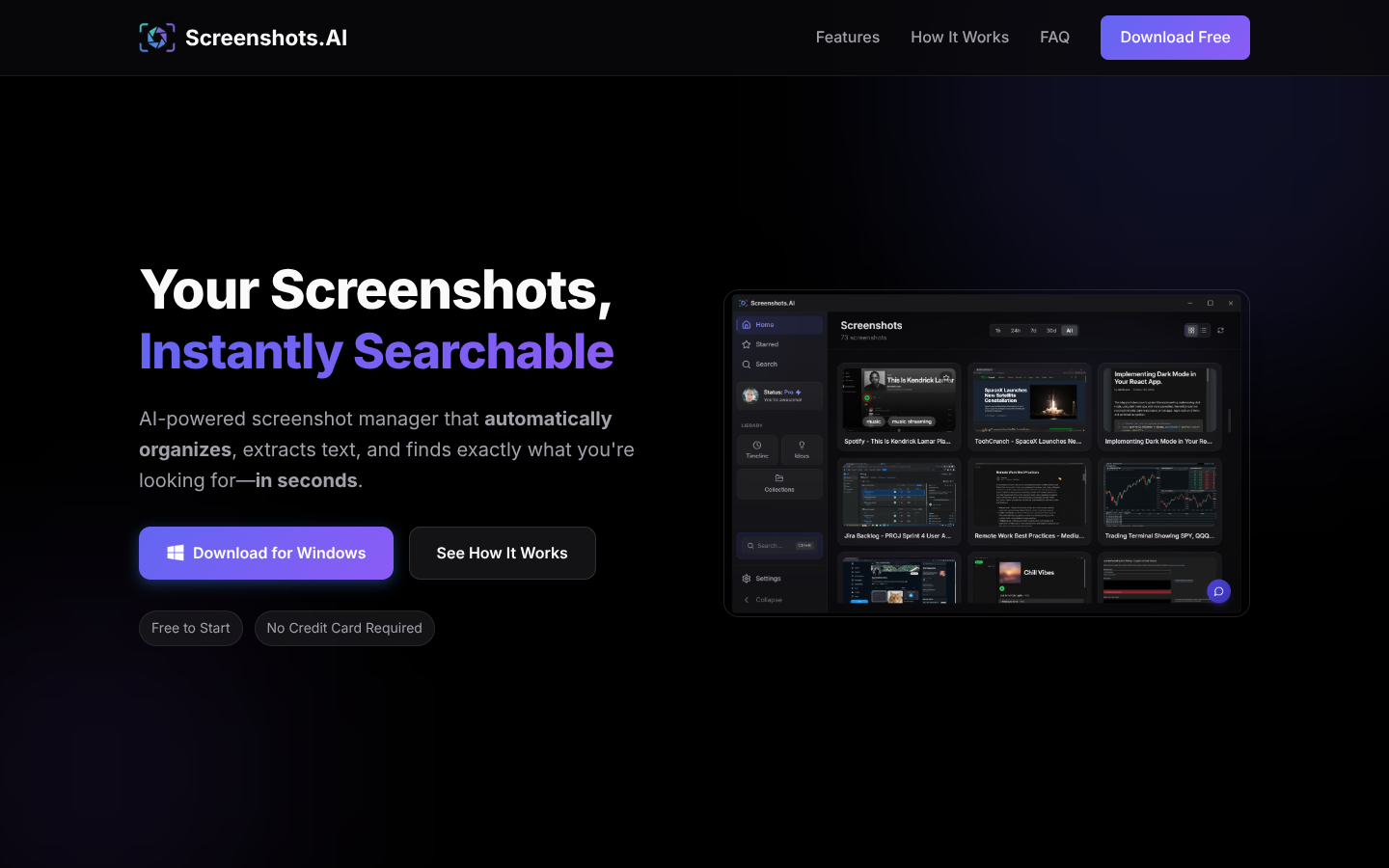
Screenshots.AI turns your screenshots into a searchable visual memory, using AI to index content, extract text, and detect URLs. It auto-organizes captures into smart collections, timelines, and insights while letting you chat with your screenshot history to quickly rediscover information.
What to expect from an ideal product
- Screenshots AI automatically reads and indexes all text within your screenshots so you can search for specific words, phrases, or content without manually tagging each image
- The tool creates smart collections that group related screenshots together based on their content, saving you from sorting through random folders of captured images
- You can chat directly with your screenshot library by asking questions like "show me that login page from last week" and get instant results instead of scrolling through hundreds of files
- Screenshots AI builds visual timelines of your captures, making it easy to find that important screenshot from a specific day or project without remembering exact file names
- The system automatically extracts and organizes URLs, app names, and key information from your screenshots into searchable categories, turning messy screen grabs into useful reference material

