This task can be performed using Screenshots AI
Turn your chaotic screenshots into instantly searchable, organized knowledge.
Best product for this task

Screenshots AI
productivity
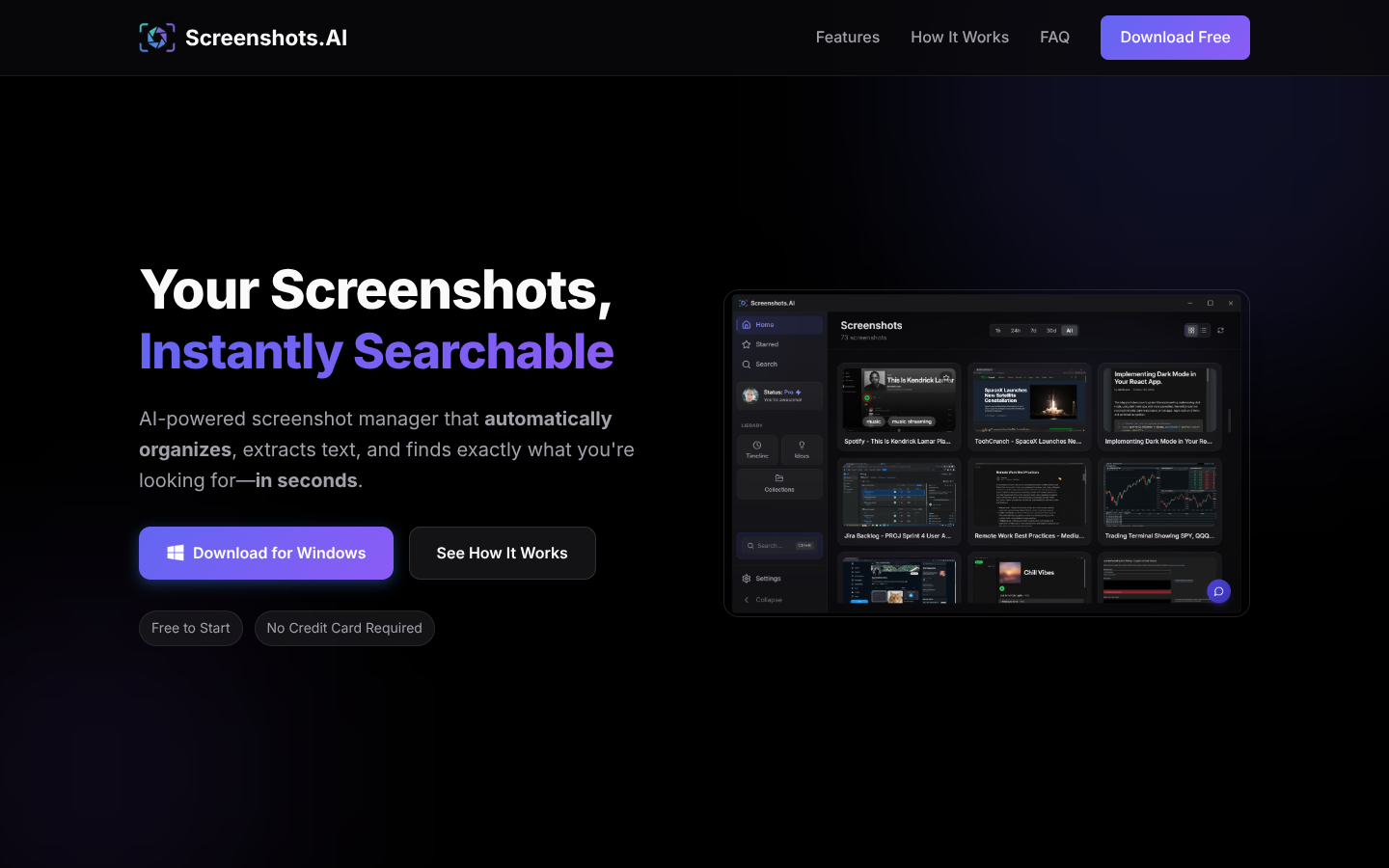
Screenshots.AI turns your screenshots into a searchable visual memory, using AI to index content, extract text, and detect URLs. It auto-organizes captures into smart collections, timelines, and insights while letting you chat with your screenshot history to quickly rediscover information.
What to expect from an ideal product
- Screenshots AI automatically reads and pulls out all text from your screenshots using smart recognition technology, so you never have to retype anything by hand
- The tool instantly spots and extracts clickable URLs from any screenshot, making it easy to access websites you captured without manually entering web addresses
- You can search through all your screenshot text content just like using Google, finding specific information across hundreds of images in seconds
- The chat feature lets you ask questions about your screenshots and get direct answers, like "show me that website link from last week's meeting notes"
- Smart collections group related screenshots together automatically, so all your text and URLs stay organized without any manual sorting or filing

