This task can be performed using Screenshots AI
Turn your chaotic screenshots into instantly searchable, organized knowledge.
Best product for this task

Screenshots AI
productivity
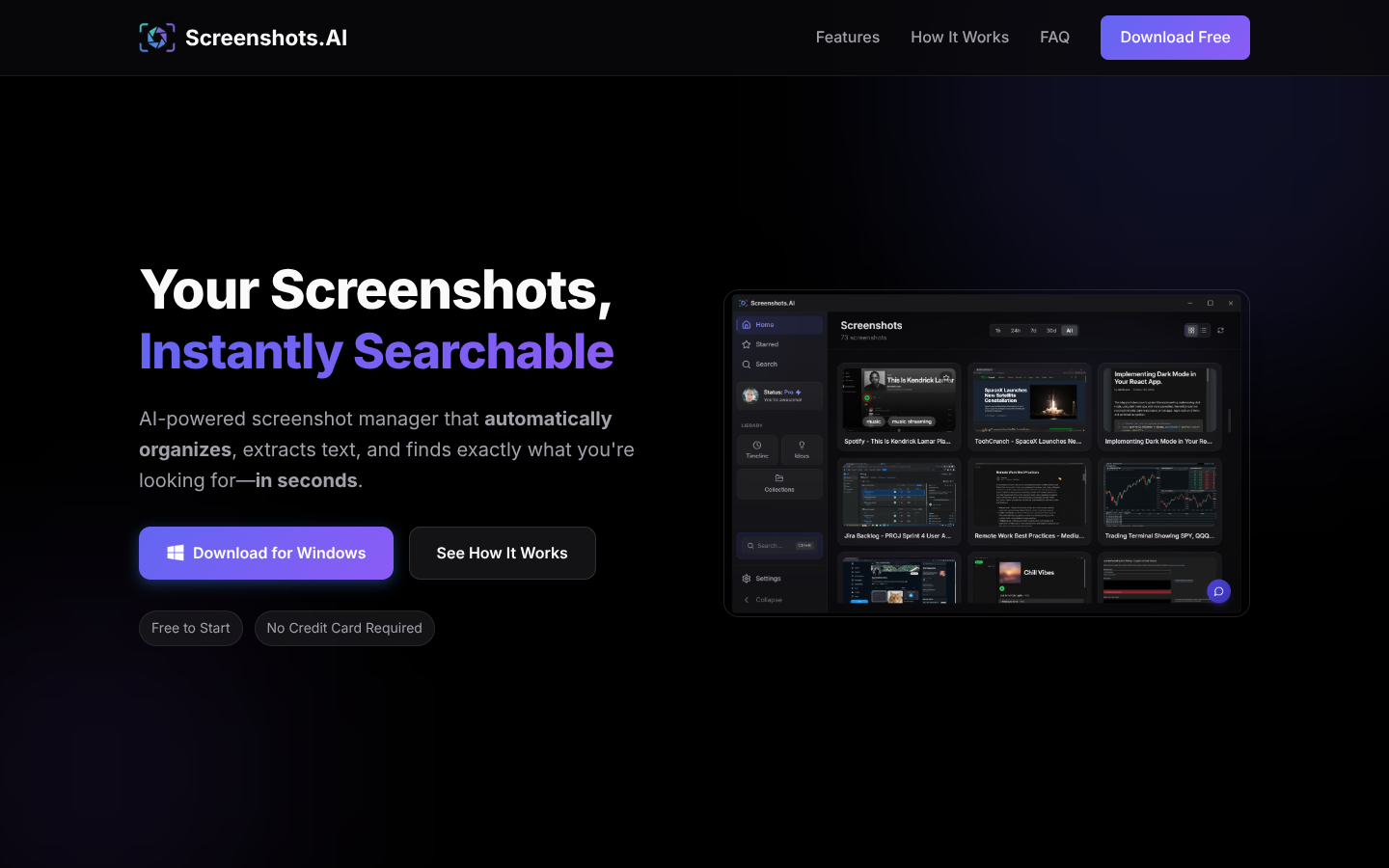
Screenshots.AI turns your screenshots into a searchable visual memory, using AI to index content, extract text, and detect URLs. It auto-organizes captures into smart collections, timelines, and insights while letting you chat with your screenshot history to quickly rediscover information.
What to expect from an ideal product
- Screenshots AI automatically reads and indexes all text content from your old screenshots, making any written information instantly searchable without manual tagging
- The smart search function lets you type keywords or phrases to quickly locate specific screenshots, even if you took them months or years ago
- You can chat directly with your screenshot collection by asking natural questions like "show me that recipe I saved last week" or "find the error message from yesterday"
- Auto-organize features group related screenshots together by topic, date, or content type, so you can browse through relevant captures instead of scrolling endlessly
- The tool extracts and recognizes URLs, phone numbers, addresses, and other key details from screenshots, letting you search for specific types of information across your entire collection

