ClipTurn Reviews — Discover what people think of this product.

ClipTurn
Rotate videos like photos—right from File Explorer
- supporters
What does ClipTurn help with?
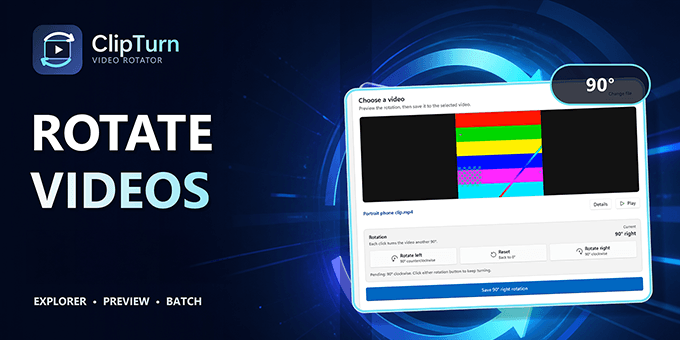
ClipTurn makes a sideways video as easy to fix as a sideways photo. On Windows 10 and 11, it adds Rotate video left and Rotate video right to File Explorer so you can fix a file where you already work.
Unlike tools that only change an orientation flag, ClipTurn physically rotates the stored picture—making the result work in players, editors, websites, and devices that ignore that metadata. A candidate must pass independent checks before it replaces your source; when it cannot produce a faithful result, the app explains why and leaves the original untouched.
Open ClipTurn for video preview, inspection, and batch rotation. It processes locally, requires no account, and does not upload your videos. Compatible codecs, audio tracks, metadata, subtitles, colour information, and HDR are preserved where possible.
Available free in the Microsoft Store. Watch the 1:26 tutorial: https://youtu.be/-_kdhLjnPy0
Featured Today


tiun
Payments backend for indie hackers
All-in-one: Auth, payments & DB
Single command: MCP, Skills
Built for developers.
Merchant of Record. Better fees.
Join the Microlaunch builder community
Get product updates, weekly standouts, and founder deals.