This task can be performed using Cleanbox
Email aliases, AI spam filtering, and a full SMTP relay
Filter Remote Team Email
This use case fits remote teams that share public addresses, create accounts across many services, or route alerts to personal inboxes. It becomes urgent when newsletters, spam, and low-value notifications bury customer or operational messages.
The workflow starts with email aliases for each role, tool, or vendor, then applies spam checks and routing rules before forwarding mail to existing inboxes. A good outcome is fewer interruptions, clear ownership, and no missed high-priority mail without changing providers.
Best product for this task

Cleanbox
productivity
Cleanbox sits between the internet and your inbox. Every incoming email goes through spam scoring, virus scanning, AI classification, and your own rules before delivery. Create unlimited aliases that forward to your real inbox, build custom filters, and use Cleanbox as a complete SMTP relay. Works with Gmail, Outlook, iCloud, Yahoo, or any IMAP provider, no migration needed. Privacy-first: no advertising, no data selling, no user profiling.
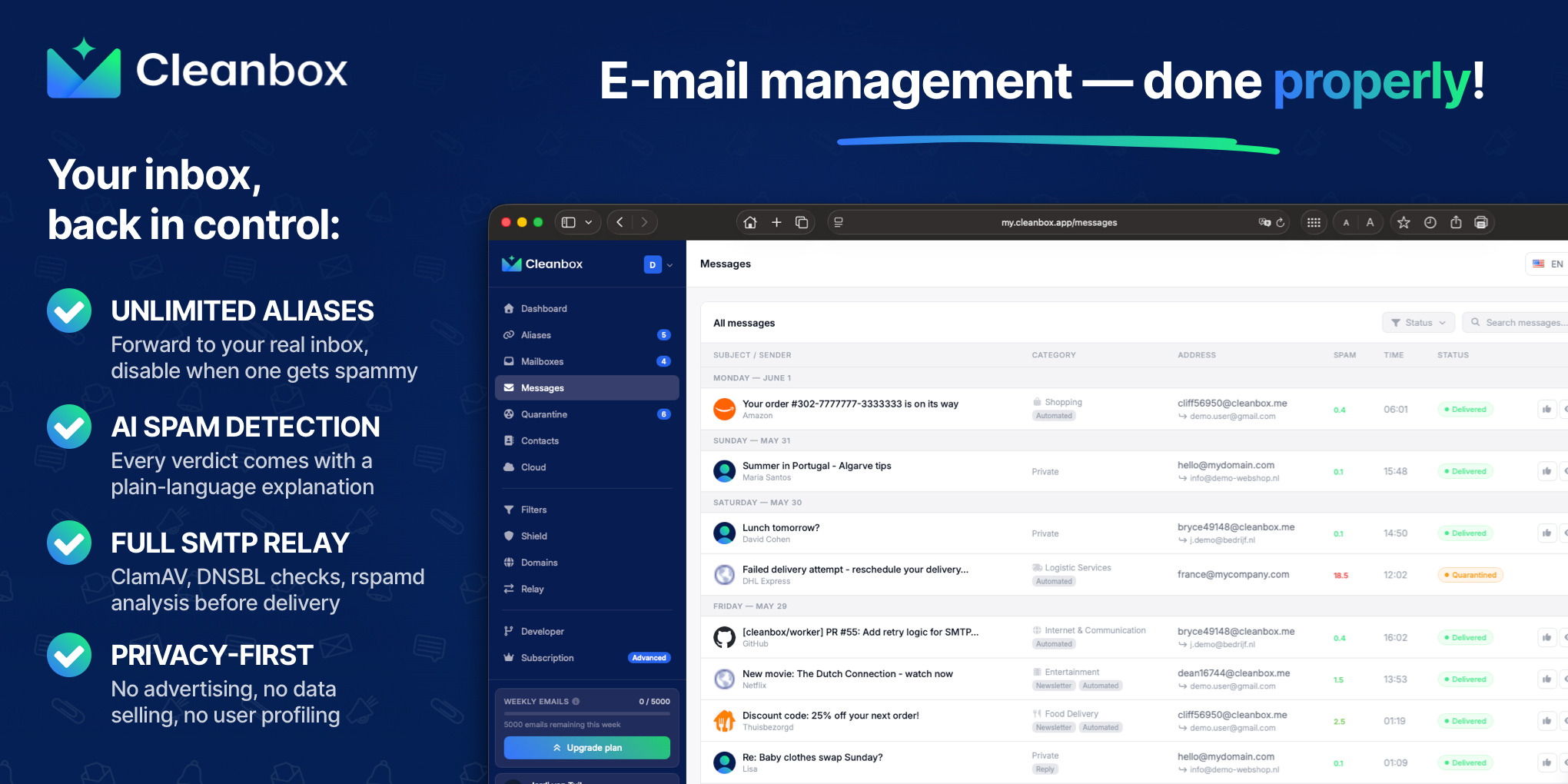
What to expect from an ideal product
- Supports unlimited aliases so each team member or project can have a dedicated address without exposing real inboxes
- AI classification and custom rules run before delivery, meaning filtering logic is enforced consistently across the whole team rather than per-client
- Works with any IMAP provider—Gmail, Outlook, iCloud—so remote teams with mixed setups can adopt it without migrating accounts
- SMTP relay capability lets outbound mail route through Cleanbox, keeping send and receive infrastructure unified
- No advertising, profiling, or data selling, which matters for teams handling client correspondence or sensitive project communication
More about measuring inbox reduction
Measure the workflow for two weeks before tightening rules. Track delivered volume, false positives, and time spent triaging so spam filtering improves focus without hiding legitimate mail.
- Record the weekly number of delivered messages for each person and shared role.
- Test rules on known sender and alias patterns before applying broader automatic actions.
- Aim for a 90% reduction only if priority-message delivery remains reliable.
More topics related to Cleanbox
Similar topics
- How to detect phishing, impersonation, spam, and malware before delivery
- How to set up an inbound SMTP relay with MX records and spam scanning
- Private Email Aliases That Forward to Your Existing Inbox
- How to put a spam-filtering security gateway before your inbox
- How to filter spam emails automatically before they reach your inbox

