This task can be performed using TranzlyWeb
Professional translation platform
Best product for this task

TranzlyWeb
tech
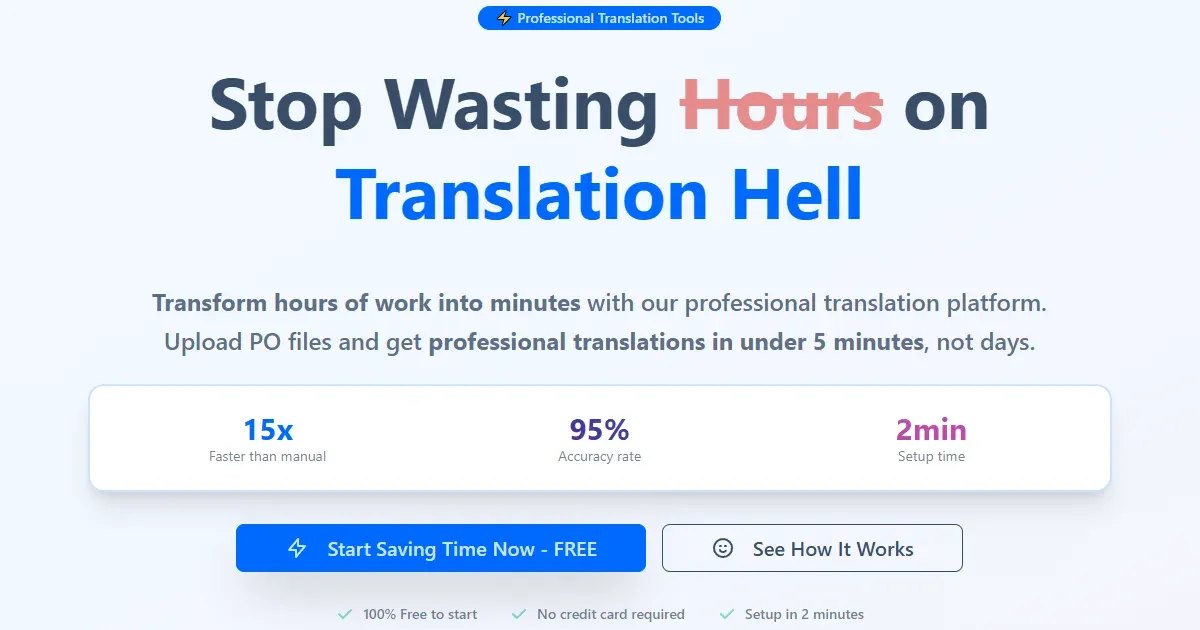
Upload PO files and manage translations with powerful tools. Professional-grade translation management for developers, translators, and international teams.
What to expect from an ideal product
- Upload your PO files directly to TranzlyWeb's dashboard and automatically parse all translatable strings for immediate access by your translation team
- Create custom project folders and tag systems to group related PO files by product features, release versions, or target languages for better file management
- Set up automated workflows that notify translators when new PO files are uploaded and track completion status across multiple language pairs
- Use the built-in translation memory to maintain consistency across similar PO files and reduce duplicate work when handling recurring text strings
- Export completed translations back to properly formatted PO files with preserved metadata and comments for seamless integration into your development pipeline

