This task can be performed using GoCrazy AI
Turn your ideas into anime, cinema, and AI music
Best product for this task
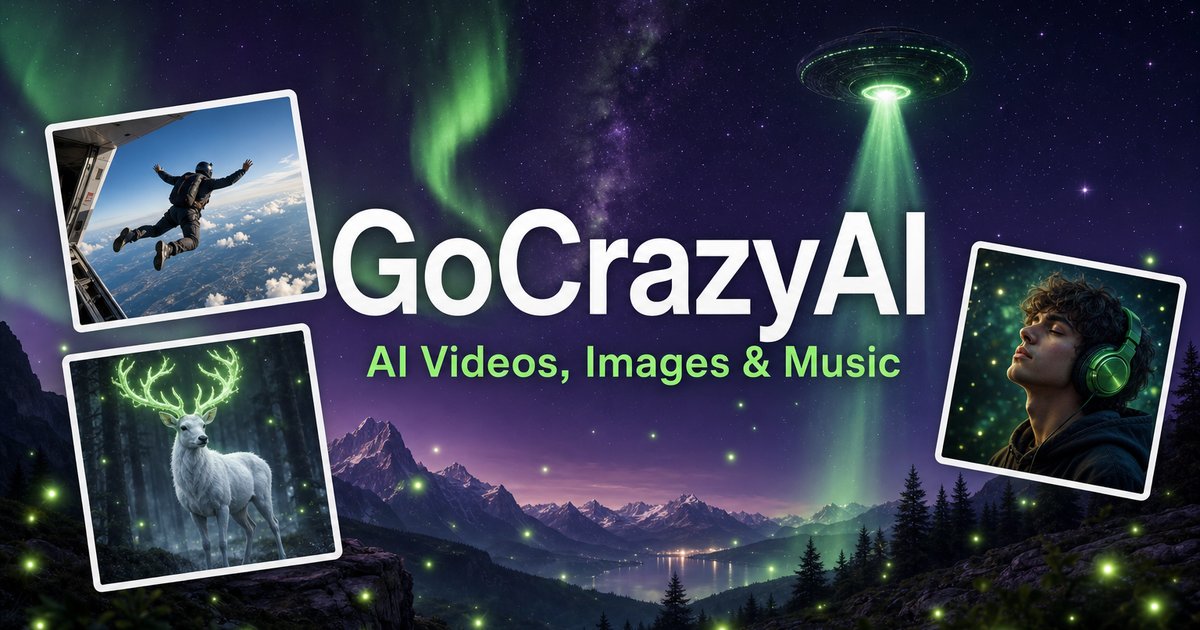
GoCrazyAI is a unified AI creative studio that generates cinematic videos, anime art, 3D models and original music from prompts or photos, streamlining professional-grade content production for creators, marketers and.
Have a product photo, selfie, or room snapshot? This guide shows how to use a photo to 3d model AI generator, refine the same image into a professional headshot, and create a room redesign preview. You will finish with usable assets and a simple quality check.
Prepare one photo for several outputs
Choose a sharp, well-lit image with the subject fully visible. A plain background helps for objects and portraits, while a wide, straight-on photo works best for rooms. The deciding factor among AI products is whether they support this exact workflow.
Before uploading:
- Remove heavy filters and watermarks.
- Crop out unrelated objects.
- Use the highest-resolution original available.
- Check that faces, product edges, and room corners are not hidden.
- Save the original so you can compare results.
A unified tool is useful when you need an AI image editing suite for marketers rather than separate apps. GoCrazy AI accepts prompts or photos for image creation, 3D models, cinematic video, and related creative work.
1. Create a 3D model from the photo
Upload a product or character image and select the 3D generation option. Describe the object plainly, including its material, shape, and intended use.
For example:
Create a clean 3D model of this ceramic desk lamp. Preserve the round base, narrow stem, white glaze, and brass switch. Keep proportions realistic.
This approach works for an AI 3D model generator from image workflows, including product visualization and turning a character image into a 3D model with AI. If the source shows only one angle, inspect the hidden sides carefully. AI must infer missing geometry, so the result may need revision.
Use a second upload or prompt to clarify:
- The back and underside
- Surface texture
- Transparent or reflective materials
- Facial proportions and clothing details
- Whether the model should look realistic or stylized
GoCrazy AI combines image and 3D creation in one workspace, which can help you keep the visual direction consistent. It also fits broader generative media tools when one project needs several asset types.
2. Turn a selfie into a professional headshot
For a headshot, upload a front-facing selfie with even lighting. Request a natural expression, clean background, business-appropriate clothing, and realistic skin texture.
Try:
Create a professional headshot from this selfie. Keep my facial identity and hairstyle, use soft studio lighting, a neutral background, and a natural expression. Avoid heavy retouching.
Review the eyes, teeth, hairline, and face shape. An AI headshot generator from selfie can improve presentation, but it should not change your identity. Create several variations and choose the one that still looks like you at thumbnail size.
For LinkedIn or a team profile, check that the crop includes the head and shoulders, the background is not distracting, and the lighting is balanced. If you plan to animate the portrait later, keep the final image consistent with your other character assets. You can also explore anime avatar creation when a stylized profile image is more appropriate.
3. Redesign a room and polish the image
Upload a straight room photo and specify what must remain unchanged:
Redesign this living room in a warm minimalist style. Keep the windows, floor plan, and camera angle. Replace the sofa with a light modular sectional and add soft wall lighting.
An AI room redesign from photo is most useful when you name the style, palette, furniture, and constraints. Compare the generated image with the original to confirm that doors, windows, and room proportions remain plausible.
For final cleanup, remove distractions, relight the subject, extend the canvas, or upscale the image. These edits are especially useful for social posts, listings, and campaign layouts.
Verify every result before publishing
Use this checklist:
- Does the 3D model preserve recognizable proportions?
- Does the headshot still look like the real person?
- Are room boundaries and furniture placement believable?
- Are edges, hands, eyes, text, and reflections clean?
- Does the image remain sharp after cropping or resizing?
More topics related to GoCrazy AI
Similar topics
- How to Turn Product Photos Into Cinematic Marketing Videos With GoCrazy AI?
- Best AI Workflow for Creating Anime Art and 3D Models
- GoCrazy AI for Social Media Teams Creating Videos and Music
- How to Fix Inconsistent Anime Characters in GoCrazy AI Videos?
- How to evaluate GoCrazy AI pricing, features, and alternatives

