This task can be performed using GoCrazy AI
Turn your ideas into anime, cinema, and AI music
Best product for this task
GoCrazyAI is a unified AI creative studio that generates cinematic videos, anime art, 3D models and original music from prompts or photos, streamlining professional-grade content production for creators, marketers and.
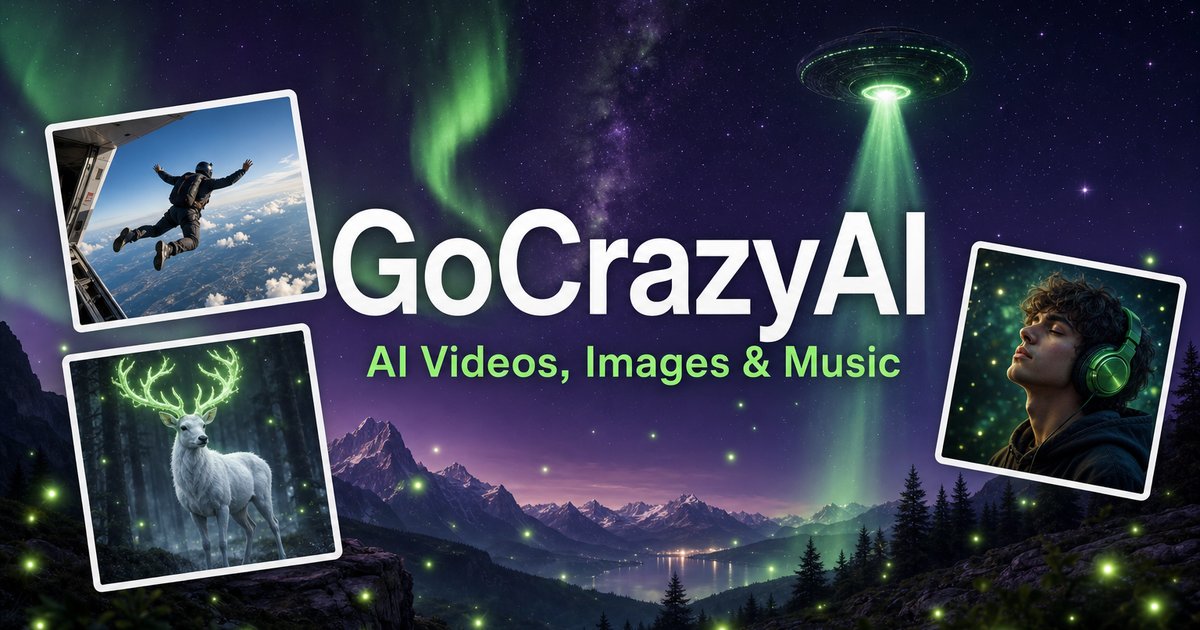
If you are choosing an all-in-one AI studio for video, anime art, 3D assets, and music, this guide helps you evaluate GoCrazy AI access, capabilities, pricing, reviews, and competing approaches. You will map the tool to your workflow, test it with a small project, and leave with a practical decision checklist.
1. Define the creative job before comparing tools
Start by listing the outputs you need in the next 30 days. For example: The deciding factor among AI products is whether they support this exact workflow.
- Cinematic clips from product or property photos
- Anime avatars, profile images, or character cards
- Photo-to-3D models for products or characters
- Original music, voice designs, or multi-voice podcasts
- Image cleanup, relighting, background removal, or upscaling
This matters because GoCrazy AI combines several functions in one workspace. Its video tools include cinematic generation from prompts or photos, while its image suite supports anime art, headshots, room redesigns, image extension, and enhancement. Its audio tools can generate songs, create podcasts up to 60 minutes, design voices from a large catalog, and isolate dialogue.
If your main need is a focused video creation product, compare depth and control against the convenience of one studio. If you need several media types, a multimodal studio may reduce tool switching.
2. Build a feature and access scorecard
Create a simple table with three columns: requirement, evidence, and score. Test GoCrazy AI with one representative prompt or upload for each priority.
Check:
- Input flexibility: Can you start from a prompt, photo, script, or audio recording?
- Output fit: Does the result match your required format, style, duration, and resolution?
- Creative control: Can you maintain a consistent character, brand style, or voice?
- Workflow speed: How many steps are needed from idea to usable draft?
- Commercial usability: Review the current account terms and permitted uses before publishing.
- Access: Confirm which features are available on your account and whether usage limits apply.
Use the same test brief with alternatives. For instance, submit one product photo, one portrait, and one short podcast script. Record editing time, reruns, and unusable outputs. This gives your generative media comparison a practical basis instead of relying only on a GoCrazy AI review.
3. Evaluate GoCrazy AI pricing against total workflow cost
Do not judge GoCrazy AI pricing by the subscription figure alone. Calculate the cost of producing one finished asset:
- Plan or credit cost
- Number of generations and retries
- Time spent moving files between tools
- Separate image, video, music, voice, or editing subscriptions
- Human cleanup and approval time
For startup teams researching AI content studio pricing for startups, create a monthly scenario: five videos, 20 images, two music tracks, and one podcast. Then compare the estimated total with a stack of separate tools.
Pricing details and limits can change, so verify the current offer directly before committing. A unified studio may be worthwhile when it replaces several steps. A specialist tool may be better when one output type drives nearly all your work.
4. Compare alternatives, competitors, and reviews
Organize GoCrazy AI alternatives into three groups:
- All-in-one studios: Best when you value breadth and fewer handoffs.
- Specialist generators: Best when video, image, audio, or 3D quality is your only priority.
- Manual or hybrid workflows: Best when approval, editing, and brand control outweigh speed.
When reviewing GoCrazy AI competitors, ask whether each option supports your exact inputs and output volume. Treat reviews as useful signals, not proof of fit. Look for repeated comments about reliability, quality consistency, learning curve, and limits, then validate those points with your own test.
Before choosing, complete this checklist:
- Test your highest-value workflow.
- Confirm current pricing, credits, limits, and access.
- Check commercial usage terms.
- Compare one all-in-one option with one specialist.
- Estimate total monthly production cost.
- Save sample outputs for a side-by-side review.
More topics related to GoCrazy AI
Similar topics
- How to Turn Product Photos Into Cinematic Marketing Videos With GoCrazy AI?
- Best AI Workflow for Creating Anime Art and 3D Models
- GoCrazy AI for Social Media Teams Creating Videos and Music
- How to Fix Inconsistent Anime Characters in GoCrazy AI Videos?
- How to create video, images, and music in one AI workflow

