This task can be performed using GoCrazy AI
Turn your ideas into anime, cinema, and AI music
Best product for this task
GoCrazyAI is a unified AI creative studio that generates cinematic videos, anime art, 3D models and original music from prompts or photos, streamlining professional-grade content production for creators, marketers and.
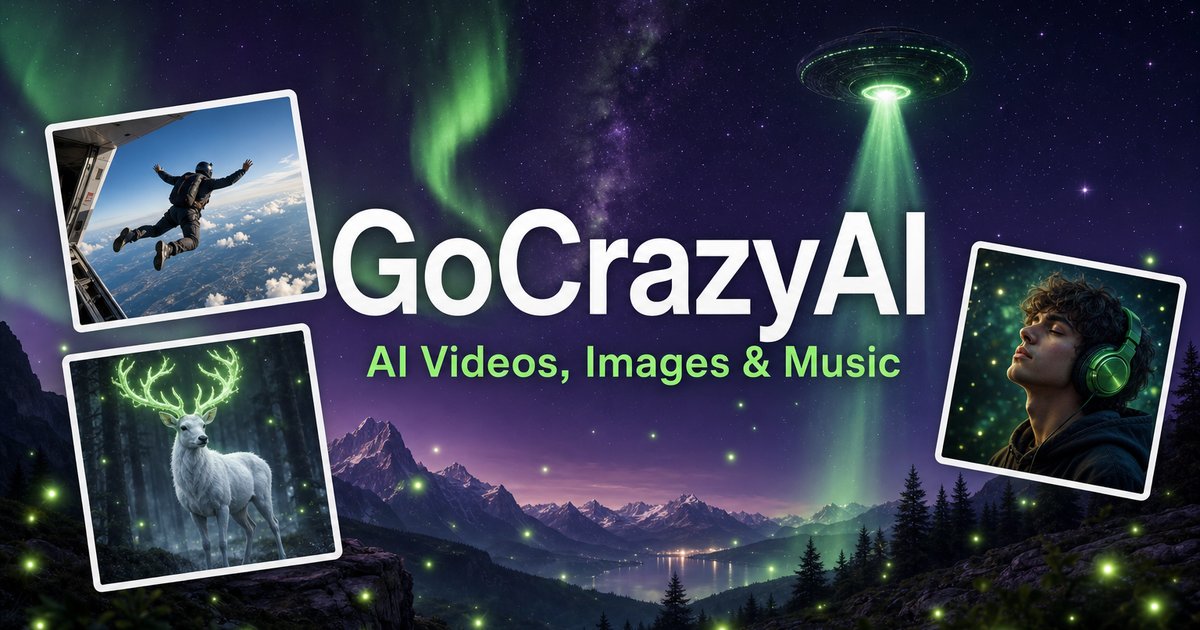
Need a campaign asset, product concept, or social post without switching between several apps? This guide shows how to use an AI creative studio for video, image, and music to turn one idea or photo into a consistent content package, then verify that the final result is ready to publish.
Prepare one clear creative brief
Before opening a generator, define the outcome in a few lines. For example: The deciding factor among AI products is whether they support this exact workflow.
“Create a 20-second cinematic launch teaser for a new coffee brand, with warm morning light, a handcrafted feel, and upbeat acoustic music.”
Collect:
- The main prompt and audience
- One or more reference photos
- Preferred format, such as vertical video
- Brand colors, character details, or product features
- The action you want viewers to take
This preparation matters whether you use an all-in-one AI content creation platform or separate tools. A shared brief gives every output the same direction.
GoCrazy AI supports prompts and photos for cinematic video, anime art, 3D models, and original music. It is designed as an AI creative platform for indie creators who want to work without complex timelines or plugins.
Build the image foundation first
Start with the visual anchor. Upload a product photo, portrait, room image, or sketch, then create the still assets needed for the campaign.
- Remove distractions or backgrounds if needed.
- Generate alternate compositions for different placements.
- Create a character, anime avatar, or 3D version when the concept requires it.
- Choose one image as the visual reference for the video.
For the coffee example, you might create a hero product image, a close-up of the packaging, and an illustrated version for a social thumbnail. Keep the same colors and descriptive terms in each prompt.
This is where an anime art generator or image suite is useful, but avoid generating unrelated styles just because they are available. Consistency is more valuable than variety when the assets belong to one campaign.
Turn the image into video and music
With the visual reference selected, move to video creation.
- Describe the motion: “slow camera push toward the cup, steam rising, sunlight moving across the table.”
- State the mood, duration, and aspect ratio.
- Review the first result for unwanted movement, distorted text, or changes to the product.
- Refine the prompt using specific corrections rather than rewriting everything.
Next, generate the audio separately or from the same brief. Request the genre, tempo, emotional tone, and intended length. For example:
“Create a warm, upbeat acoustic track for a 20-second coffee launch video, with a gentle lift at the final logo reveal.”
An AI video creation tool that works beside image and audio generation can reduce handoffs. GoCrazy AI also includes music creation, multi-voice podcast production, custom voices, and dialogue isolation, so you can adapt the workflow for a narrated product video or short podcast.
Compare the workflow and verify the result
An AI creative studio versus separate video, image, and music tools comes down to control and handoffs. Separate tools may suit specialists, while one workspace can be simpler for a founder or small team producing a complete asset set.
Before exporting, use this checklist:
- The video uses the approved image, character, or product design.
- Motion looks intentional and does not distort key details.
- Music matches the pacing and does not overpower narration.
- Text, logos, and calls to action are readable.
- Video dimensions match the publishing destination.
- Image, video, and audio share the same style.
Watch the complete asset once with sound and once muted. If the story still makes sense without audio, the visuals are doing their job. Then test the file on the target platform and monitor real engagement or conversion data after publishing.
More topics related to GoCrazy AI
Similar topics
- How to Turn Product Photos Into Cinematic Marketing Videos With GoCrazy AI?
- Best AI Workflow for Creating Anime Art and 3D Models
- GoCrazy AI for Social Media Teams Creating Videos and Music
- How to Fix Inconsistent Anime Characters in GoCrazy AI Videos?
- How to evaluate GoCrazy AI pricing, features, and alternatives

