This task can be performed using GoCrazy AI
Turn your ideas into anime, cinema, and AI music
Keep Anime Characters Consistent
For consistent anime art, define one character sheet before generating scenes. Fix the face shape, eye color, hairstyle, outfit, accessories, age, body proportions, and visual style. Keep this wording unchanged in every prompt and reuse the same source photo when applicable.
In GoCrazy AI, generate short shots separately, then compare each result with the first approved frame. Change only the action, camera, or setting while preserving everything else. If drift persists, simplify the scene and remove competing character details before rerendering.
Best product for this task
GoCrazyAI is a unified AI creative studio that generates cinematic videos, anime art, 3D models and original music from prompts or photos, streamlining professional-grade content production for creators, marketers and.
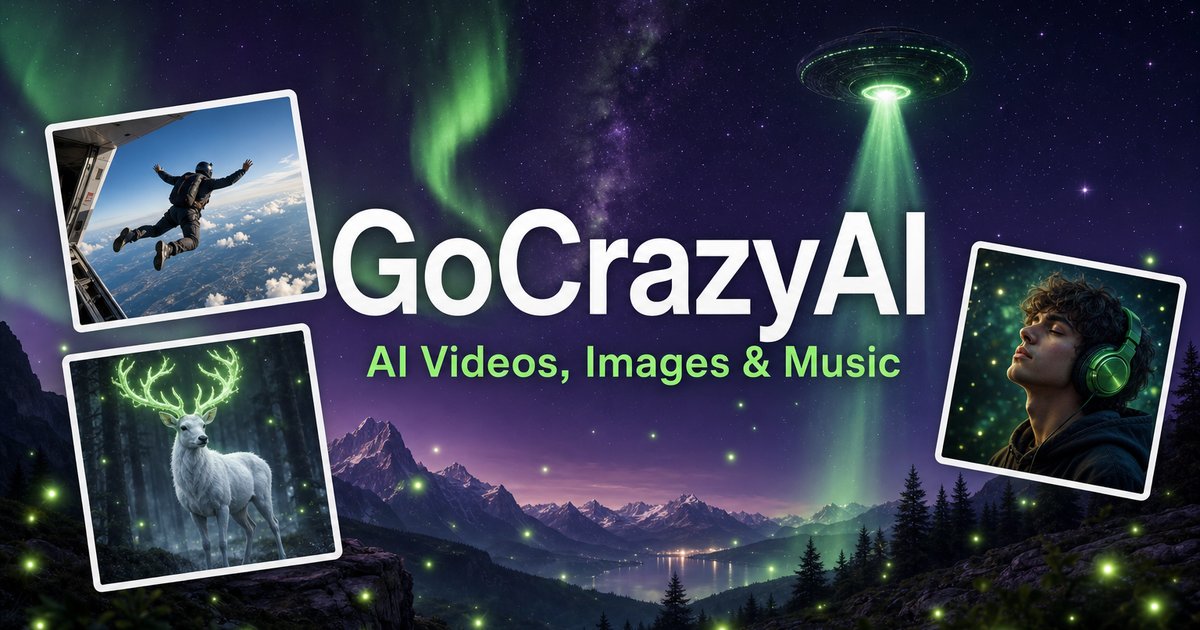
What to expect from an ideal product
- Stable reference image handling
- Reusable character prompts
- Shot level regeneration
- Clear frame comparisons
- Flexible style controls
More about continuity checks
Use a simple pass or fail review before extending your video creation workflow. Approve identity first, then motion and background, so visual polish never hides character drift.
- Compare the eyes, bangs, jawline, and signature accessory against the approved frame.
- Reject any shot with two identity changes, even when the motion looks strong.
- Correct one variable per rerender and keep the best frame as the next reference.
More topics related to GoCrazy AI
Similar topics
- How to Turn Product Photos Into Cinematic Marketing Videos With GoCrazy AI?
- Best AI Workflow for Creating Anime Art and 3D Models
- GoCrazy AI for Social Media Teams Creating Videos and Music
- How to evaluate GoCrazy AI pricing, features, and alternatives
- How to create video, images, and music in one AI workflow

