This task can be performed using IMideo
Turn Images into AI-Powered Videos. In Minutes.
Best product for this task

IMideo
ai
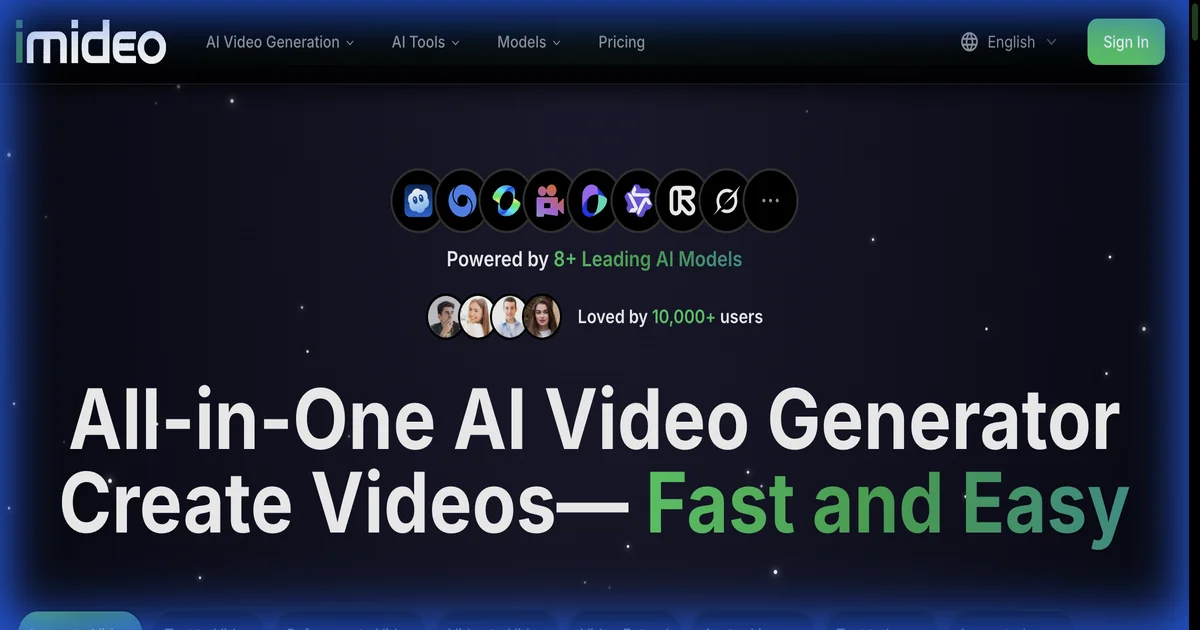
IMideo is an all-in-one AI video generation platform. Upload any image and generate stunning videos in minutes using 8+ leading AI models — VEO 3.1, Seedance 1.5 Pro, Kling, Runway, and more. Features include image-to-video, text-to-video, AI audio generation, watermark removal, and 4K upscaling. Subscription plans from $14.90/month with free credits to get started. The fastest way to turn static images into dynamic video content.
What to expect from an ideal product
- Upload your static image to iMideo's platform and choose from over 8 different AI models like VEO 3.1, Seedance 1.5 Pro, or Runway to bring your photo to life
- Select the type of motion and camera movement you want, then let the AI analyze your image and generate realistic video sequences that match your vision
- Use the text-to-video feature alongside your image to add specific instructions about how you want your static photo to move and animate
- Enhance your newly created video with AI-generated audio, remove any watermarks, and upscale to 4K resolution for professional quality results
- Download your finished video in minutes rather than spending hours learning complex video editing software or hiring expensive video creators

