This task can be performed using LeanSentry
AI-powered IIS & ASP.NET App Monitoring Diagnostics
Best product for this task

LeanSentry
dev-tools
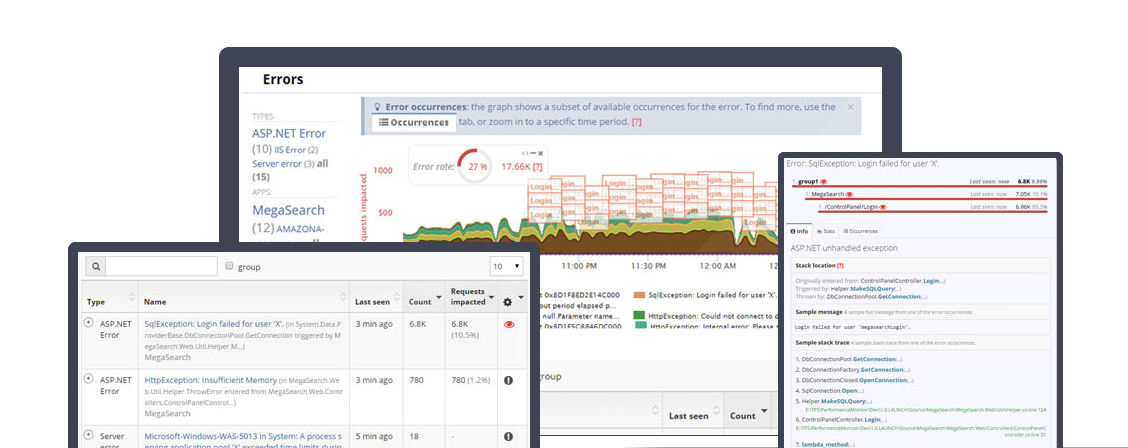
LeanSentry is an AI-powered diagnostic and monitoring platform that helps teams solve IIS & ASP.NET performance issues like hangs, memory leaks, and CPU overload, used by 10,000+ companies worldwide
What to expect from an ideal product
- Automatically detects what's causing high CPU usage in your IIS applications without manual digging through performance counters or logs
- Pinpoints specific code paths, database queries, or third-party components that are consuming excessive CPU resources in real-time
- Provides detailed stack traces and execution timelines to show exactly where CPU bottlenecks occur during request processing
- Monitors CPU usage patterns across multiple servers and applications to identify trends before they become critical performance problems
- Delivers actionable recommendations to fix CPU-intensive operations like inefficient loops, blocking calls, or resource contention issues

