This task can be performed using Free Image Translate
Free AI Image Translate Online - Translate Text in Photos Instantly
Best product for this task

Free Image Translate
productivity
ImageTranslator is an AI-powered image translate tool that translates text within images. It was developed to facilitate seamless multilingual translation and is well-suited for travelers reading foreign signs, students studying multilingual documents, or businesses localizing their visuals.
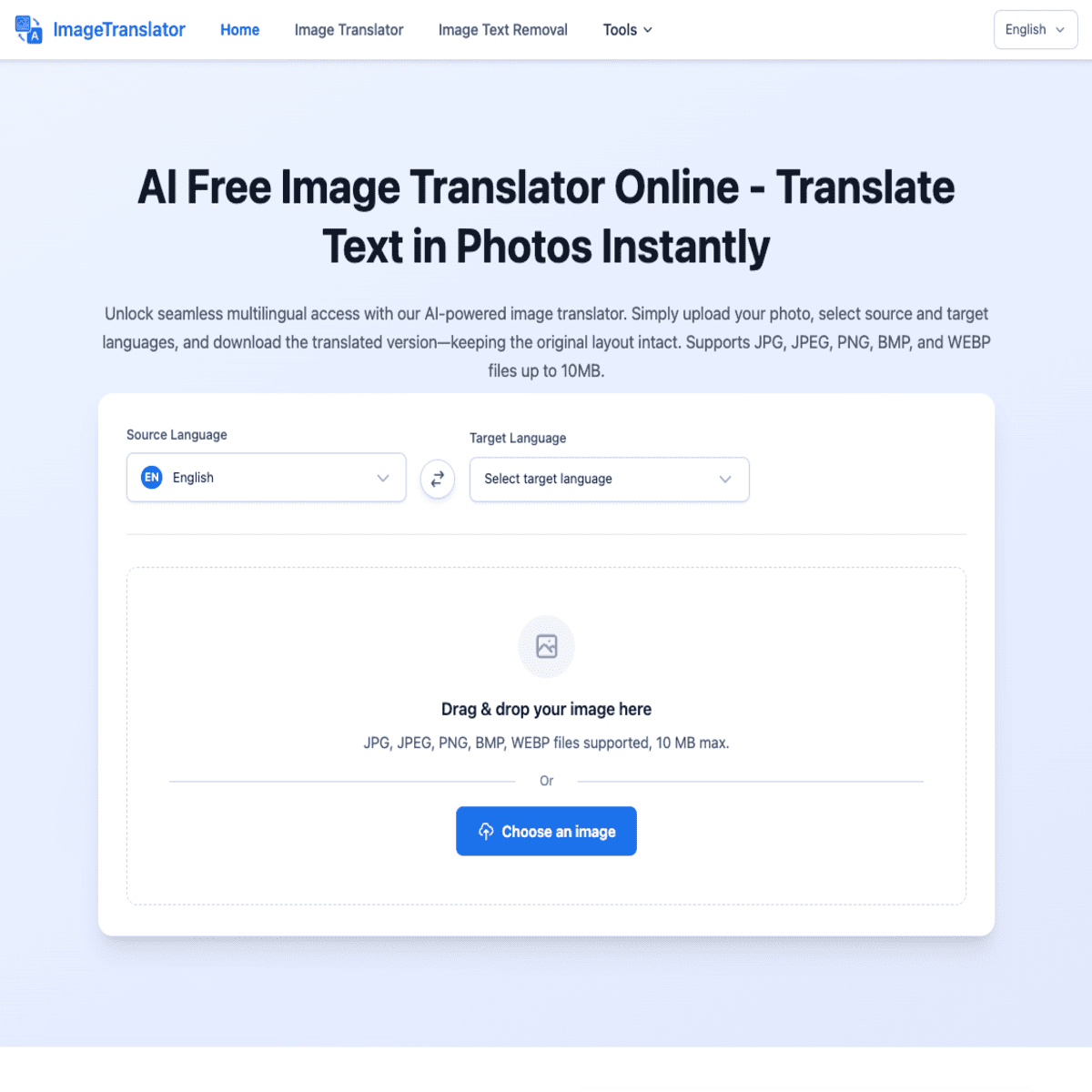
Need to understand a foreign street sign, menu, receipt, or travel document quickly? Take a clear photo, upload it to an image translator, select the target language, and verify important details before acting. This guide shows how to translate signs with a photo in a real travel situation.
Prepare a Clear Travel Photo
Before you upload an image, make the text easy to read.
- Hold your phone steady and photograph the entire sign, menu, or document.
- Move closer if the words look small, but keep every relevant line in the frame.
- Avoid glare, shadows, and tilted angles.
- Crop out unrelated background details.
- Check that the original language is visible if the tool needs help identifying it.
For example, if you need to translate a street sign from a photo, capture the sign straight on. For a receipt, include the item names, quantities, currency, and total. If you are translating instructions from a photo, capture every warning and numbered step.
ImageTranslator is designed to translate text within images, making it useful for travelers, students, and businesses working with multilingual visuals. You can also review text recognition and visual translation tools when choosing an image-based workflow.
Upload the Image and Choose Languages
Open Free Image Translate, then upload your photo.
- Select the image from your phone or computer.
- Choose the language written in the image, if it is not detected automatically.
- Select the language you understand.
- Start the translation.
- Read the translated text alongside the original image.
This process can help you translate a foreign sign from an image, translate a menu from a photo, or translate travel documents from a photo without typing every word manually. It is also useful when you need to translate a foreign receipt from an image after a purchase.
If you are researching the basic process first, follow this guide to translate text in images online for free. For a screenshot rather than a camera photo, the workflow in translate screenshot text without typing may be a better fit.
Apply It to a Real Travel Situation
Imagine arriving at a restaurant where the menu is written in a language you do not read.
- Photograph one menu page in good light.
- Upload it and choose your preferred language.
- Find the dish names, ingredients, prices, and allergy information.
- Compare each translated line with the original.
- Save the result or keep the original photo available while ordering.
A free menu translator from an image can help you understand choices faster, but do not rely on a single translated word for medical, allergy, legal, or safety decisions. Food names and local expressions may not have a direct equivalent. Ask restaurant staff when an ingredient could affect your health.
The same approach works for a train notice, parking sign, hotel instructions, or museum label. A free image translator for travelers is most useful when the photo contains complete context rather than one isolated word.
Verify the Result Before Acting
Image translation can be affected by blur, decorative fonts, handwriting, overlapping text, or poor lighting. Use this checklist:
- Is every important line visible?
- Does the translated number match the original?
- Did the currency, date, time, and address remain correct?
- Are warnings or negative words clearly translated?
- Does the result make sense in the surrounding situation?
If something looks wrong, retake the photo from a different angle, crop the text more tightly, or upload a sharper image. Compare names and numbers character by character. For high-stakes instructions or official documents, confirm the meaning with a qualified local speaker.
For more image-based translation tasks, see multi-language OCR and free translation capabilities, including workflows for structured documents. A productivity-focused translation workflow may also help if you regularly process travel records.
More topics related to Free Image Translate
Similar topics
- Free Image Translator Alternatives for Translating Screenshots Online
- How to translate text in images without losing formatting?
- How to translate foreign signs from phone photos for free online?
- How to fix inaccurate AI translations in scanned images?
- Translate Scanned Documents Online with an AI Image Translator

