This task can be performed using Palabra.ai
Palabra.ai is a real-time AI speech translation platform
Prepare real-time call translation
Confirm the spoken languages, audience output needs, and meeting or broadcast audio path before going live. Real-time translation works best when each speaker uses a clear microphone and the translated feed returns through a separate channel.
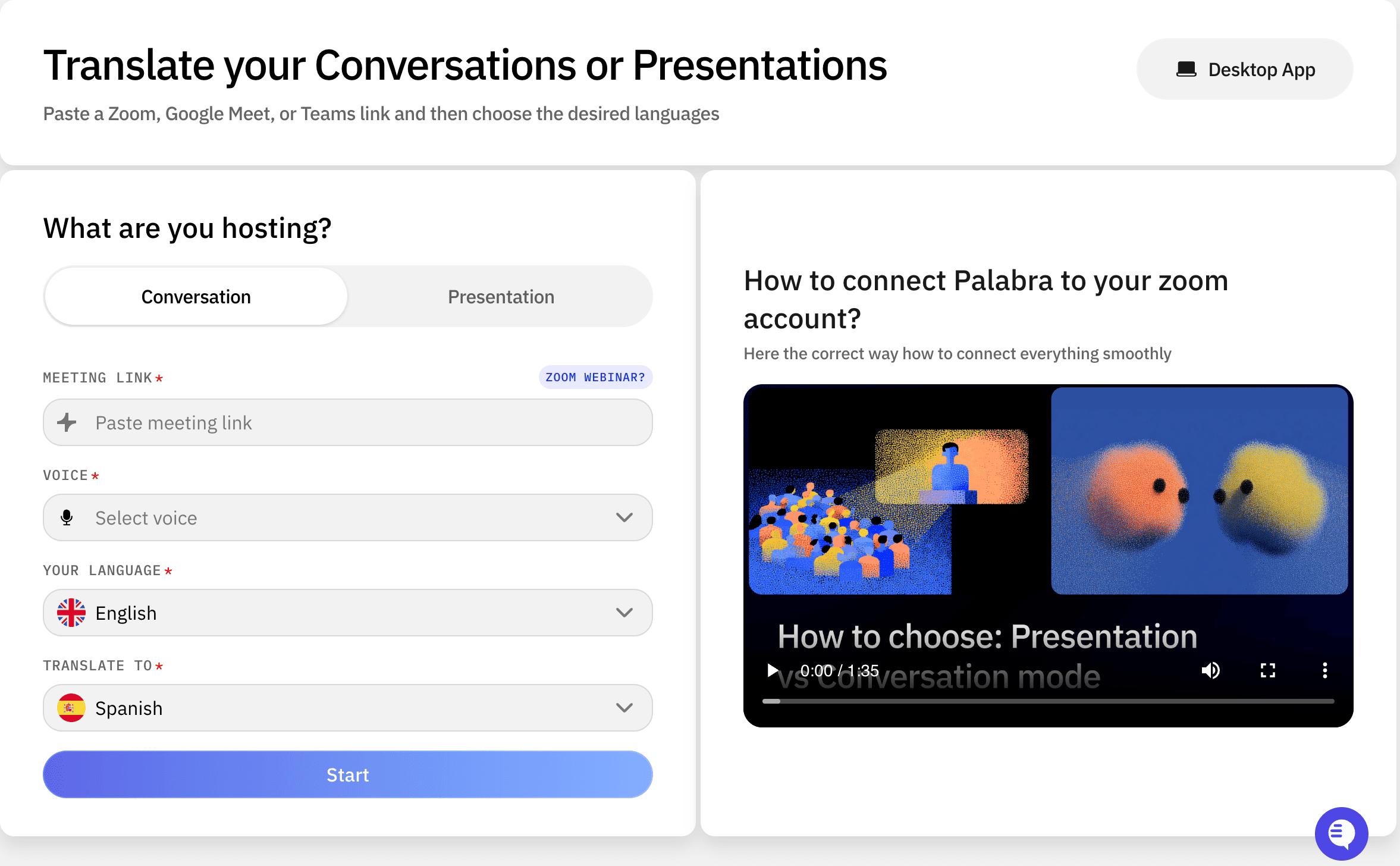
Connect the translation service to the call or event workflow, select source and target languages, then test a short conversation. Add names and specialist terms to a glossary, check timing and volume, and brief speakers to pause between turns.
Best product for this task

Palabra.ai
tech
Palabra.ai is a real-time AI speech translation platform for video calls, live events, broadcasting and API integrations, supporting 60+ languages with near-zero latency. Up to 10× cheaper than human interpreters, it delivers professional-grade accuracy with custom glossaries and voice cloning for a natural-sounding output. No downloads or complex setups required.
What to expect from an ideal product
- Connect Palabra.ai to your video call platform or live event setup without downloading any software or going through complicated installation steps
- Select from over 60 supported languages and let the AI translate speech as people speak, with almost no delay between what's said and the translation
- Create custom word lists and terminology specific to your industry or event so translations stay accurate for technical terms and specialized language
- Use voice cloning features to make translated speech sound natural and match the speaker's tone instead of using robotic computer voices
- Save up to 90% on translation costs compared to hiring human interpreters while still getting professional-quality results for your calls and events
More about pre-event testing
Run a rehearsal with the actual microphones, network, speakers, and terminology. Speech-to-speech translation can sound accurate in a quiet test but fail when people overlap or room audio echoes.
- Test fast speech, accents, names, and numbers.
- Keep translated audio out of the source microphone to prevent feedback.
- Assign someone to monitor delay and use a backup audio channel if quality drops.
More topics related to Palabra.ai
Similar topics
- How to Add Live AI Translation to Zoom, Google Meet, and Teams
- How to Add AI Speech Translation to a Live Event or Broadcast
- How to Choose and Implement a Low-Latency Speech Translation API
- How to Choose AI Speech Translation for Customer, Medical, Legal, and Global Teams
- Real-Time AI Speech Translation for Global Webinars: Palabra.ai vs Human Interpreters

