This task can be performed using Palabra.ai
Palabra.ai is a real-time AI speech translation platform
Best product for this task

Palabra.ai
tech
Palabra.ai is a real-time AI speech translation platform for video calls, live events, broadcasting and API integrations, supporting 60+ languages with near-zero latency. Up to 10× cheaper than human interpreters, it delivers professional-grade accuracy with custom glossaries and voice cloning for a natural-sounding output. No downloads or complex setups required.
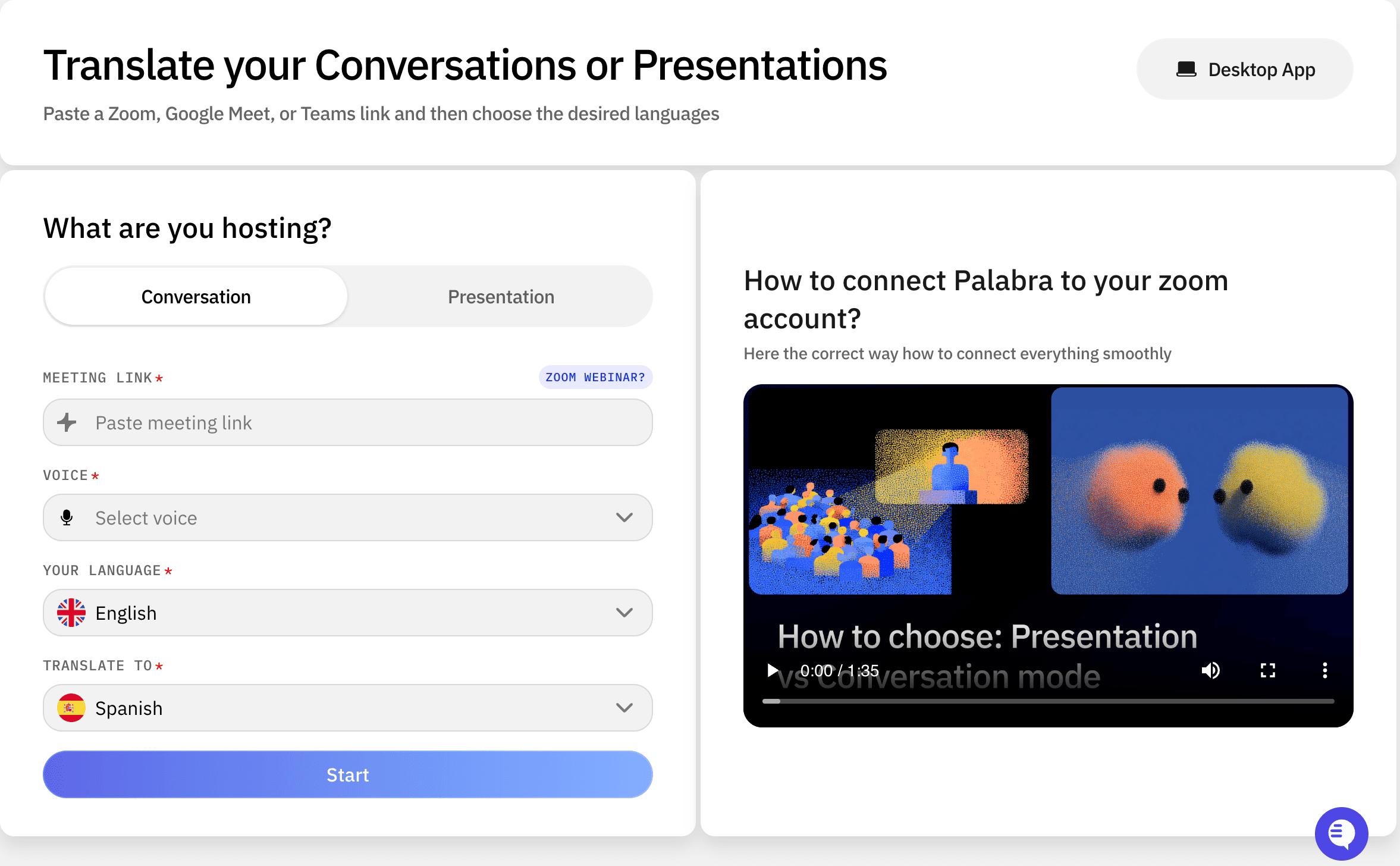
Planning a multilingual conference, webinar, livestream, or government event? Use this checklist to choose languages, route audio, give audiences access, test latency, and troubleshoot live interpretation. An AI interpretation API for live events can connect speech recognition, translation, and spoken output without requiring attendees to download software.
1. Define the event and language plan
Start by documenting how interpretation should work from the speaker to each audience group.
- List every source language and target language.
- Identify whether translation is needed for the stage, remote speakers, recorded clips, or audience questions.
- Decide whether attendees need translated audio, captions, or both.
- Record technical terms, names, acronyms, and official wording.
- Confirm whether the event requires formal terminology, such as a government policy or conference subject vocabulary.
For example, a webinar might use English as the source language and provide Spanish, French, and Japanese audio channels. A government broadcast may require translated speech for both the main program and live questions.
If you are comparing tools, focus on whether they support the languages, latency, delivery method, and customization your event requires. Speech-to-speech translation products are most useful when audiences need to hear interpretation rather than only read translated text.
2. Connect the audio and audience channels
Choose one clean source feed for each speaker or program. Avoid routing a translated feed back into the input, because this can create echoes or repeated translation.
- Send the microphone, mixer, video call, or broadcast program feed to the translation service.
- Keep source and translated channels clearly labeled.
- Select where audiences will hear the output: web player, stream, conference platform, venue channel, or broadcast mix.
- Test audio permissions and backup routing before going live.
- Confirm whether viewers can switch languages without leaving the event.
For an API workflow, your production system sends live audio to the speech translation service and receives translated speech for distribution. Palabra.AI supports live events, broadcasting, video calls, and custom API integrations in more than 60 languages, with no downloads or complex setup required.
For platform-specific decisions, compare this approach with adding live AI translation to Zoom, Google Meet, and Teams. The best choice depends on whether your event is platform-based or controlled through a broadcast pipeline.
3. Run a latency and quality rehearsal
Do not evaluate interpretation from a written script alone. Test the complete audio path using real microphones, speakers, and network conditions.
- Speak at normal event speed and measure the delay.
- Test speaker changes, interruptions, questions, and applause.
- Check names, numbers, technical terms, and acronyms.
- Verify that translated speech remains understandable over music or room noise.
- Confirm that every target channel reaches the intended audience.
A custom glossary can help keep recurring terminology consistent, while voice cloning may produce a more natural-sounding output. These settings should be tested before the event, not changed for the first time during a keynote. AI translation products can be compared by checking their handling of these controls, language coverage, and delivery options.
4. Prepare live troubleshooting actions
Assign one person to monitor the source feed, translated channels, and audience access.
If interpretation stops, first check whether the source audio is still reaching the service. If the output is delayed, reduce competing processing and verify the network path. If quality drops, inspect microphone placement, background noise, and speaker overlap. If one language fails, keep the original channel available while restarting or rerouting that target.
Use this final live event interpretation planning checklist before opening the audience feed:
- Language channels are labeled and tested.
- Backup source audio is available.
- Moderators know how to report an issue.
- Audience instructions explain how to select a language.
- The team has verified latency and terminology.
More topics related to Palabra.ai
Similar topics
- How to Add Live AI Translation to Zoom, Google Meet, and Teams
- How to Choose and Implement a Low-Latency Speech Translation API
- How to Choose AI Speech Translation for Customer, Medical, Legal, and Global Teams
- How to translate speech in real-time during video calls and live events
- Real-Time AI Speech Translation for Global Webinars: Palabra.ai vs Human Interpreters

