This task can be performed using Free Image Translate
Free AI Image Translate Online - Translate Text in Photos Instantly
Best product for this task

Free Image Translate
productivity
ImageTranslator is an AI-powered image translate tool that translates text within images. It was developed to facilitate seamless multilingual translation and is well-suited for travelers reading foreign signs, students studying multilingual documents, or businesses localizing their visuals.
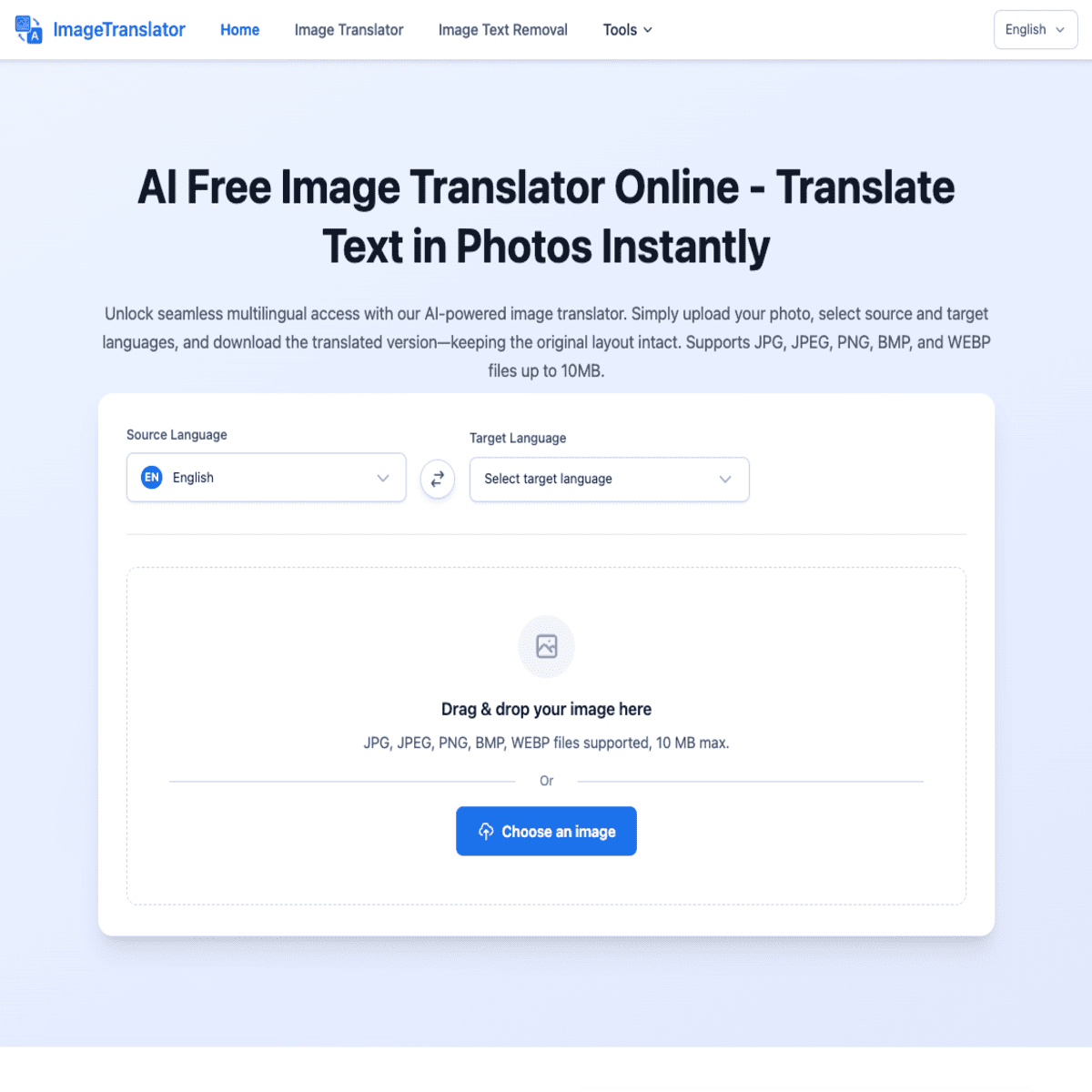
Need to translate Japanese, Chinese, Korean, Spanish, French, or German text in a photo? Upload the image, choose the source and target languages, then verify the result against the original. This guide shows how to translate an image to English or another supported language with Free Image Translate.
Prepare the image and language pair
Before you begin, choose a clear image that shows all the text you need. A phone photo, screenshot, menu, sign, receipt, or scanned document can work, but blurry or heavily cropped text may reduce accuracy.
Decide which language pair you need:
- Japanese to English for signs, instructions, or study materials
- Chinese to English for labels, menus, or product information
- Korean to English for packaging, travel content, or screenshots
- Spanish, French, or German to English for documents and everyday text
- English to Spanish, Japanese, Chinese, or Korean when preparing localized visuals
If you are unsure of the source language, check the writing first. Japanese may combine kanji with hiragana or katakana. Korean uses Hangul syllable blocks, while Chinese commonly uses Chinese characters without Japanese kana.
For a quick introduction to the broader workflow, see this guide to translating text in images online for free.
Translate the image step by step
- Open Free Image Translate.
- Upload the photo or screenshot containing the text.
- Select the original language, such as Japanese, Chinese, Korean, Spanish, French, or German.
- Select English as the target language, or choose another available language.
- Start the image translation.
- Read the translated text and compare it with the original image.
For example, to translate a Japanese image to English, select Japanese as the source and English as the target. For a Chinese menu, choose Chinese and English. If you need to translate an image from Korean to English free, use the same pair and upload the clearest version of the menu or sign.
The same process works for reverse translations. You can translate an image to Spanish online, translate an image to Japanese online, or prepare content in Chinese or Korean by selecting the desired target language before processing.
If your source is a screenshot, this screenshot translation guide can help you choose the right file and avoid manual typing.
Verify the translated result
Do not rely on the translated output without checking the image. Verification is especially important for names, addresses, prices, dates, measurements, and short phrases where one missing character can change the meaning.
Use this checklist:
- Confirm that every text block was detected.
- Compare numbers, punctuation, and currency symbols.
- Check names and place names against the original.
- Look for text written vertically, sideways, or over a busy background.
- Review words with multiple meanings in context.
- If the result seems incomplete, crop the text area and translate it again.
OCR can misread stylized fonts, reflections, low contrast, or handwritten content. A second scan is an evaluated signal, not proof of correctness. For important business or legal material, have a qualified human review the final wording.
You can also learn more about visual translation and text recognition tools when your project includes many image files.
Avoid common language-pair mistakes
The most frequent error is reversing the source and target languages. If the image is French and you want English, French must be the source and English the target. Choosing English as the source can produce an unusable result.
Another mistake is selecting a nearby language because the script looks similar. Chinese characters can appear in Japanese, but the surrounding language may be different. Korean should be selected for Hangul, not Chinese.
For business workflows, the productivity category may be useful when image translation is part of a larger document task. After translation, verify the wording one final time by checking the original image, especially before publishing or sharing it.
More topics related to Free Image Translate
Similar topics
- Free Image Translator Alternatives for Translating Screenshots Online
- How to translate text in images without losing formatting?
- How to translate foreign signs from phone photos for free online?
- How to fix inaccurate AI translations in scanned images?
- Translate Scanned Documents Online with an AI Image Translator

