This task can be performed using Fyenance
Take Control of Your Finances
Best product for this task

Fyenance
fintech
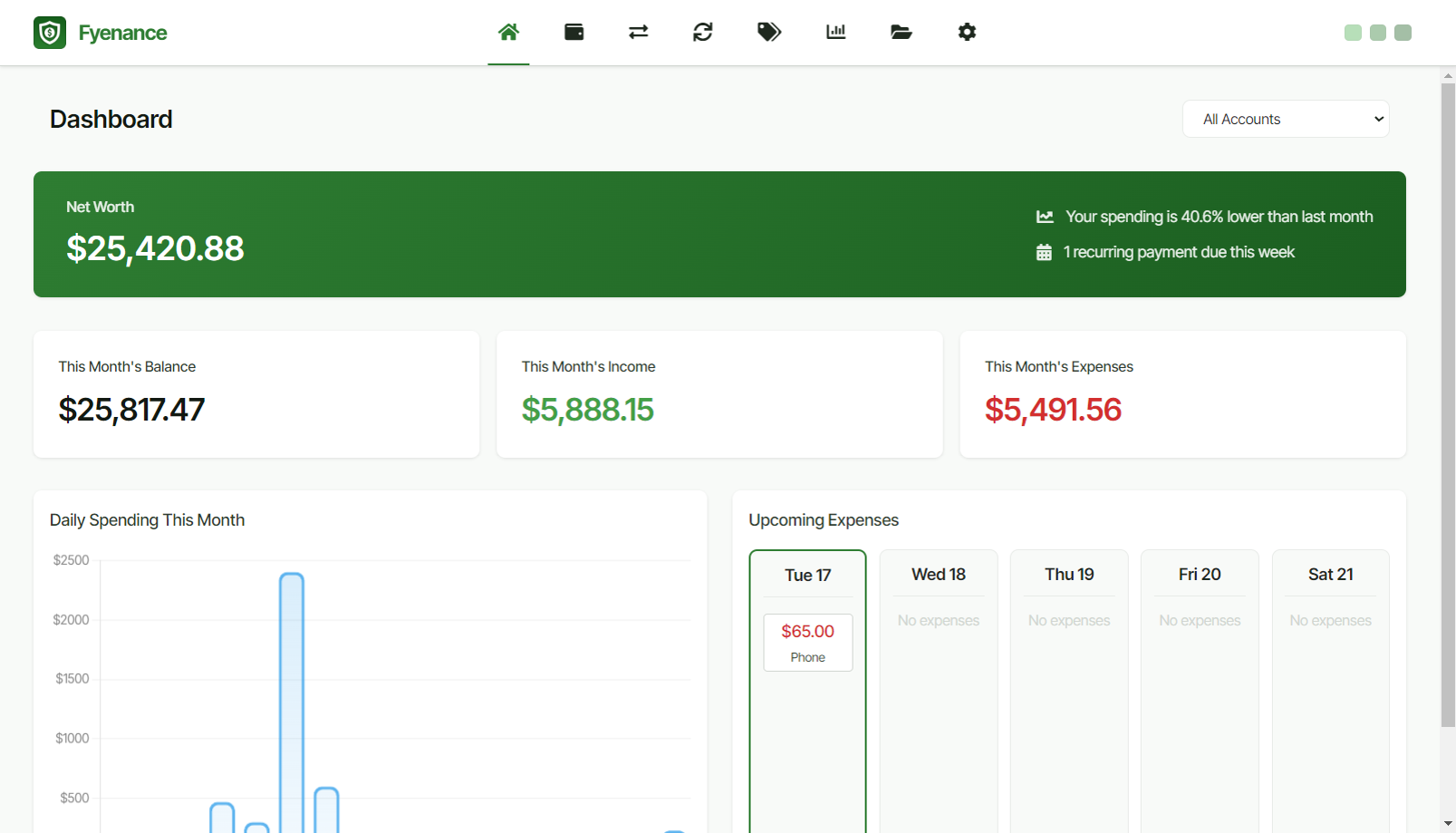
A simple, private, and powerful desktop app for managing your personal finances. No cloud sync. No bank connections. Just you and your money.
personal financefinance managementbudget appoffline finance toolfinancial planningfinancial awarenessprivacy-focused financedesktop finance appmanual budgetingone-time purchase appexpense trackingfinancial goalsrecurring transactionsspending analysis
What to expect from an ideal product
- Install Fyenance on your computer to keep all financial data stored locally without any cloud services accessing your information
- Create custom categories for your spending like groceries, utilities, and entertainment to see exactly where your money goes each month
- Add your income and expenses manually through the simple interface to maintain complete control over what gets tracked
- Generate reports and charts within the app to spot spending patterns and identify areas where you can cut back
- Use the built-in budgeting tools to set spending limits for different categories and get alerts when you're approaching those limits

