This task can be performed using CronWatch
Cron monitoring library, your stack and database, your alerts.
Best product for this task
CronWatch
dev-tools
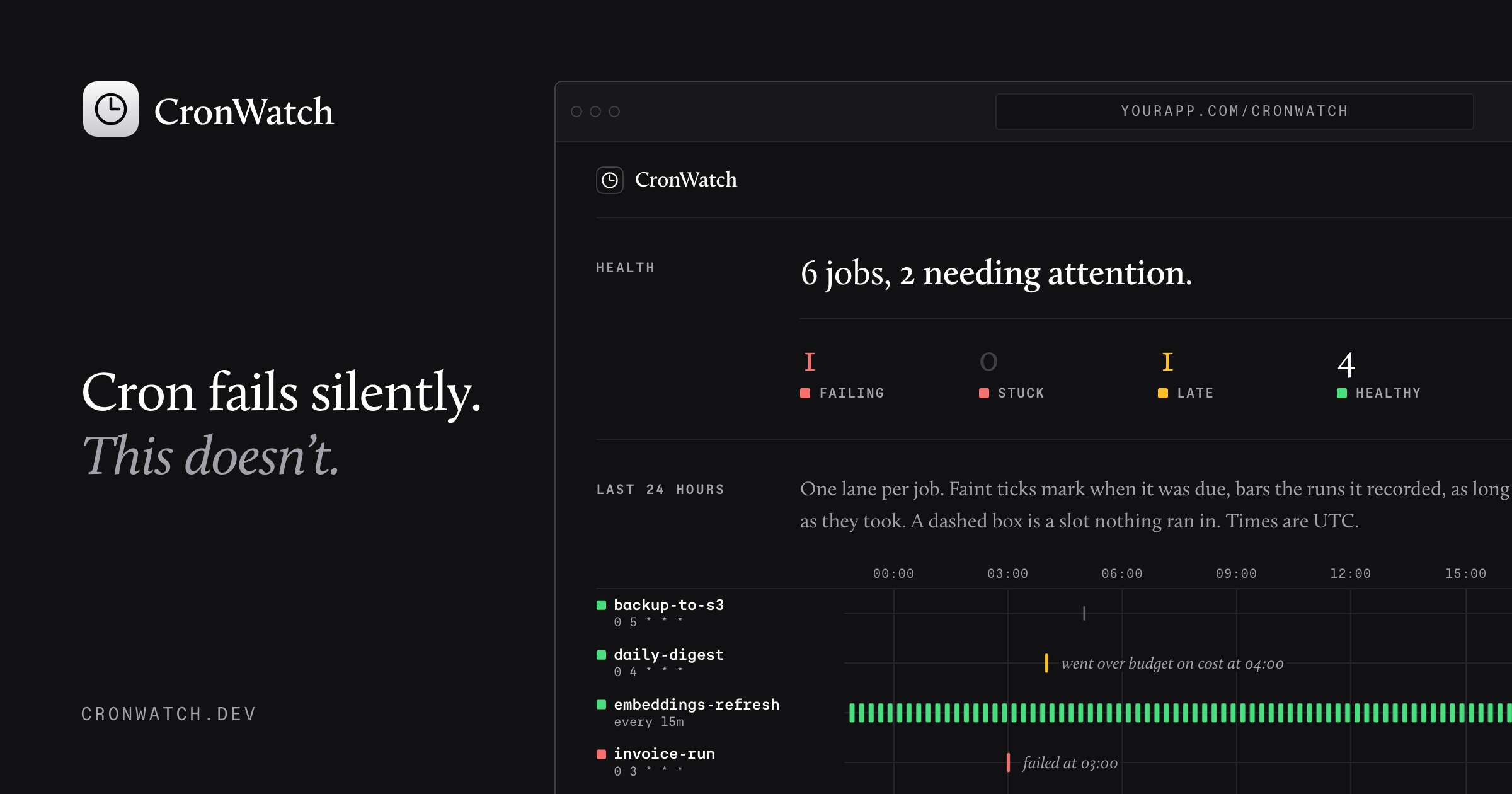
CronWatch is a language-agnostic cron monitoring library that logs scheduled jobs in your own database, visualizes run history, and sends detailed alerts when tasks fail, stall, run late, or exceed time and cost budgets.
cronwatch-librarycron-monitoringscheduled-job-trackerdevopsobservabilitysremonitoringdeveloper-tools
What to expect from an ideal product
- CronWatch writes every job run directly to your own database, so you own the history and can query it however you want without paying per seat or per event.
- Works with any language or stack, meaning you drop it into Python, Node, Ruby, or Go without rewriting your job logic or switching schedulers.
- When a job fails, stalls, or runs longer than expected, CronWatch fires a detailed alert with enough context to debug the issue without SSH-ing into a server at 2am.
- You set time and cost budgets per job, so a task that suddenly takes 10x longer or costs more to run gets flagged before it becomes a billing surprise.
- The run history dashboard is built in, so your team can see trends, spot patterns, and confirm jobs completed without digging through logs or building internal tooling.

