This task can be performed using CronWatch
Cron monitoring library, your stack and database, your alerts.
Best product for this task
CronWatch
dev-tools
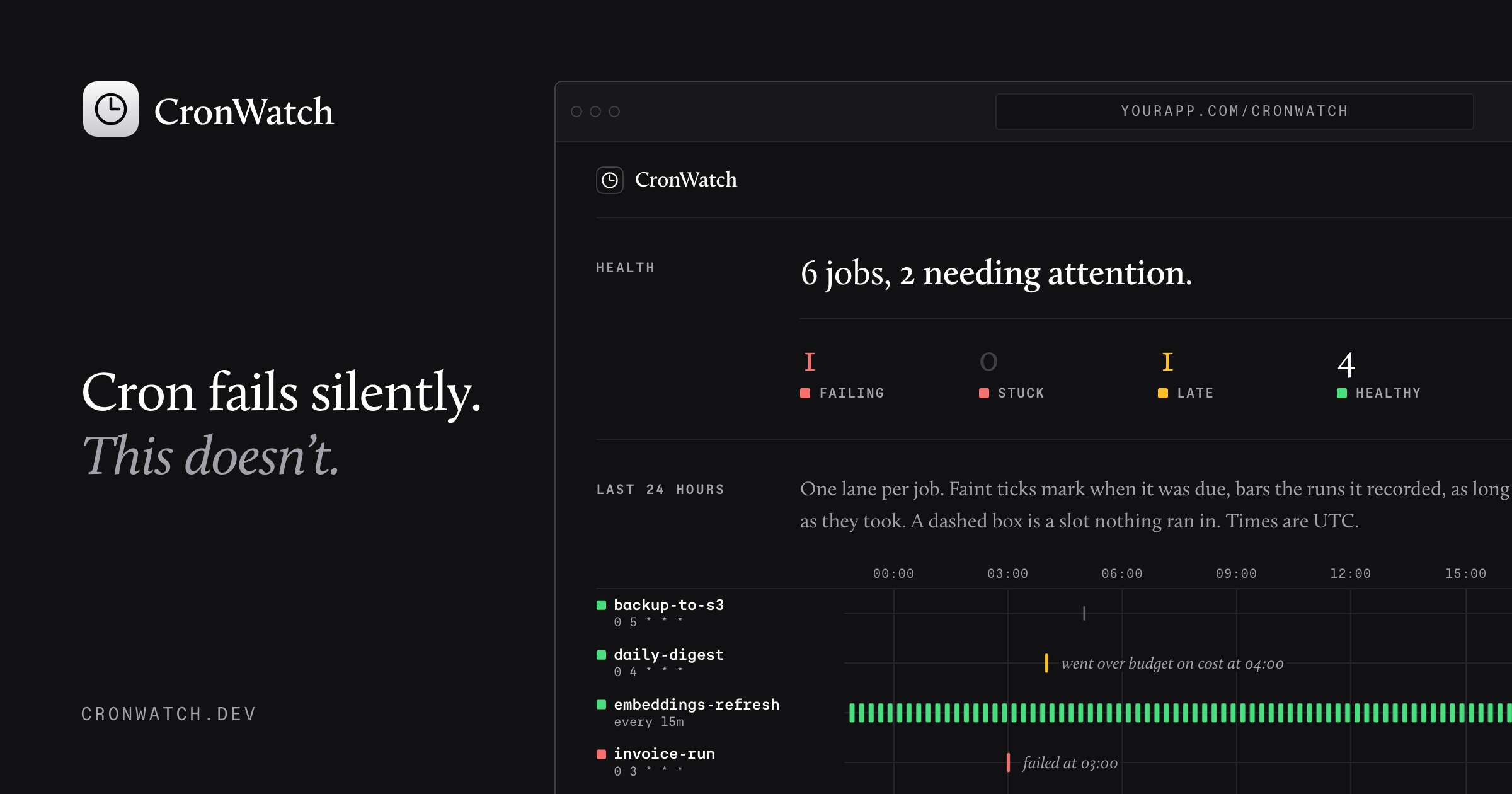
CronWatch is a language-agnostic cron monitoring library that logs scheduled jobs in your own database, visualizes run history, and sends detailed alerts when tasks fail, stall, run late, or exceed time and cost budgets.
cronwatch-librarycron-monitoringscheduled-job-trackerdevopsobservabilitysremonitoringdeveloper-tools
What to expect from an ideal product
- CronWatch writes every job run directly to your own database, so you own the data, the schema, and the retention policy, no vendor lock-in.
- Works with any language or stack, drop it into a Python script, a Node service, or a bash job without rewriting how your cron works today.
- Get alerted the moment a job fails, goes silent, runs late, or burns through more time or money than you budgeted for.
- The built-in run history view shows exactly when each job fired, how long it took, and whether it succeeded, no more digging through server logs.
- Teams that already have their own alerting setup, Slack, PagerDuty, email, can pipe CronWatch events straight into those existing workflows instead of learning another dashboard.

