This task can be performed using Vicoa - Vibe Code Anywhere
Run Claude Code and Codex anywhere, on any device
Best product for this task

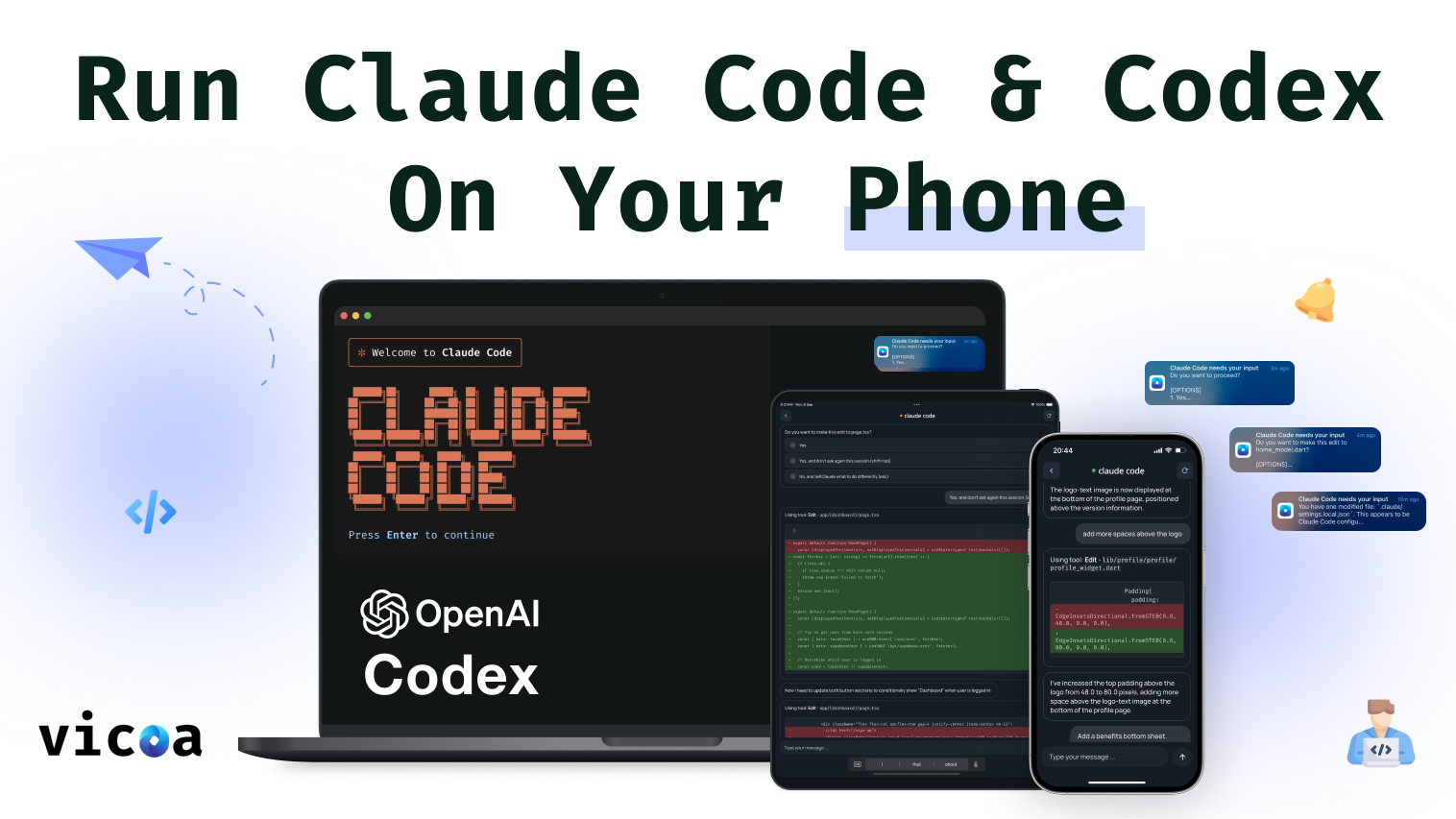
Vicoa lets you use Claude Code anywhere, on any device. Start coding on your laptop, switch easily to mobile or web, get alerts when your AI agent needs input, and approve changes with one tap.
What to expect from an ideal product
- Start your coding session on your laptop and pick up exactly where you left off when you switch to your phone or tablet
- Get push notifications on whichever device you're using so you never miss when Claude needs your input or approval
- Approve code changes with a single tap from any device, whether you're on mobile, desktop, or using the web version
- Keep all your project files and chat history synced across every device so nothing gets lost when you switch
- Jump between devices mid-conversation with Claude without having to restart or explain your project context again

