This task can be performed using SaaSCity
SaaS directory & launch platform
Best product for this task

SaaSCity
directories
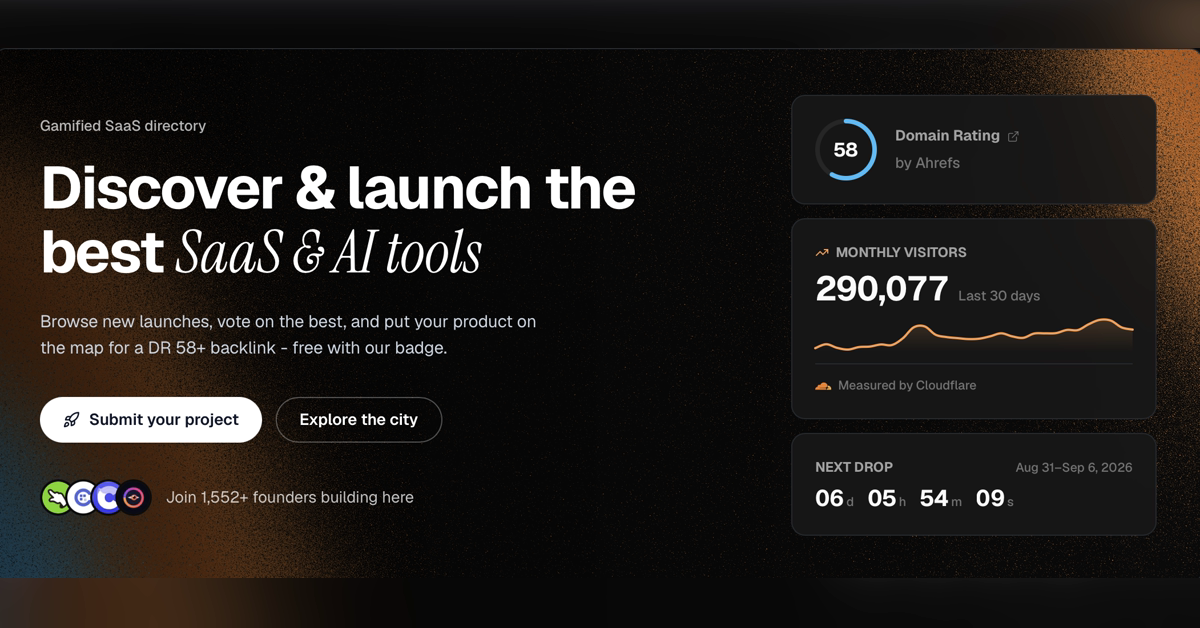
SaaSCity is a curated SaaS and AI launch hub where founders list products, gain a high-authority backlink, and reach an engaged community browsing and voting on new tools across multiple tech categories.
If you need to submit a SaaS product or AI tool, this guide shows exactly what to prepare, how to complete a directory listing, and how to verify that it is live. You will use a realistic AI startup example and finish with a public listing, backlink, and launch page you can check.
Prepare your product submission
Before opening a submission form, collect the information reviewers and visitors need:
- Product name and homepage URL
- One-sentence description
- Longer explanation of the problem and solution
- Primary category, such as AI, Productivity, or Developer Tools
- Logo, product image, and social links
- Launch announcement or founder profile
- A clear call to action, such as “Start free”
Keep the description specific. For example:
“An AI meeting assistant that turns recorded calls into searchable notes and action items.”
Avoid vague claims such as “the future of work.” A focused description helps visitors understand the product quickly and makes your listing easier to categorize.
It also helps to review SaaS directory products and similar listings before writing. Notice how successful pages explain the audience, use case, and next action without stuffing keywords.
Submit your SaaS or AI tool step by step
Use this workflow to list your SaaS product on a launch directory:
- Choose the correct product type. Select SaaS, AI tool, or the closest available category. Accurate classification improves discovery.
- Open the submission form. Create an account if required, then enter the product name and homepage.
- Write the short pitch. Explain who the product serves and what it does in one sentence.
- Add the full listing copy. Include the main problem, key workflow, and useful outcome. Do not paste a generic homepage paragraph if it lacks context.
- Upload visual assets. Use a recognizable logo and a clean product image.
- Select categories and tags. Choose only relevant options. Over-tagging can make the listing look careless.
- Review every link. Test the homepage, signup page, social profiles, and any demo URL.
- Submit for approval. Save the confirmation email or submission URL.
For example, a founder launching an AI invoice assistant could select AI and Fintech, describe how it extracts invoice data, and link directly to the signup flow. That is more useful than simply saying the product uses machine learning.
A launch hub can also support founder showcase products, so present the founder story briefly when the form allows it. A clear origin and target user can make the submission more credible.
Check the published listing and backlink
Submission is not the final step. Verify the result after approval:
- Search the directory for the exact product name.
- Open the public page in a private browser window.
- Confirm the logo, description, category, and homepage URL.
- Click the backlink and call to action.
- Check that the page is indexable and not displaying an error.
- Record the listing URL in your launch spreadsheet.
On SaaSCity, founders can submit their product through the SaaS and AI launch hub, where listings can appear on an interactive city map and collect community votes. The platform includes a directories category for browsing relevant launch and discovery products.
Do not assume approval means performance. A rescan can confirm that the listing and links are present, but it cannot prove conversion improvement. Monitor referral traffic, signups, and activated users in your own analytics.
More topics related to SaaSCity
Similar topics
- Best SaaS Launch Platforms for Founders Seeking Backlinks and Product Exposure
- How to optimize your SaaSCity launch for more community votes?
- How to list a SaaS product and earn a high-authority backlink?
- SaaSCity Alternatives for Listing and Promoting New AI Tools
- How to choose the right launch platform for your SaaS or AI product