This task can be performed using MyDogTranslator
Talk, tap, and hear playful barks and meows back.
Best product for this task
MyDogTranslator
lifestyle
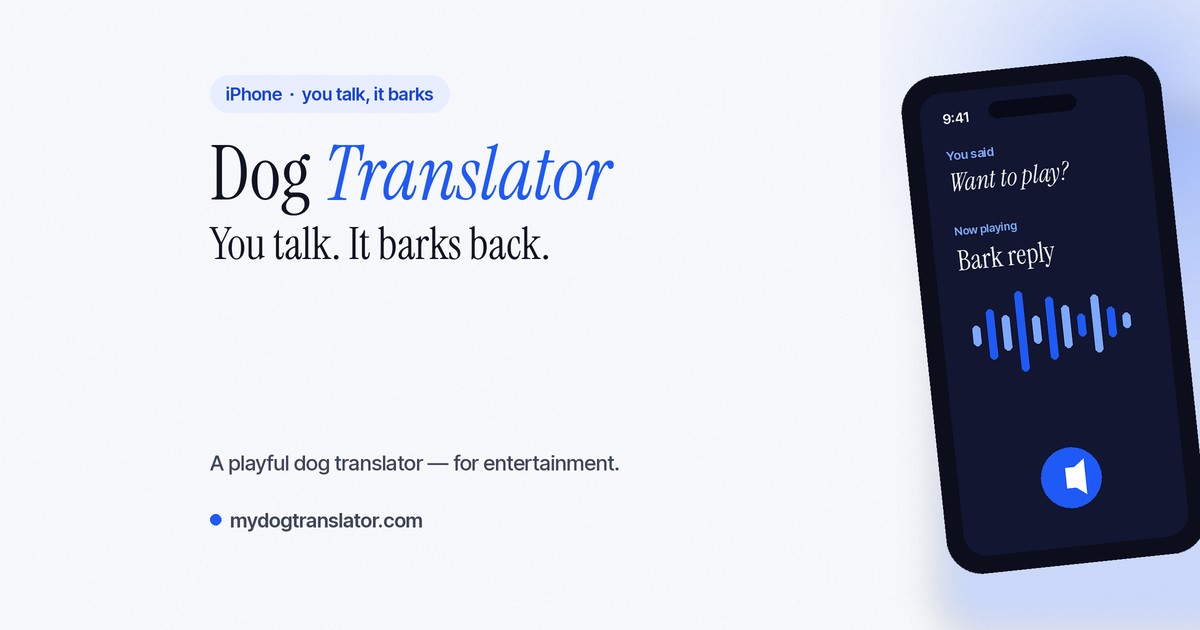
Dog Translator lets you speak into your iPhone and play back your words as barks and meows, turning everyday pet moments into a lighthearted, sound-based game for dog and cat lovers.
dog translatorbark generatorpet soundboardpet techmobile entertainmentdog ownerscat lovershumor apps
What to expect from an ideal product
- Download MyDogTranslator from the App Store, open it, and grant microphone access so your iPhone can pick up your voice and convert it into barks or meows instantly.
- No account or sign-up needed to get started, just install MyDogTranslator and start speaking to hear your words played back as dog and cat sounds in seconds.
- MyDogTranslator works best in a quiet room where your iPhone microphone can clearly capture your voice before translating it into realistic pet sounds.
- Once set up, you can switch between dog and cat mode inside MyDogTranslator to control whether your speech comes back as barks or meows depending on your pet.
- If your iPhone does not play sound after setup, check that your ring switch is on and volume is turned up since MyDogTranslator relies on your device speaker to output the pet sounds.

