This task can be performed using BlinkDisk
Modern backups for absolutely everyone.
Best product for this task

BlinkDisk
oss
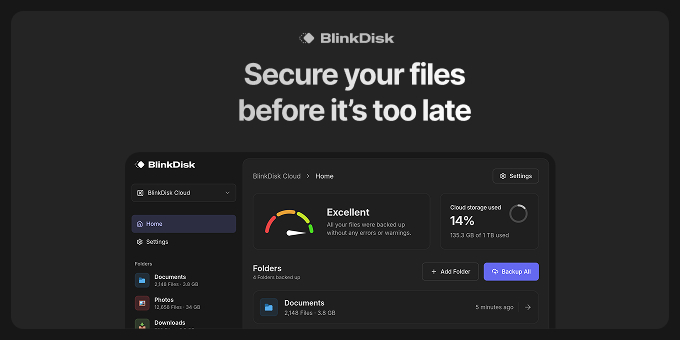
BlinkDisk is a desktop application that lets you effortlessly create backup copies all your important files with just a few clicks.
What to expect from an ideal product
- BlinkDisk runs right on your computer as a simple desktop app that anyone can download and use without needing server setup or cloud accounts
- The interface only requires a few mouse clicks to get your files backed up, so you don't need to learn command lines or complicated settings
- You can back up all your photos, documents, and important files in one go instead of manually copying everything folder by folder
- The software handles all the technical stuff behind the scenes, so you just pick what to back up and where to save it
- Everything stays under your control on your own devices, meaning no monthly fees or worrying about your personal files sitting on someone else's servers

