This task can be performed using Zero
Zero: Open-source terminal agent, every model and tool unlocked
Best product for this task
Zero
oss
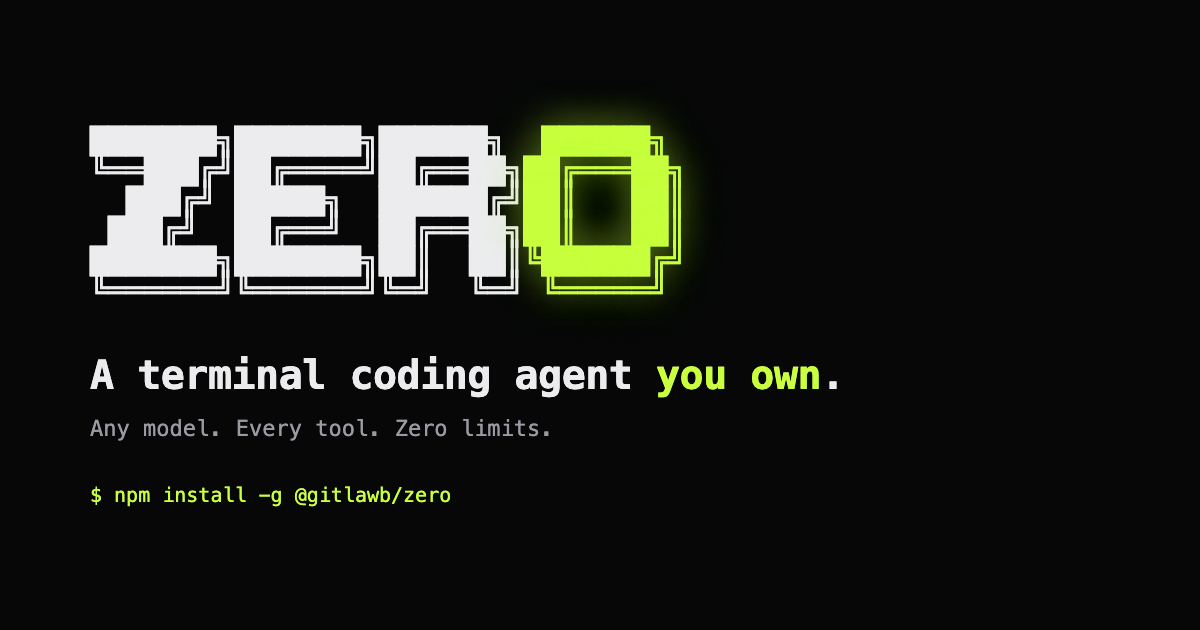
Zero is an open-source terminal coding agent built in Go that connects to any language model and your existing development stack. It lives in your command line, enabling customizable, model-agnostic automation while keeping you in full control of your code workflows.
What to expect from an ideal product
- Zero is written in Go, making it a lightweight and fast terminal agent that runs natively in your command line without heavyweight IDE dependencies or browser-based interfaces.
- Unlike locked-down coding assistants, Zero connects to any language model you choose, whether self-hosted, open-source, or commercial, giving developers full flexibility over which AI backend powers their workflow.
- Zero integrates directly with your existing development stack and local tools, so you can automate coding tasks without restructuring your project setup or switching between environments.
- Because Zero is fully open-source, you can inspect, fork, and extend every part of its behavior, making it a practical choice for teams with strict compliance requirements or custom tooling needs.
- Zero removes the ceiling on what terminal-based automation can do by keeping model selection and tool configuration in your hands, turning your command line into a programmable coding agent tailored to your exact stack.

