This task can be performed using AutoChangelog
Never think about writing a changelog again. Merge, deploy, done.
Set Up the Webhook
Before starting, copy the webhook endpoint, confirm you can edit GitHub repository settings, and decide which repository should feed the changelog. Review what data the endpoint expects and whether each project needs its own webhook.
Add the endpoint as a webhook, use the requested payload format, and subscribe only to the pull request or push events required by the setup. Save it, send a test delivery, then merge a small change and confirm the release note appears correctly.
Best product for this task

AutoChangelog
dev-tools
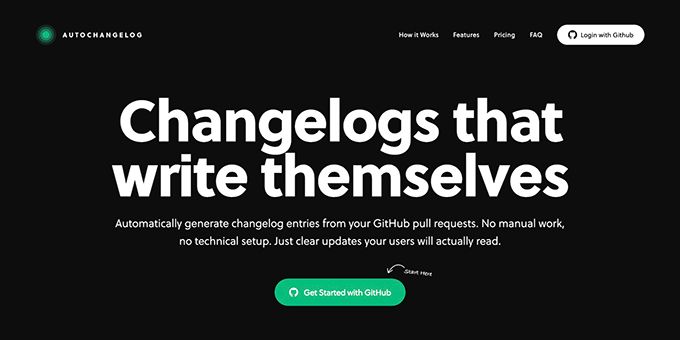
AutoChangelog turns your pull requests and commits into clean, readable release notes with no work on your part. Every merge becomes a structured update that keeps users informed and teams aligned. Add a simple webhook, choose your preferences, and your changelog stays accurate across every project. No templates, no forgotten entries, just automatic documentation that keeps pace with how you ship.
What to expect from an ideal product
- Quick webhook connection setup
- Event filters that match your release workflow
- Readable notes generated from merges and commits
- Per-project changelog preferences
- Reliable updates across multiple projects
More about testing deliveries
A saved webhook is not proof that updates work. Verify one complete workflow automation cycle before connecting more repositories or relying on generated notes.
- Check the latest delivery for a 2xx response and inspect any error body.
- Confirm the test event contains the pull request or commit data the endpoint expects.
- If notes are missing, check event selection, endpoint URL, permissions, and repository scope before recreating the webhook.
More topics related to AutoChangelog
Similar topics
- How to create release notes without manual documentation work
- How to standardize changelog formatting across multiple software projects?
- Automatic Release Notes Template Alternative for Engineering Teams
- GitHub Release Notes Workflow for Merged Pull Requests
- How to Set Up GitHub Webhook Automation for Always-Updated Release Notes

