This task can be performed using Shotomatic
Hands-Free Screenshot Automation for macOS
Best product for this task

Shotomatic
productivity
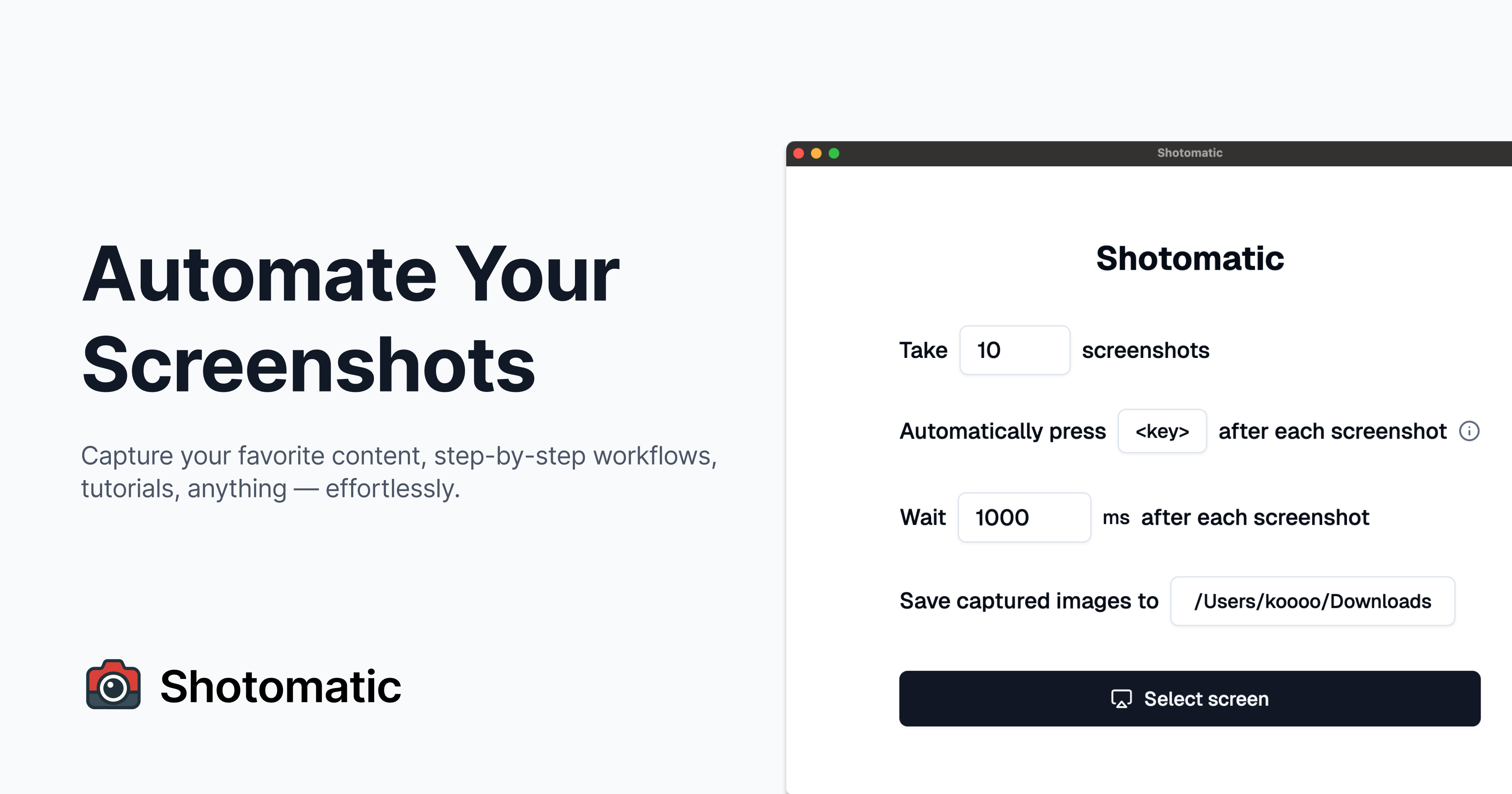
Shotomatic is a macOS application that automates screen capture workflows. You can take screenshots at a set interval, choose to capture entire screen or specific window, and event simulate a keypress between each screenshots.
What to expect from an ideal product
- Shotomatic lets you set a capture interval in seconds and walk away, no scripts, no Terminal, no babysitting required.
- Choose between full screen or a specific window so your automated screenshots stay focused on exactly what you need to capture.
- Built-in keypress simulation means you can trigger UI changes between captures, useful for recording app states, slideshows, or rotating dashboards.
- The whole workflow runs natively on macOS as a standalone app, nothing to install via Homebrew or maintain when the OS updates.
- If you have ever lost a time-lapse or progress log because a manual process broke mid-session, Shotomatic keeps capturing reliably in the background until you tell it to stop.

