This task can be performed using Cleanbox
Email aliases, AI spam filtering, and a full SMTP relay
Configure the SMTP relay
To use a custom SMTP relay, keep your current mailbox for reading mail and point each sending app to the relay’s hostname, port, username, password, and TLS mode. This separates outbound delivery from your Gmail, Outlook, or other IMAP inbox.
Verify every sending domain or address the service requires, then publish its SPF and DKIM records before testing. Send to an external address, confirm the message arrives, and inspect the headers. No mailbox migration is needed unless your provider explicitly requires one.
Best product for this task

Cleanbox
productivity
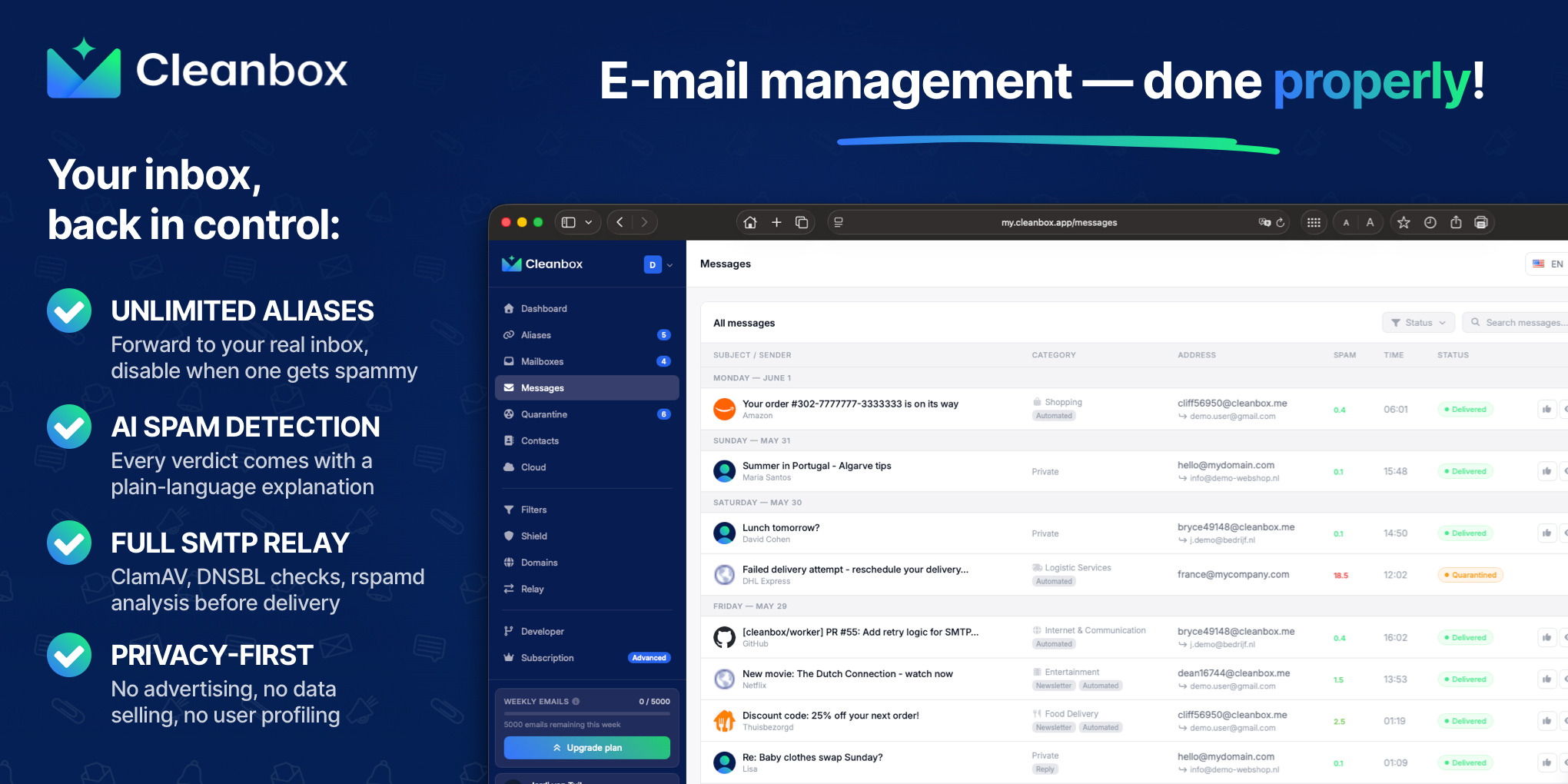
Cleanbox sits between the internet and your inbox. Every incoming email goes through spam scoring, virus scanning, AI classification, and your own rules before delivery. Create unlimited aliases that forward to your real inbox, build custom filters, and use Cleanbox as a complete SMTP relay. Works with Gmail, Outlook, iCloud, Yahoo, or any IMAP provider, no migration needed. Privacy-first: no advertising, no data selling, no user profiling.
What to expect from an ideal product
- Cleanbox works as a full SMTP relay, so you can send emails through Gmail, Outlook, or any IMAP account without touching your existing setup
- You don't need to migrate anything — just point your outgoing mail through Cleanbox and keep using whatever inbox you already have
- It lets you create unlimited email aliases that route back to your real address, which makes managing multiple sending identities much cleaner
- Every email going in or out passes through spam filtering and AI classification, so your relay stays clean and your deliverability doesn't suffer
- There's no advertising or data selling involved, which matters when you're routing business or personal email through a third-party service
More about authentication checks
Most setup failures come from mismatched sender identities or incomplete DNS authentication. Treat the first external test as an email security checkpoint, not proof that every sender is configured.
- Confirm the From address is authorized by the relay.
- Check SPF, DKIM, and DMARC results in the received headers.
- If authentication fails, fix DNS or alignment before increasing send volume.
More topics related to Cleanbox
Similar topics
- How to detect phishing, impersonation, spam, and malware before delivery
- How to set up an inbound SMTP relay with MX records and spam scanning
- Private Email Aliases That Forward to Your Existing Inbox
- How to put a spam-filtering security gateway before your inbox
- How to filter spam emails automatically before they reach your inbox

