This task can be performed using Homey
Run your smart home locally, securely—no cloud required.
Best product for this task

Homey
tech
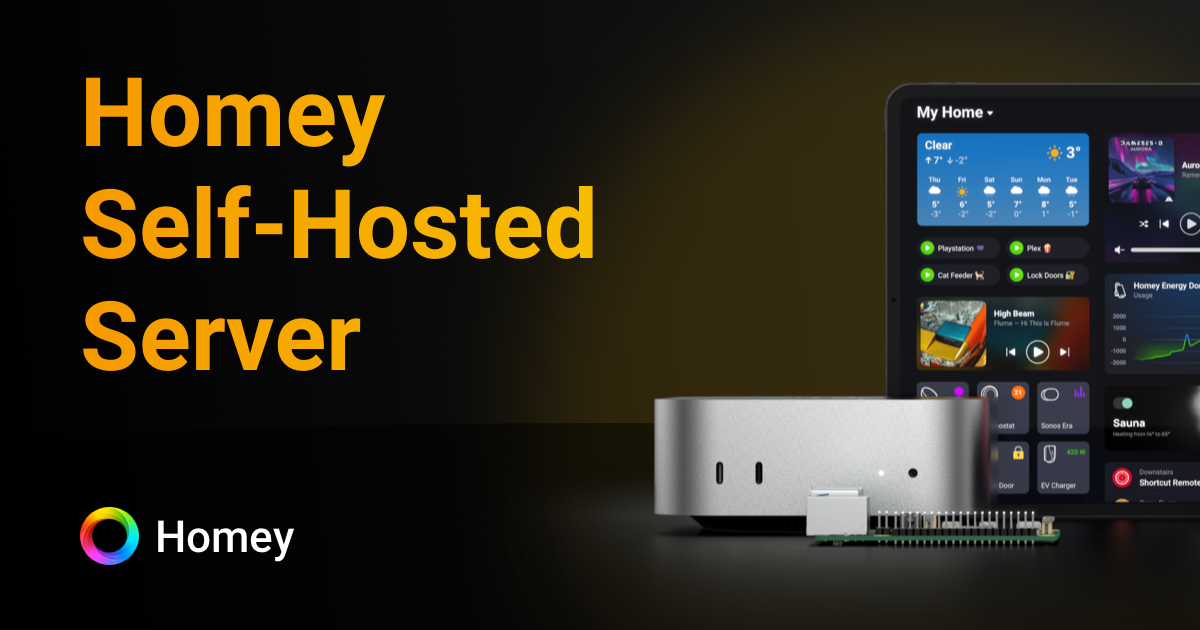
Homey Self-Hosted Server runs the full Homey smart home experience on your own hardware, from Raspberry Pi to NAS and Docker. It unifies devices, automations, and energy insights locally while extending connectivity with Homey Bridge and offering flexible licensing options.
What to expect from an ideal product
- Install Homey Self-Hosted Server on your existing hardware like Raspberry Pi, NAS, or any Docker-compatible device to keep everything running in your home network
- Connect and control all your smart devices through one local system instead of sending data to external cloud servers owned by different companies
- Set up automated routines and scenes that work even when your internet goes down since everything processes locally on your own equipment
- Monitor your home's energy usage and get detailed insights without sharing consumption data with third-party services
- Expand your setup with Homey Bridge to reach more devices while still maintaining local control and choosing flexible licensing that fits your needs

