This task can be performed using Pinin
State-of-the-art AI image restoration that brings old photos back to life
Best product for this task
Pinin
ai
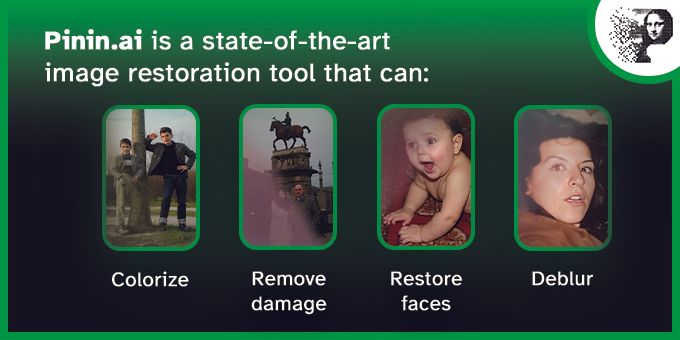
Pinin is a state-of-the-art image restoration tool that leverages the latest AI models and technologies to bring photos back to life. It can colorize, deblur, remove dust & scratches, upscale and much more.
What to expect from an ideal product
- Upload your damaged photo to Pinin and let the AI automatically detect issues like scratches, dust spots, and faded areas that need repair
- Use the colorization feature to add realistic colors to black and white photos by analyzing facial features, clothing, and background elements
- Fix blurry or out-of-focus images with the deblur tool that sharpens details and restores clarity to faces and objects
- Remove physical damage like tears, stains, and missing pieces as the AI fills in gaps using surrounding image data
- Increase photo resolution and size with the upscaling feature to make small old photos suitable for printing or digital display

