This task can be performed using BudgetPixel AI
Create images, videos, audio, and designs with AI
Best product for this task

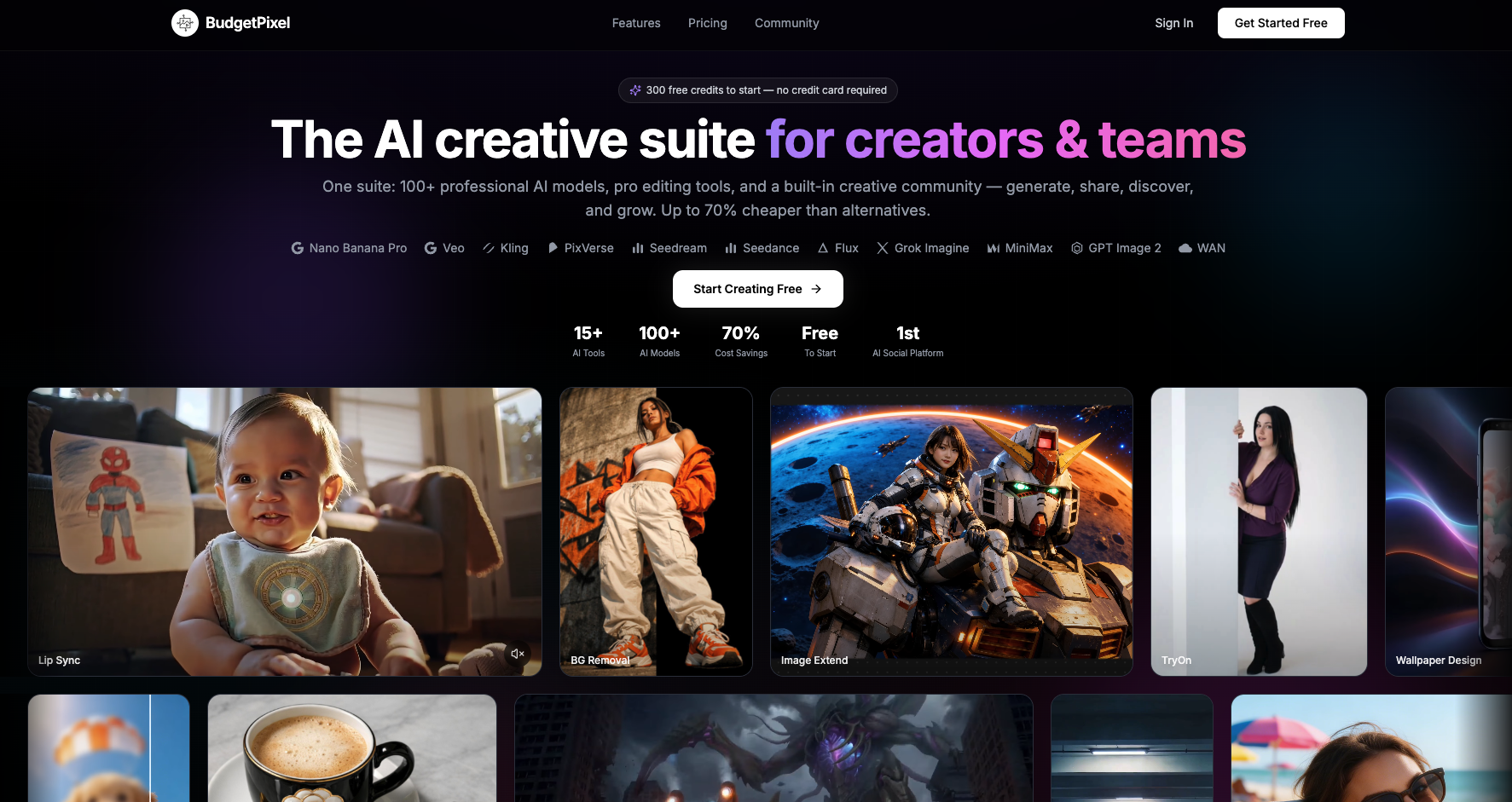
BudgetPixel AI is an all-in-one creative workspace for generating and editing images, videos, music, speech, and design assets. It gives creators, marketers, agencies, and developers access to leading AI models through one shared credit balance. Users can compare models, upscale results, remove backgrounds, train custom LoRAs, build designs on a visual canvas, and connect automated workflows through its API and MCP integration.
AI image generatorAI video generatorgenerative AIcontent creationdesign toolstext to imageimage to videoAI musicAI speechdeveloper API
What to expect from an ideal product
- BudgetPixel AI lets you remove backgrounds and upscale images in the same workspace where you generated them, no downloading, re-uploading, or switching between tools required.
- One shared credit balance covers image generation, background removal, upscaling, video, music, and speech, so you stop paying for five separate subscriptions.
- Agencies and marketers can go from raw AI image to polished, export-ready asset in minutes by combining generation, upscaling, and background removal inside a single canvas workflow.
- If your upscaled image still has a cluttered background, you fix it instantly without leaving the platform, keeping your production loop tight and your files organized.
- BudgetPixel AI connects to automated workflows through API and MCP integration, so background removal and upscaling can run as part of a larger pipeline without manual steps.

