This task can be performed using RoomAI
Redesign your room from one photo, same walls
Best product for this task

RoomAI
ai
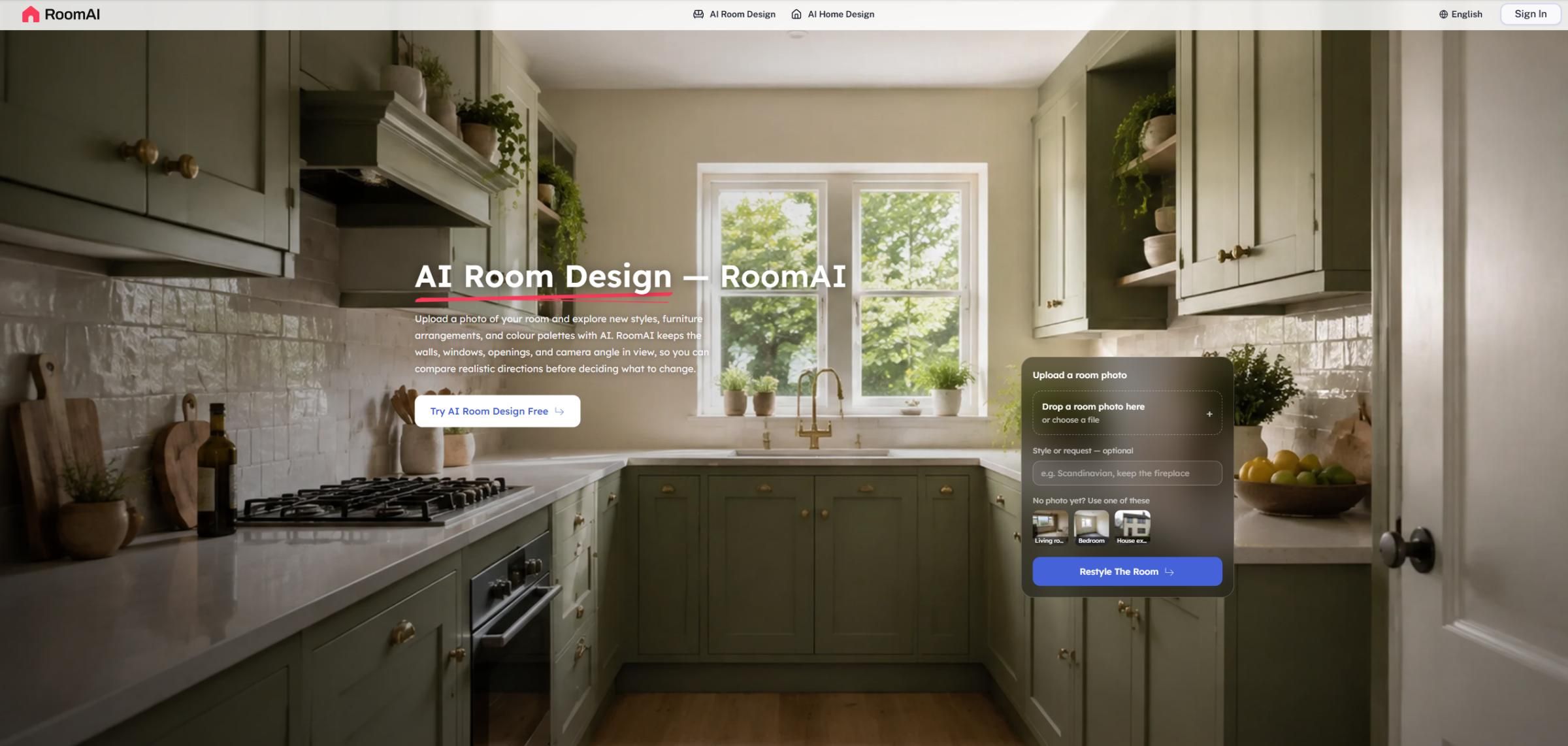
RoomAI turns a real photo of your room into AI-generated design options in under a minute, while keeping the walls, windows, and camera angle exactly as photographed. It covers 20+ room-specific presets — living room, bedroom, bathroom, house exterior, staging, decluttering — drawing on a shared library of 300+ styles, so each room type gets presets tuned to it instead of one generic style list. Free to try, no card required.
What to expect from an ideal product
- Upload one photo and get AI-generated redesigns in under a minute, with your walls, windows, and camera angle locked exactly as they appear in the original shot.
- Choose from 20+ room-specific presets built for living rooms, bedrooms, bathrooms, house exteriors, staging, and decluttering, each pulling from a shared library of 300+ styles tuned to that room type.
- No generic style list applied to every room: RoomAI matches preset options to the specific room you are redesigning, so suggestions actually fit the space.
- Works without a designer, a floor plan, or a full renovation. One real photo is the only input needed to see what your room could look like.
- Free to try with no credit card required, so you can test a redesign on your actual room before committing to any purchase or subscription.

