This task can be performed using NotifyGate
Route, throttle, and mute alerts across channels without code changes
Best product for this task

NotifyGate
dev-tools
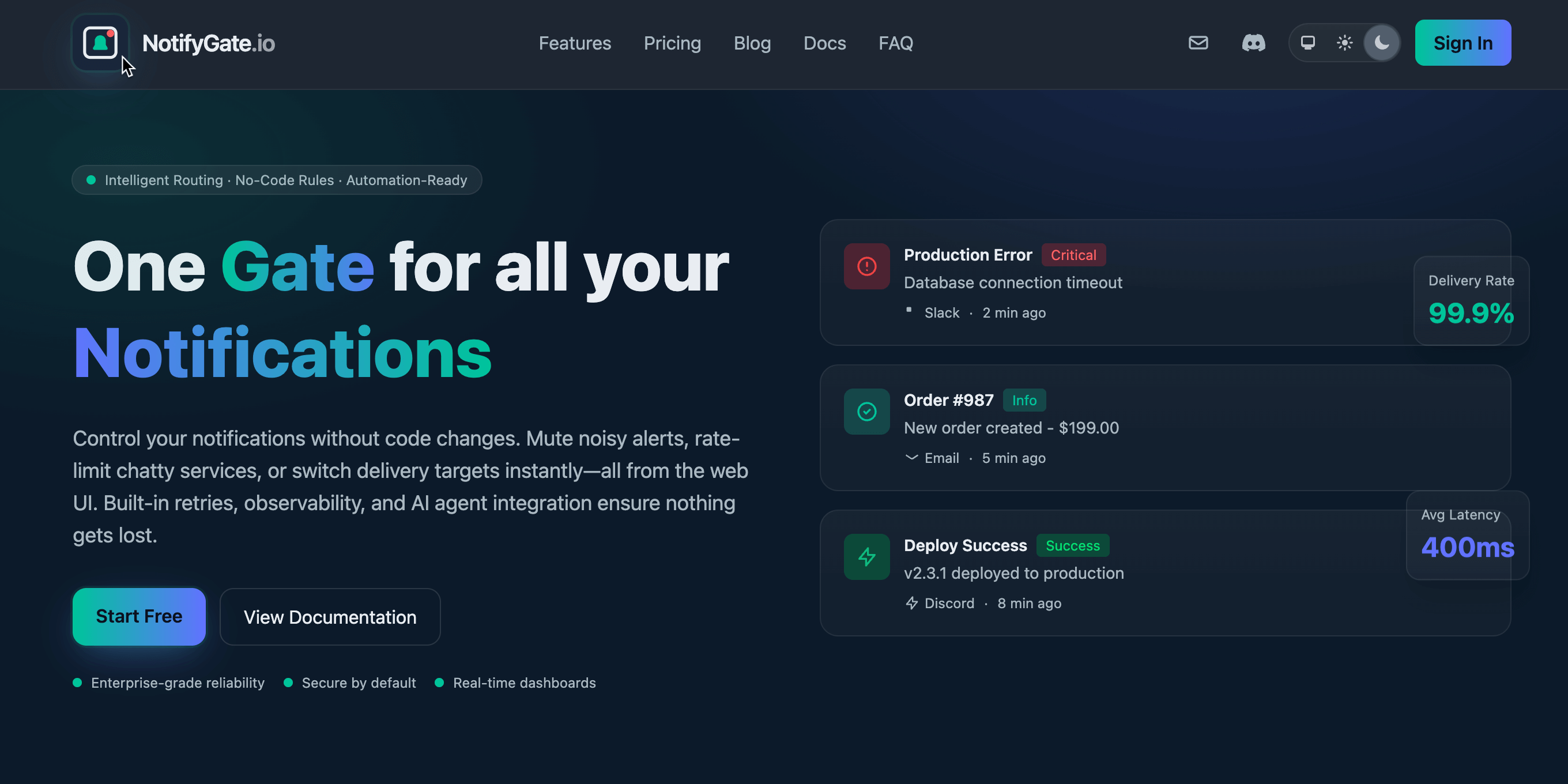
NotifyGate: One API for all your notifications → One API, multiple destinations → No-code routing rules → Throttle, mute, escalate 3-min demo: https://youtube.com/watch?v=kL1GmCoXNAA https://notifygate.io
What to expect from an ideal product
- NotifyGate lets you set time-based muting rules for low-priority alerts so your on-call team stops getting paged at 2am for non-critical events, no deploy needed.
- Define quiet hours per alert severity level through a no-code dashboard, so staging noise and minor warnings stay silent until business hours resume.
- Teams using NotifyGate stop patching notification logic inside their codebase every time routing requirements change, one API handles the rules layer separately.
- If an alert stays unacknowledged past your mute window, NotifyGate can escalate it automatically to a different channel or contact, so nothing critical slips through.
- Works across Slack, PagerDuty, email, and SMS from a single integration point, so you throttle and route without maintaining separate configs per destination.

