This task can be performed using Summaries
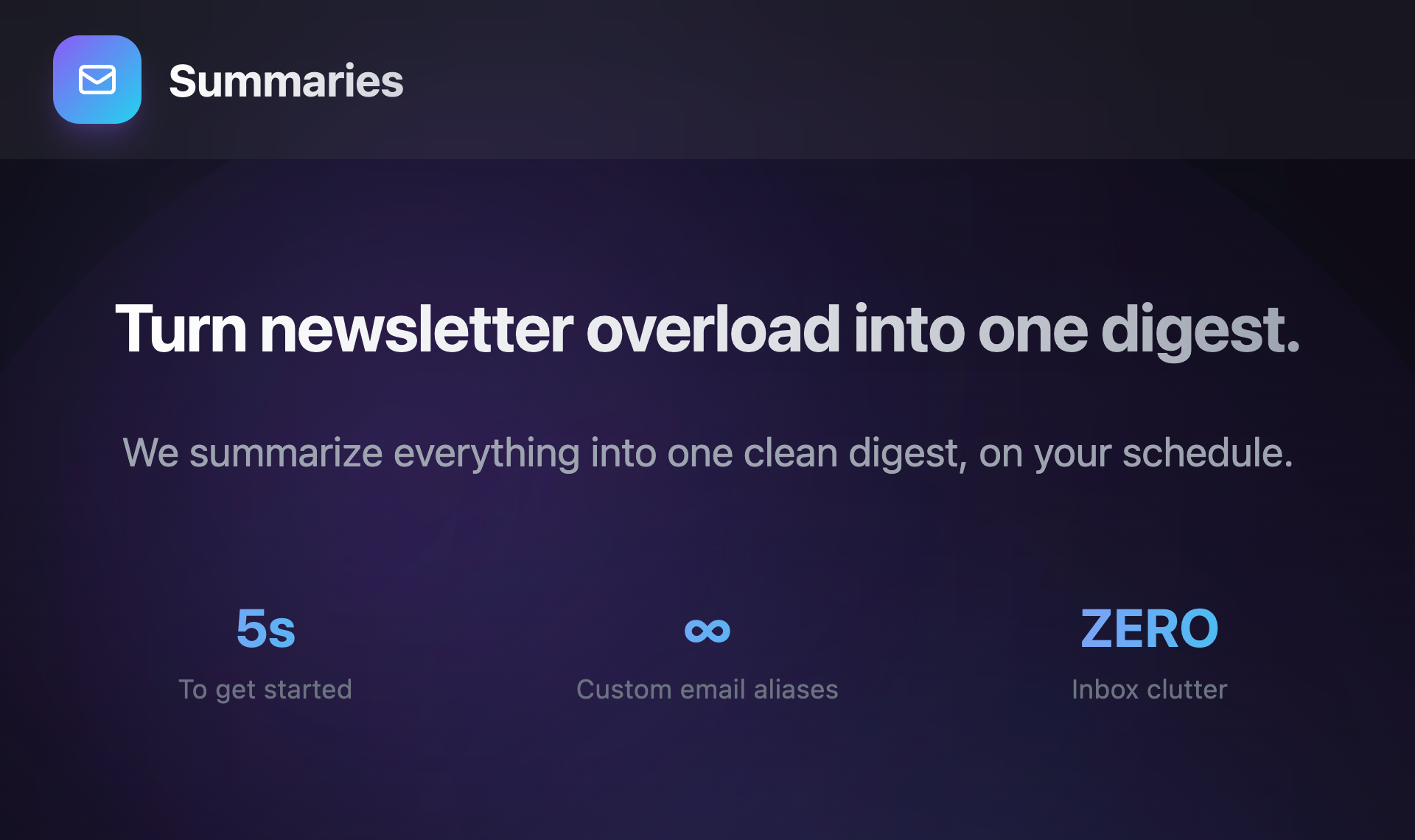
Turn newsletter overload into one digest.
Best product for this task

Summaries
productivity
Subscribe to every newsletter you fancy and still keep a spotless inbox. Inside the app, you’ll even find a curated library of great newsletters to explore. Summaries turns the flood of incoming messages into one clear, concise digest delivered on your schedule, so you can focus on what actually matters.
What to expect from an ideal product
- Consolidates all your newsletter subscriptions into a single daily or weekly digest instead of dozens of separate emails flooding your inbox
- Lets you subscribe to as many newsletters as you want without worrying about inbox chaos since everything gets organized automatically
- Delivers your personalized digest on your preferred schedule so you read newsletters when it works for you, not when they arrive
- Includes a handpicked collection of quality newsletters you can discover and add without the usual trial-and-error process
- Keeps your main email clean and organized while ensuring you never miss important content from your favorite sources

