This task can be performed using CursorClip
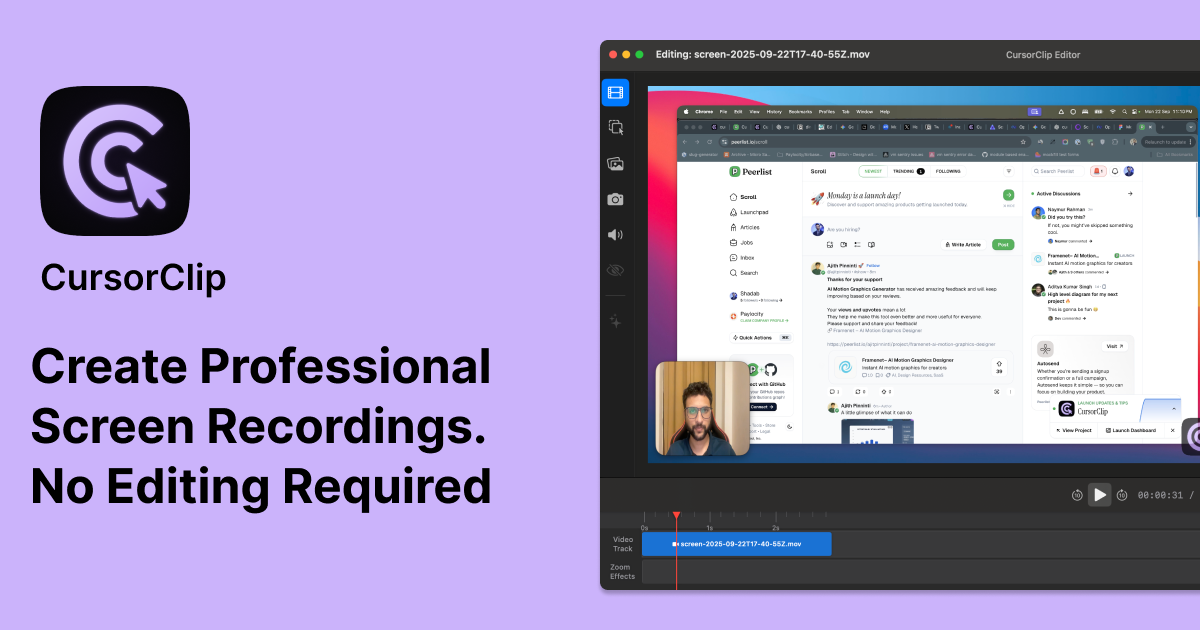
Create Professional Screen Recordings Easily. With Auto Zoom Effects. No Editing Required.
Best product for this task

CursorClip
productivity
CursorClip is a super lite native macOS screen recorder with auto-zoom effects. Perfect for creating professional product demos, tutorials, and walkthroughs without spending hours editing.
What to expect from an ideal product
- Record your screen while CursorClip tracks your mouse movements and adds zoom effects in real-time as you demonstrate features
- Set up automatic zoom triggers that activate when you hover over buttons, menus, or important areas during your product walkthrough
- Capture smooth demo footage without stopping to manually edit zoom-ins later, since the app handles all the zooming automatically
- Export ready-to-share demo videos straight from the recording, eliminating the need for separate video editing software
- Focus on explaining your product naturally while CursorClip handles the visual emphasis by zooming into the areas where your cursor goes

