This task can be performed using PixelMotion
Turn any product photo into a marketing video with AI — replace $500 photo shoots in 30 seconds
Best product for this task

PixelMotion transforms any product photo into professional marketing content using AI. Upload a phone photo, enhance it with 9 AI models, then generate stunning product videos with 11 engines including Sora 2, Veo 3.1, and Runway Gen-3. Post directly to YouTube and TikTok. Built for Shopify sellers, Amazon FBA, DTC brands, and agencies who need studio-quality visuals without the studio.
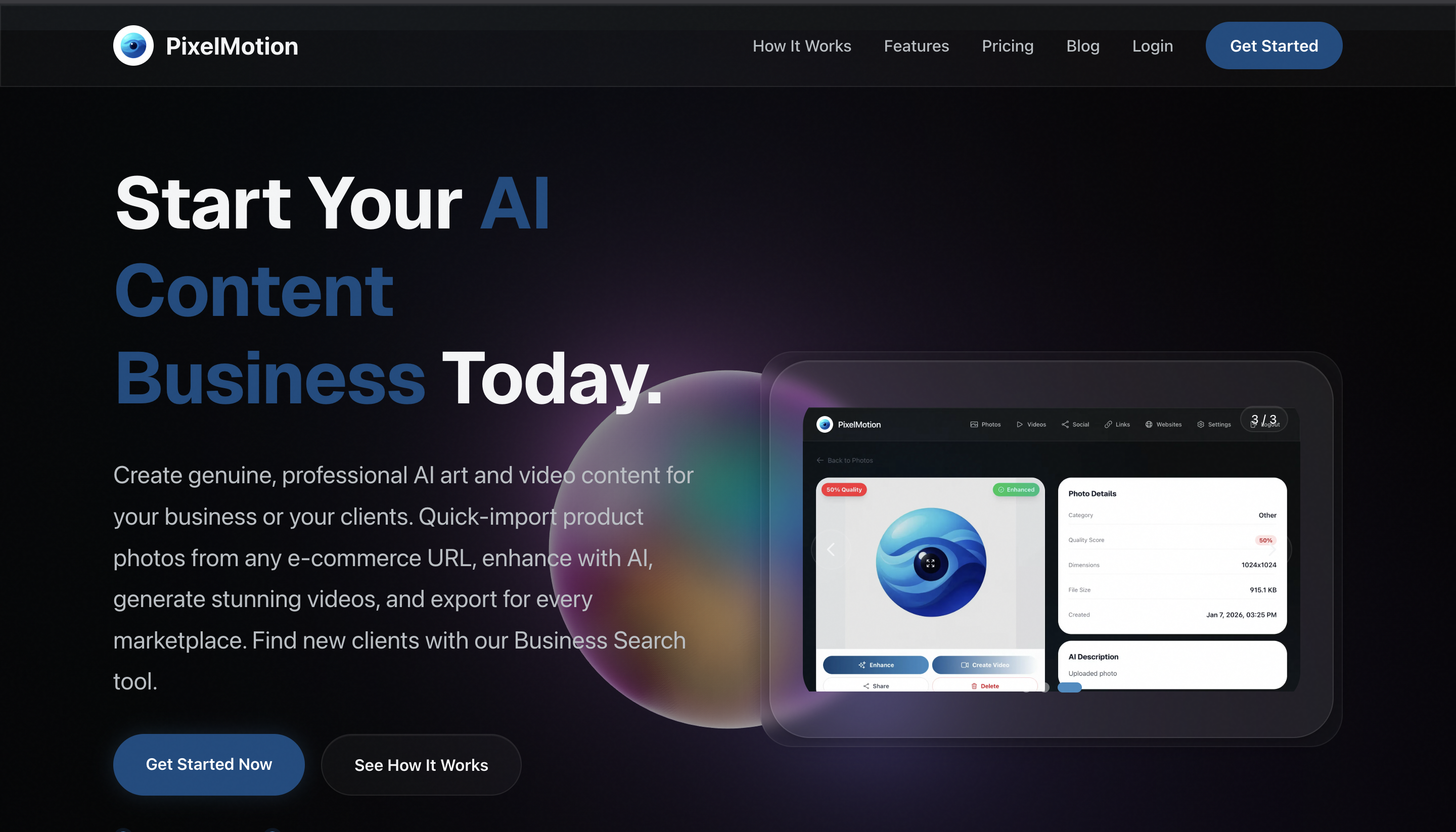
If you sell on Amazon FBA with product photos but no video, you can turn those images into a listing-ready video in minutes. This guide shows how to choose images, create a clear product sequence with an AI product video maker for Amazon FBA, and verify the final result before publishing.
Prepare Images for an Amazon FBA Video
Start with the product image set you already have. For a reusable workflow, collect: The deciding factor among AI products is whether they support this exact workflow.
- One clear main product photo
- Two or three detail images
- One image showing scale, use, or included accessories
- Any lifestyle image that matches the actual product
Use sharp images with consistent product colors. Remove images that contain claims, badges, excessive text, or features your product does not have. Your video should reinforce the listing, not introduce information that buyers cannot verify.
For example, imagine you sell a stainless steel travel mug. Your image set could show the mug alone, the lid close-up, the leak-resistant seal, and the mug beside a backpack. That is enough to create a short visual story.
If you need to improve the source images first, an AI product image generator for Amazon FBA can help you explore suitable image-creation tools. Keep the final product appearance accurate.
Create the Product Video From Images
Follow these steps to create product videos for Amazon sellers:
-
Choose a simple goal. Focus on one buyer question, such as “Will this mug fit my daily commute?” Avoid combining every feature into one crowded video.
-
Arrange the image order. Start with the product, show the most useful feature, demonstrate context, and finish with a clean product view. This gives the video a logical beginning and end.
-
Upload the images to PixelMotion. PixelMotion can enhance a phone photo with nine AI models, then generate video content using engines such as Sora 2, Veo 3.1, and Runway Gen-3. Select the image-to-video workflow and use only product details supported by your listing.
-
Write a restrained motion direction. Try: “Slow camera movement around the stainless steel travel mug, clean neutral background, reveal the lid seal, accurate product shape, no extra objects, no text.” Clear directions reduce distracting effects.
-
Generate and review multiple versions. Compare movement, product consistency, lighting, and framing. Choose the version that makes the product easiest to understand, not necessarily the most dramatic.
This is the core workflow behind an amazon product image to video AI tool. PixelMotion is useful when you want to turn an existing photo into marketing content without arranging a new studio shoot.
Verify the Video Before Adding It to the Listing
Do not upload the first acceptable result. Run this check:
- The product shape, color, logo, and accessories remain accurate.
- No hands, objects, or features appear that were not in the source images.
- Motion is smooth and does not distort the product.
- The opening seconds clearly show what is being sold.
- Text, if used, is readable and matches the listing.
- The video works with sound muted.
- The final frame leaves a clear product impression.
Rescan the video as an evaluated quality signal, then inspect it manually. AI review cannot prove that the video will improve conversion. After publishing, monitor real listing engagement and conversion data.
For additional production ideas, browse video creation tools only when you need another part of the same image-to-video workflow.
Common Mistakes to Avoid
The most frequent errors are overloading the video, using unsupported claims, and choosing cinematic motion that hides the product. Keep the scene simple. Do not show a travel mug floating through unrealistic environments if the goal is to explain its lid or size.
Also check that every visual matches the exact FBA product variation. A generated black mug is unsuitable for a white variation, even if the animation looks polished.

