This task can be performed using PixelMotion
Turn any product photo into a marketing video with AI — replace $500 photo shoots in 30 seconds
Best product for this task

PixelMotion transforms any product photo into professional marketing content using AI. Upload a phone photo, enhance it with 9 AI models, then generate stunning product videos with 11 engines including Sora 2, Veo 3.1, and Runway Gen-3. Post directly to YouTube and TikTok. Built for Shopify sellers, Amazon FBA, DTC brands, and agencies who need studio-quality visuals without the studio.
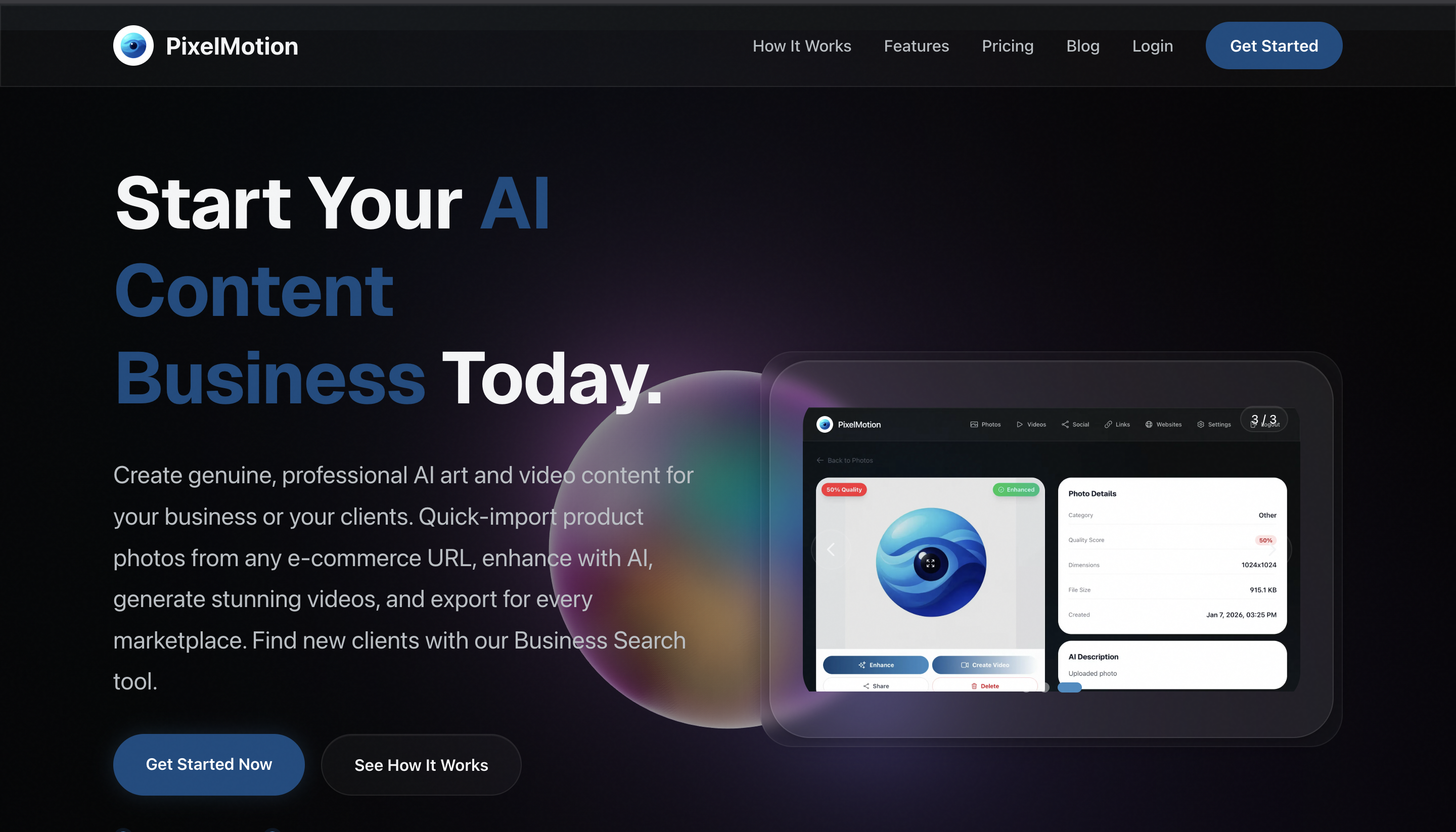
If you sell on Shopify, Amazon, or through a DTC store, you can turn one clean product photo into a short marketing video without arranging a studio shoot. This guide shows how to choose a photo, create a useful motion brief, generate the video, and verify that the final result is ready for customers.
Prepare the product photo and goal
Start with one product image that clearly shows the item. A phone photo is acceptable if the product is in focus, well lit, and not blocked by hands, labels, or clutter. The deciding factor among AI products is whether they support this exact workflow.
Before opening an AI tools collection, write down the video’s job:
- Demonstrate one feature
- Show the product from a new angle
- Create a short social advertisement
- Add motion to an otherwise static listing image
For example, imagine you sell a reusable water bottle. Your goal could be: “Show the bottle rotating on a clean surface, then highlight its leak-resistant lid.”
Use this quick checklist:
- Product edges are visible
- The main color and branding are accurate
- The background does not compete with the item
- The video has one clear customer benefit
- You know the intended format, such as vertical or square
Generate the first product photo to video draft
A product video maker from image works best when your instructions describe controlled movement, not an entire commercial. Upload the image to PixelMotion, enhance it if needed, and select a video generation engine. PixelMotion supports image enhancement with nine AI models and video creation with 11 engines, including Sora 2, Veo 3.1, and Runway Gen-3.
Write a prompt with four parts:
- Subject: what must remain unchanged
- Action: the motion you want
- Setting: the visual environment
- Camera: the movement and framing
Example prompt:
Keep the blue reusable water bottle’s shape, logo, and color unchanged. Slowly rotate it on a bright kitchen counter. Add soft morning light and a gentle camera push-in. Keep the bottle centered, realistic, and fully visible.
Avoid asking for multiple scenes, floating text, or exaggerated movement in the first attempt. If you need broader video generation tools, choose based on the kind of motion and control your product needs.
Turn the draft into a marketing video
Review the generated clip before adding copy or publishing. Look for product-specific errors, including warped logos, changing colors, extra accessories, or hands that appear and disappear.
If the product is recognizable, create a second version with a tighter purpose. For the bottle example, test:
- A slow rotation for product awareness
- A lid close-up for feature education
- A lifestyle scene for social promotion
This is the practical way to generate product videos from photos without asking one clip to do everything. Keep the strongest version, then add a short benefit statement in your editing workflow if needed. Make sure any text remains readable on a phone.
For an ecommerce campaign, connect the video to the buying context. A listing video may need a clear product view, while a social ad can open with movement and finish with the product centered.
Verify the result before publishing
Use a simple rescan before posting through PixelMotion or another content creation workflow. Treat the rescan as an evaluated signal, not proof that the video will improve conversions.
Check the following:
- The product looks the same from start to finish
- No important detail is hidden
- Motion looks natural at normal playback speed
- The first seconds communicate the product clearly
- The format fits the destination
- Text, if used, is legible without sound
Export the best draft and monitor real performance after publishing, including views, clicks, add-to-cart activity, and conversions. If the video gets attention but few clicks, revise the opening or benefit. If viewers leave quickly, simplify the first scene.

