This task can be performed using PixelMotion
Turn any product photo into a marketing video with AI — replace $500 photo shoots in 30 seconds
Best product for this task

PixelMotion transforms any product photo into professional marketing content using AI. Upload a phone photo, enhance it with 9 AI models, then generate stunning product videos with 11 engines including Sora 2, Veo 3.1, and Runway Gen-3. Post directly to YouTube and TikTok. Built for Shopify sellers, Amazon FBA, DTC brands, and agencies who need studio-quality visuals without the studio.
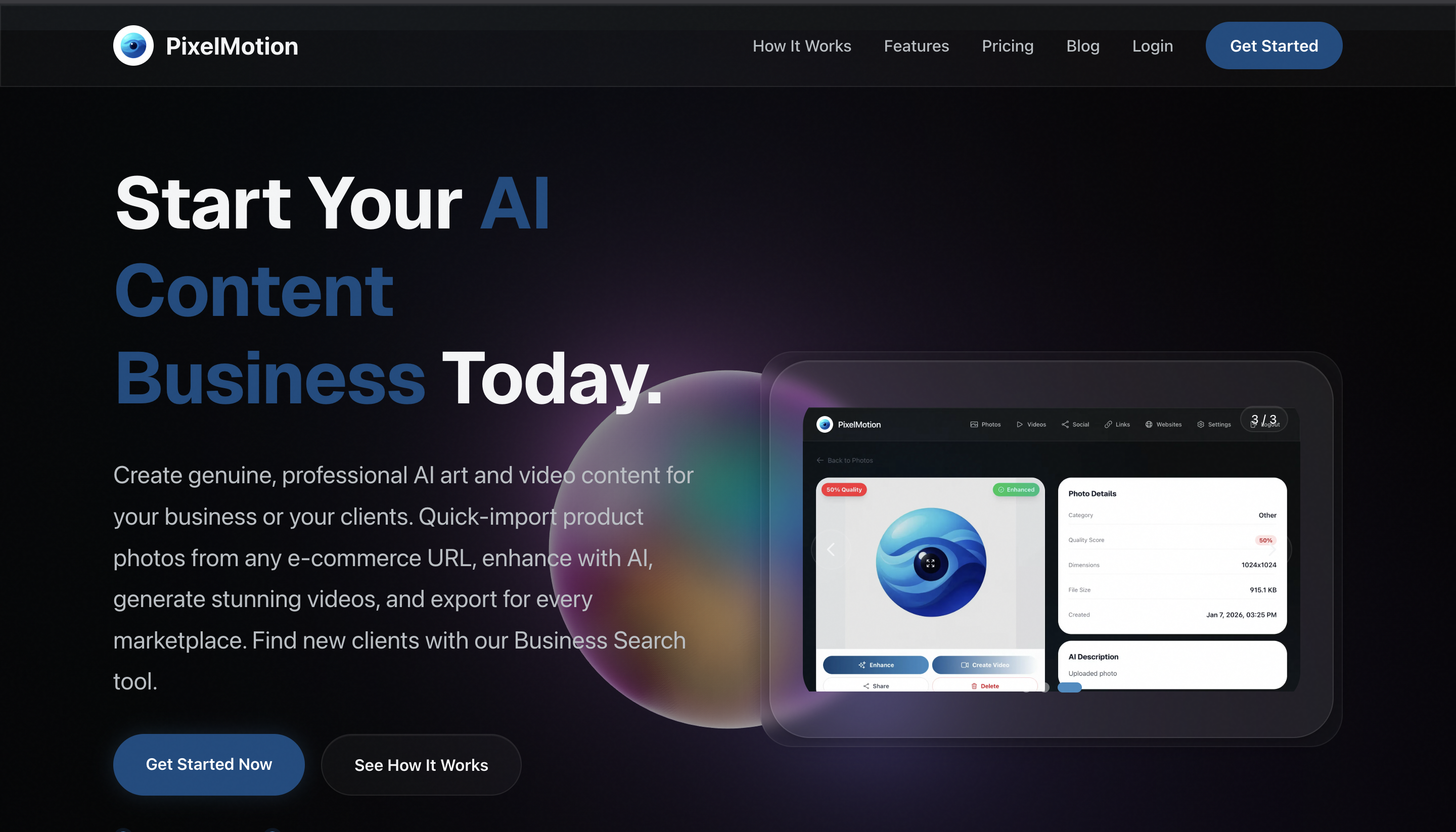
If you sell on Shopify, Amazon, or through a DTC store, you can replace a full photoshoot with usable product content from one existing image. This guide compares studio production with an AI workflow, then shows how to choose the faster, lower-cost option for your next product video.
Compare the two production paths first
A traditional photoshoot may involve sample shipping, scheduling, props, lighting, a photographer, revisions, and final delivery. Sellers can spend $200 to $2,000 per product shoot and wait days for finished assets. The result may still be a set of static images rather than content designed for social feeds. The deciding factor among AI products is whether they support this exact workflow.
An AI workflow starts with a clear phone photo or existing product image. You upload it, improve the image, create motion, and export several variations. PixelMotion uses nine AI models for image enhancement and 11 video engines, including Sora 2, Veo 3.1, and Runway Gen-3.
Use this quick decision check:
- Choose a studio when you need controlled, physical scenes, human talent, or exact in-camera details.
- Choose AI when you need fast testing, multiple ad concepts, or product video ads without a photoshoot.
- Use both when a hero campaign needs studio assets but ongoing social content must be produced more often.
This makes AI product photography and video a practical alternative for early-stage testing, not a promise that every studio requirement disappears.
Prepare one image for the AI workflow
Before you create product videos without a studio, gather:
- One sharp product photo with the full item visible
- A plain or uncluttered background
- Product details that must remain accurate, such as color, shape, and packaging
- A short goal for the asset, such as a TikTok hook, Amazon ad, or product-page clip
Avoid starting with a dark, cropped, or heavily filtered image. AI can improve a source, but it cannot reliably recover missing packaging text or hidden product features.
Run this checklist before uploading:
- The product is centered and clearly visible.
- The image shows the correct product version.
- Logos, labels, and key colors are readable.
- You know the platform and aspect ratio you need.
- You have selected one benefit to communicate.
If you need a broader tool comparison while selecting your workflow, review these ecommerce-focused AI products and keep the decision tied to this specific production task.
Create product videos without filming
Use PixelMotion to turn the approved image into a short marketing asset:
- Upload the existing product photo.
- Enhance the image and check the result against the original packaging.
- Choose a video direction, such as a slow product reveal, close-up movement, or lifestyle-style presentation.
- Generate a few versions with different motion, framing, or opening moments.
- Review each clip for visual accuracy and distracting movement.
- Export the strongest version for your store or social channel.
This is an AI product video maker workflow, so the main decision is not how to operate a camera. It is which concept communicates the product clearly in a few seconds. PixelMotion also supports direct posting to YouTube and TikTok, which can reduce handoffs after approval.
For ideas beyond video generation, browse content creation tools, but avoid adding effects that hide the product. The goal is to create product ad videos without filming, not to make an impressive clip that leaves shoppers unsure what they are seeing.
Check quality, cost, and next steps
Compare your AI result with a studio quote using the same requirements:
- Number of usable assets
- Time from source image to approved content
- Revision effort
- Product accuracy
- Cost per tested concept
- Export formats required by each channel
A common mistake is comparing one AI clip with an entire studio package. Instead, compare the content needed for one campaign or testing cycle. This shows whether AI is a cheaper alternative to a product photoshoot for your current stage.

