This task can be performed using OpenCode AI
OpenCode AI: Open-source coding agent for everyone.
Best product for this task

OpenCode AI
oss
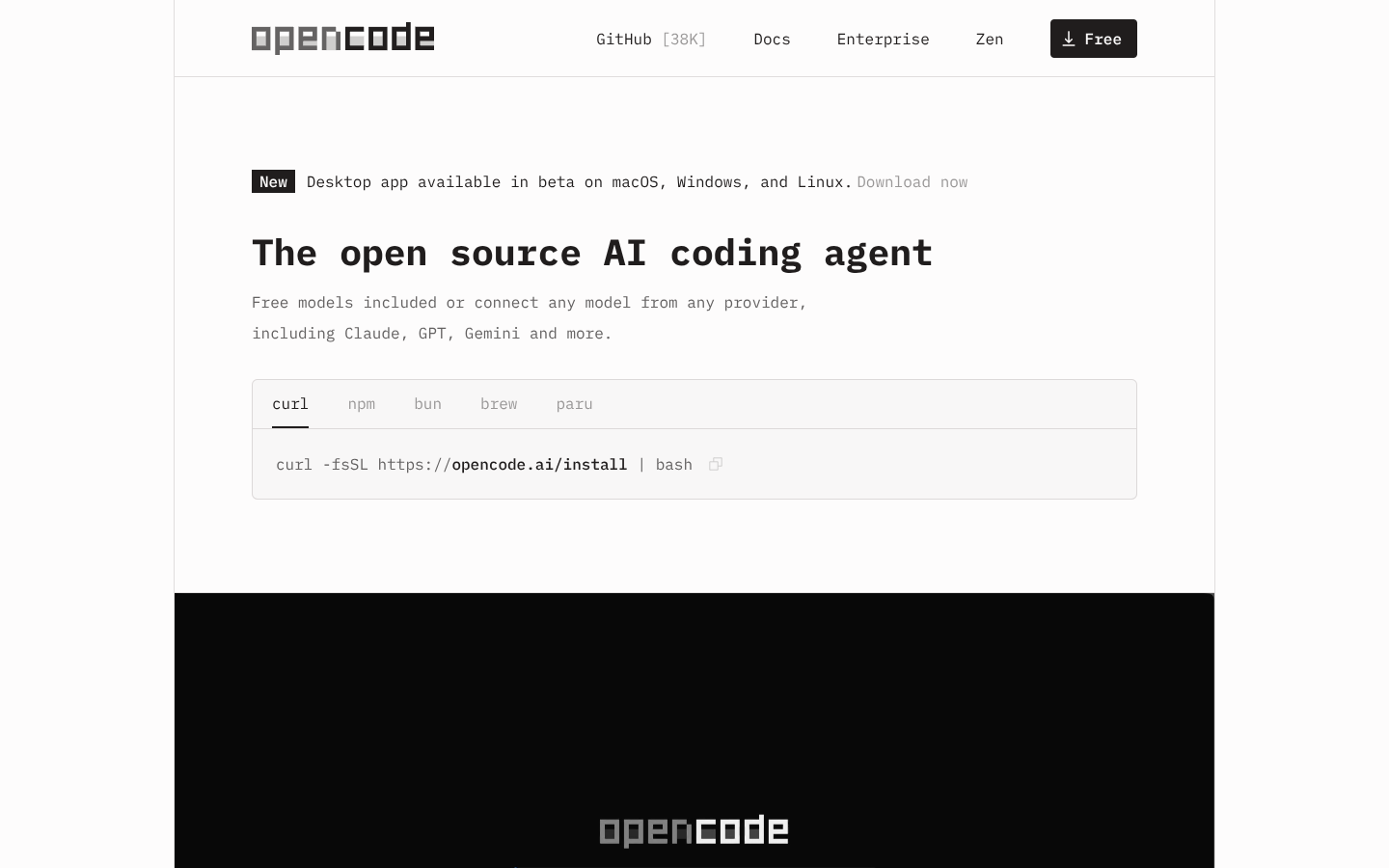
OpenCode is an open source AI coding agent that lives in your terminal, IDE, and desktop to help you write, refactor, and debug code. It connects to 75+ LLM providers, respects your privacy, and adds LSP-aware context plus multi-session workflows for serious development teams.
What to expect from an ideal product
- Works seamlessly across your terminal, IDE, and desktop without switching between different tools or interfaces
- Connects to over 75 different LLM providers so you can use your preferred AI model without being locked into one vendor
- Uses LSP-aware context to understand your actual codebase structure and provide relevant suggestions based on your project
- Supports multi-session workflows that let development teams maintain context across different coding sessions and collaborate effectively
- Respects your privacy by keeping your code local and giving you control over what data gets shared with AI providers

