This task can be performed using Ui2code.ai
Turn UI designs into code instantly
Best product for this task

Ui2code.ai
dev-tools
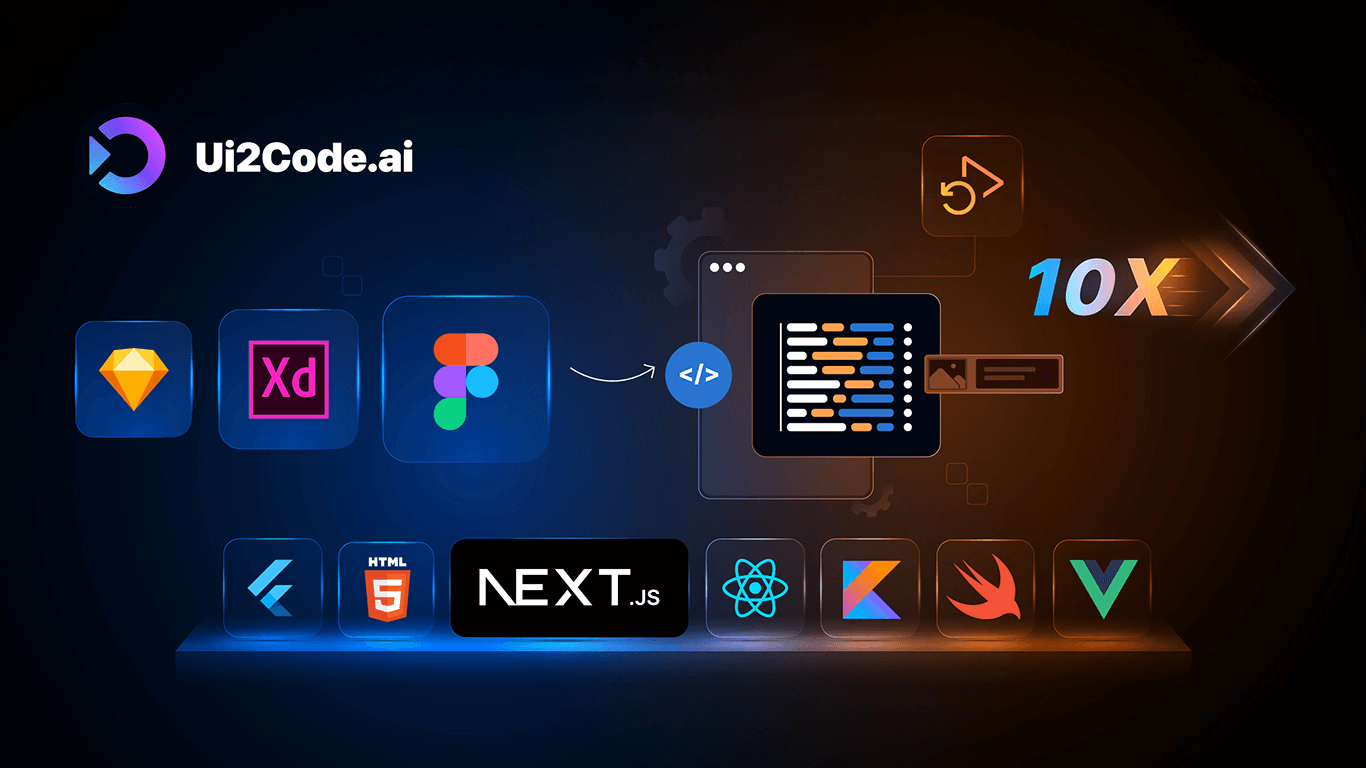
Converts your UI designs into clean, production-ready frontend code. Supporting popular frameworks like React, Vue, Angular, Next.js, SwiftUI, and Flutter, it streamlines development and bridges the gap between designers and developers.
AI Code GenerationUI to CodeFrontend AutomationReactVueAngularNext.jsSwiftUIFlutterDesign to Development
What to expect from an ideal product
- Upload your Figma, Adobe XD, or Sketch design files directly to ui2code.ai's platform
- Click convert and watch the tool analyze your design layouts, components, and styles
- Choose SwiftUI or Flutter as your target framework in the export settings
- Download the generated code that matches your design pixel-perfectly
- Copy and paste the ready-to-use code into your project without manual rewrites

