This task can be performed using Wudpecker
Seamless AI for Perfect Meeting Notes
Best product for this task

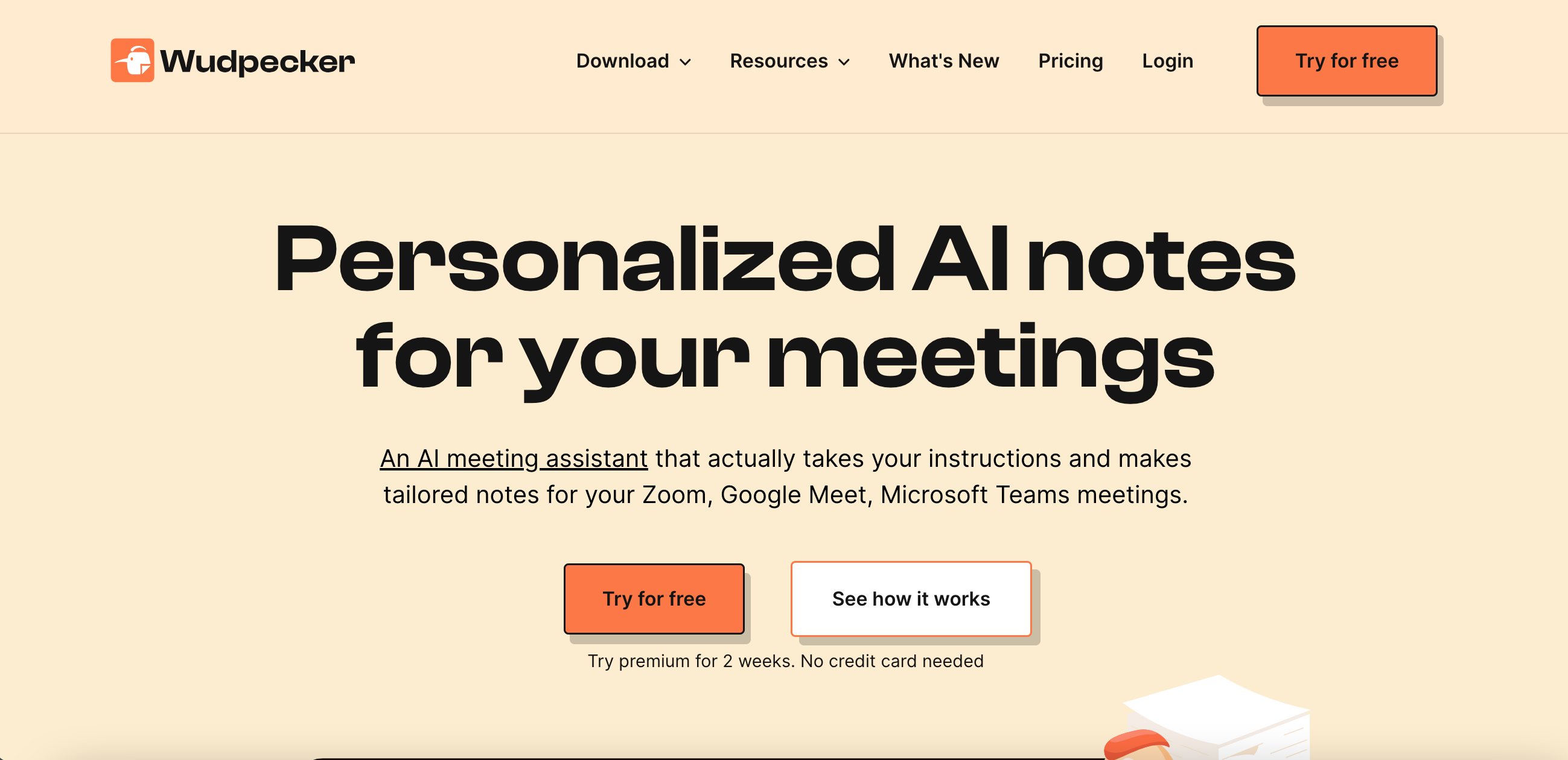
Wudpecker is an advanced AI meeting assistant that simplifies recording, transcribing, and note-taking across multiple platforms. It integrates with Zoom, Google Meet, and Microsoft Teams, and offers apps for Windows, MacOS, Android, and iOS for versatile recording. After capturing your meeting, Wudpecker uses AI to produce precise transcriptions and custom notes based on specific user requirements. The tool also synthesizes data from numerous meetings to provide actionable trends and insights. With a free version and a premium trial available, Wudpecker is a powerful tool for enhancing productivity.
What to expect from an ideal product
- Set your custom summary requirements in Wudpecker's settings
- Record your meeting using Wudpecker's app or platform integration
- Let Wudpecker's AI analyze the meeting transcript
- Review the auto-generated summary tailored to your needs
- Tweak the summary format or focus areas for future meetings

