This task can be performed using Free Google Maps Extractor & Scraper with Email | GMPlus
Extract Google Maps Business Data with Emails
Best product for this task

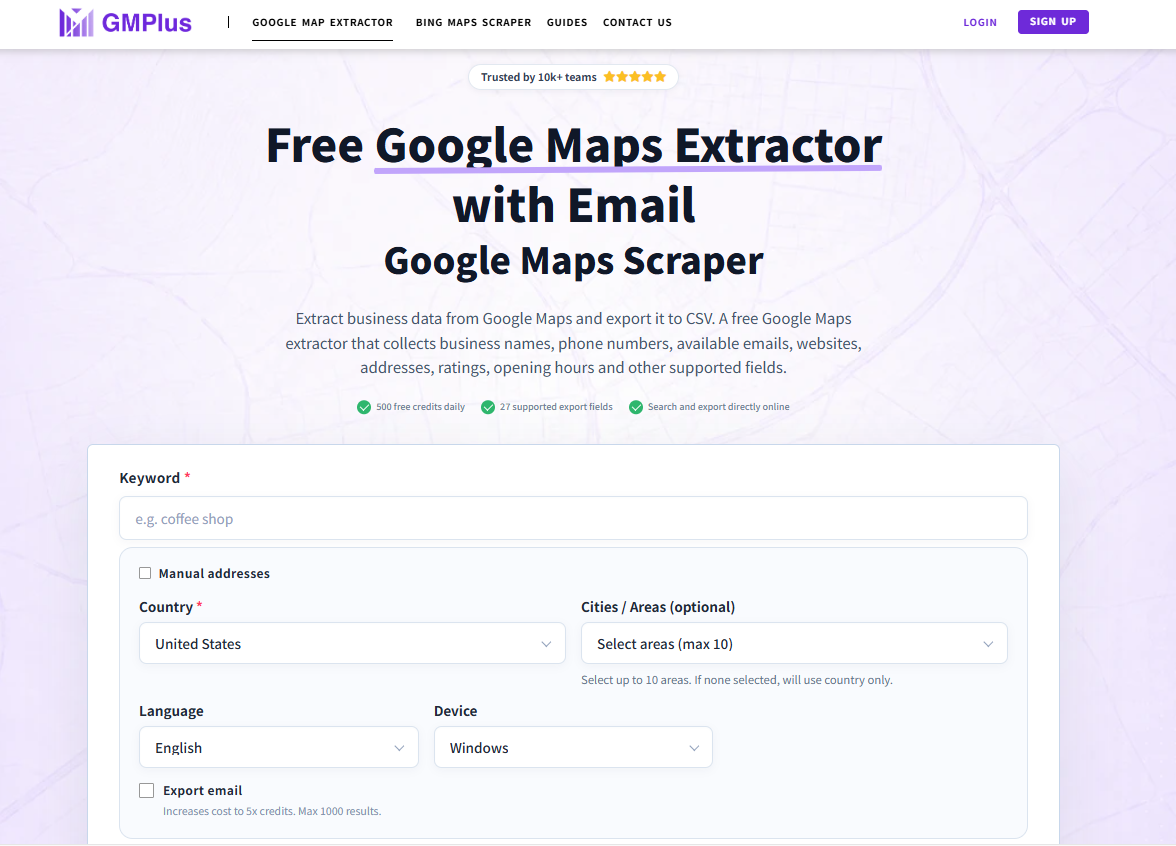
Free Google Maps Extractor & Scraper to collect business names, phones, websites, available emails, ratings and more, then export results to CSV, XLSX, or JSON. No code, no extension required.
1.Data Extraction / Data Scraping2.Web Scraping3.Google Maps Tools / Maps Tools4.Business Data / Data Collection
What to expect from an ideal product
- GMPlus lets you search any city or keyword on Google Maps and pull business names, phone numbers, websites, emails, and ratings into a clean CSV file without touching a single line of code.
- No Chrome extension to install and no API key to configure, just open the tool, run your search, and download your leads in minutes.
- Built-in email discovery means you stop manually visiting every website to hunt for contact info, GMPlus grabs available emails directly alongside the rest of the business data.
- Export your Google Maps results as CSV, XLSX, or JSON so the data fits straight into your CRM, cold outreach tool, or spreadsheet without reformatting.
- Whether you are doing local SEO prospecting, building a B2B lead list, or researching competitors in a specific area, GMPlus turns a Google Maps search into a ready-to-use database in one workflow.

