This task can be performed using Marketogen
AI Creative Assistant with Figma plugin and ChatGPT app
Best product for this task

Marketogen
marketing
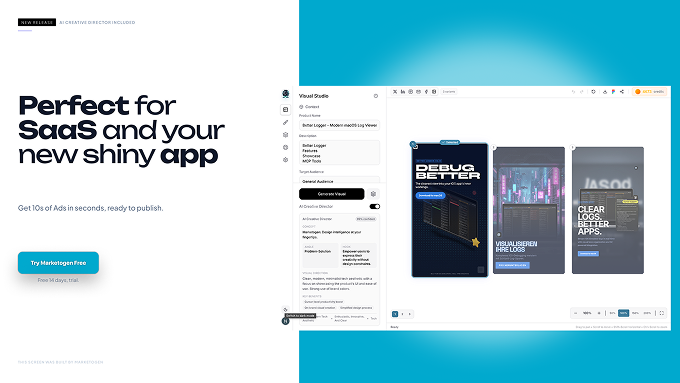
Generate production-ready marketing creatives with AI. Multi-screen campaigns, brand kits, and Figma export — from brief to banner in seconds. ChatGPT app support (soon as apps are approved, in meantime there is MCP). Create campaigns, and advertisement visuals for your project in seconds. Export to Figma, and continue editing. Use it for end to end design or just for help in generating some fresh ideas.
What to expect from an ideal product
- Install the Marketogen Figma plugin from the Figma community store and connect it to your Marketogen account for direct design transfer
- Create your marketing brief in Marketogen and generate AI designs, then click the "Export to Figma" button to send layouts directly to your workspace
- Use Marketogen's brand kit feature to maintain consistent colors and fonts when exporting, so your designs stay on-brand in Figma
- Export multi-screen campaign designs as separate Figma frames, letting you edit each format individually while keeping everything organized
- Save time by generating initial concepts in Marketogen first, then fine-tune typography, spacing, and custom elements using Figma's editing tools

