This task can be performed using Agent Builder by Thesys
Build AI agents that respond with UI instead of text
Best product for this task

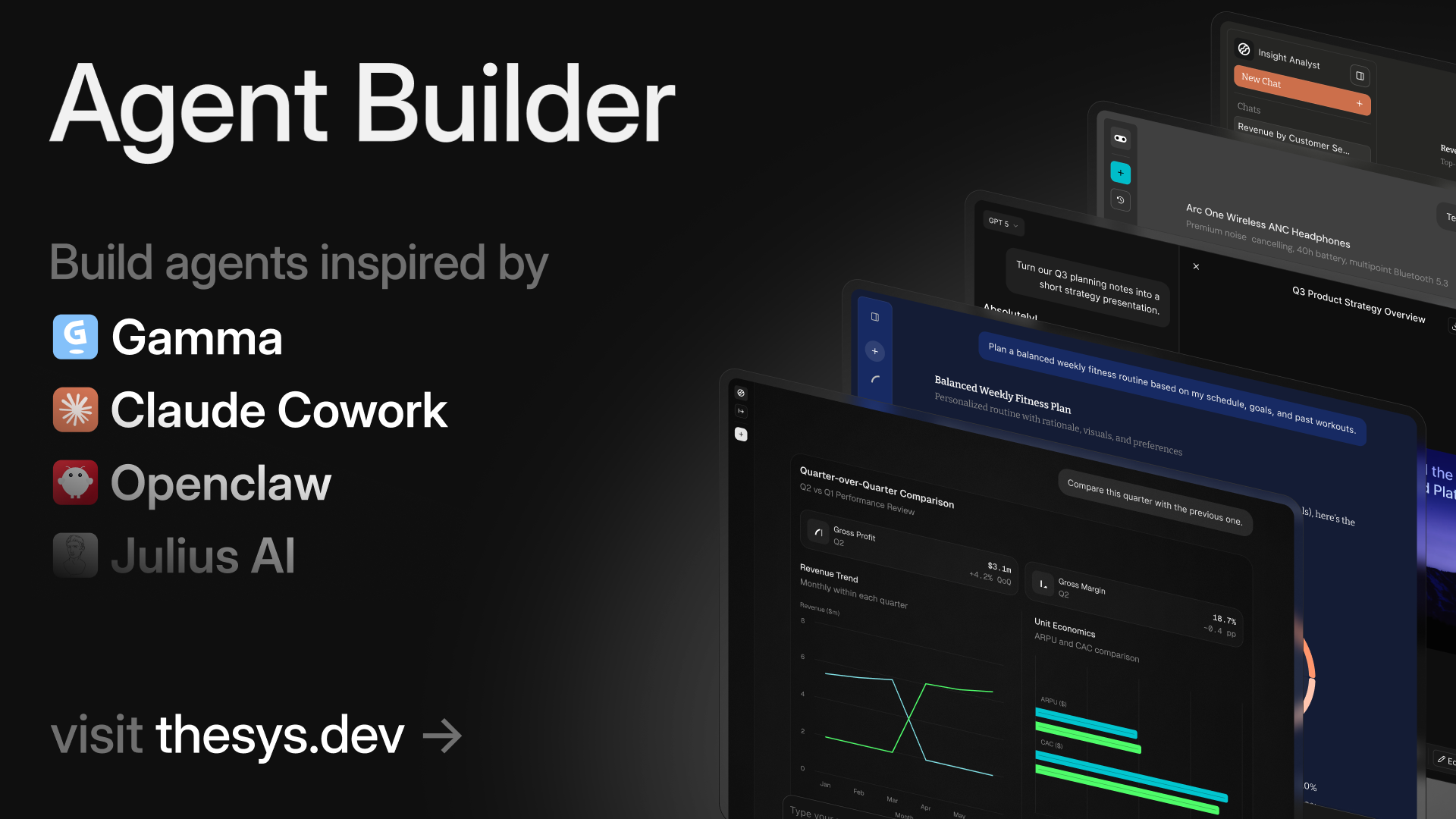
Build AI agents that reason dynamically and respond with charts, cards, forms, slides, and reports. No workflows. No code. Just connect your data, add instructions, customize style, and publish and share with anyone or embed on your site.
What to expect from an ideal product
- Agent Builder by Thesys lets you embed an AI agent directly into your site that replies with charts, cards, forms, and reports instead of plain text responses.
- No workflows or custom code required. Connect your data source, write your instructions, and your agent starts generating visual responses automatically.
- Teams use it to turn raw data into slide decks, summaries, and dashboards on the fly, without rebuilding logic every time the data changes.
- You can customize the visual style to match your brand, then publish a shareable link or drop the agent into any existing webpage with a simple embed.
- Unlike chatbot builders that return text answers, Agent Builder responds with structured UI components your users can actually read, interact with, and act on.

