This task can be performed using Agent Builder by Thesys
Build AI agents that respond with UI instead of text
Best product for this task

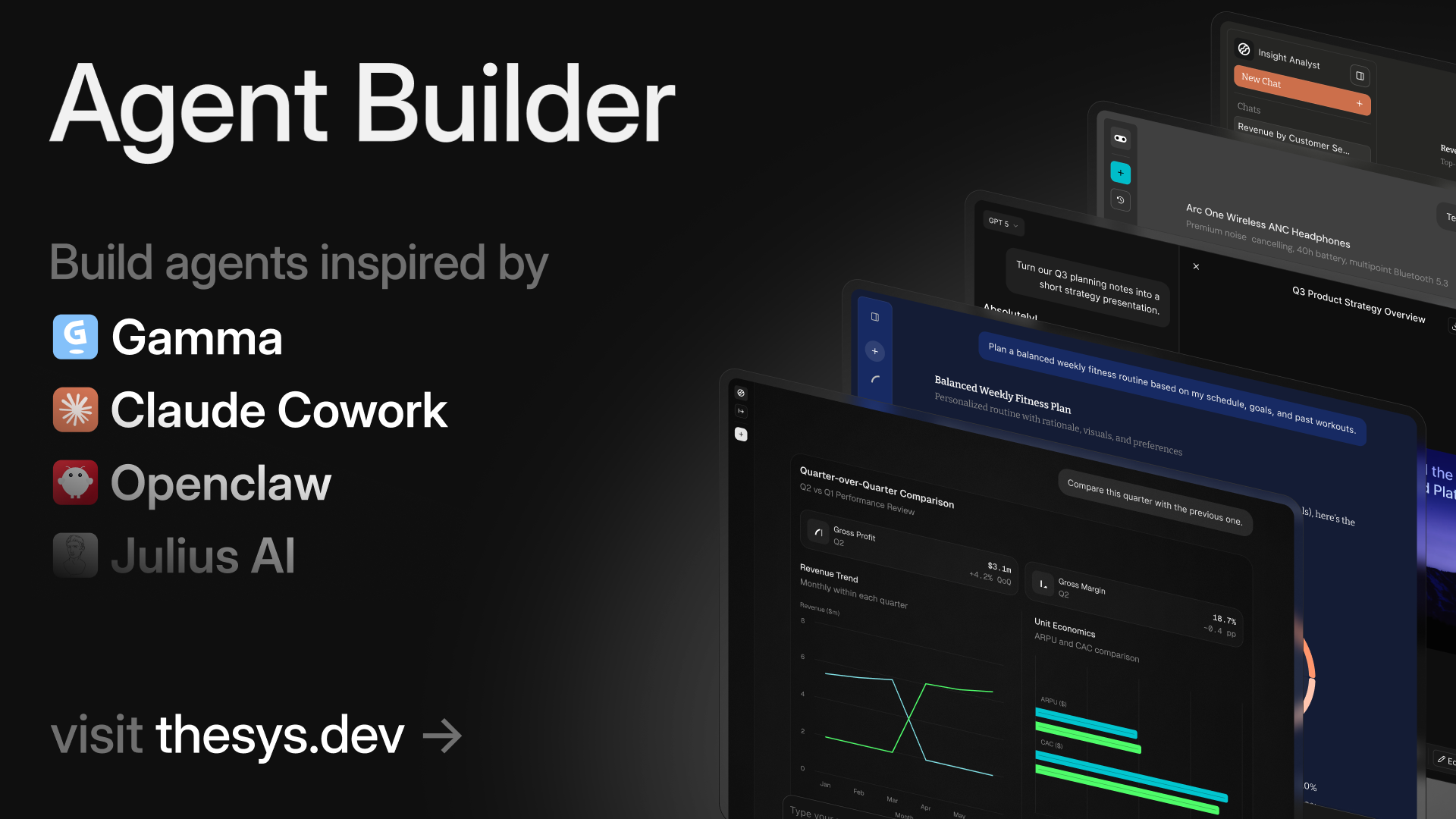
Build AI agents that reason dynamically and respond with charts, cards, forms, slides, and reports. No workflows. No code. Just connect your data, add instructions, customize style, and publish and share with anyone or embed on your site.
What to expect from an ideal product
- Connect your data sources directly to the agent without writing any code or setting up complex workflows
- Add simple instructions to tell your AI agent how to interpret and present your data through visual elements like charts and cards
- Customize the look and feel of your agent's responses to match your website's design and branding
- Generate an embed code that lets you place the AI agent widget anywhere on your website with a simple copy-paste
- Publish your data-connected agent so visitors can interact with live information through dynamic visual responses instead of plain text

