This task can be performed using FAQ Hub
Turn your docs into grounded AI customer support.
Best product for this task
FAQ Hub
ai
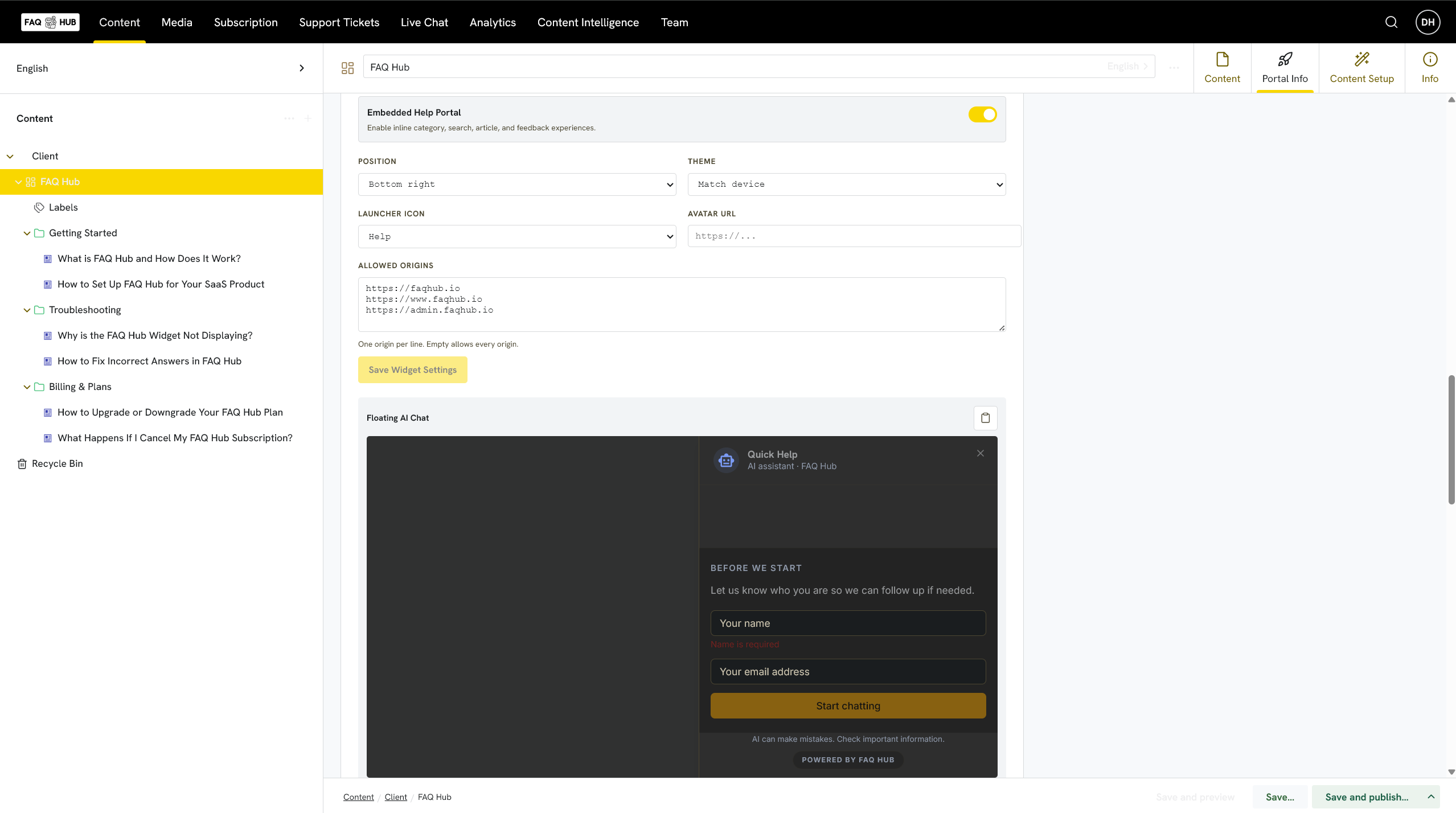
FAQ Hub turns scattered product knowledge into reliable, customer-ready support. Import PDFs, DOCX files, Markdown, or website content, then review and approve what goes live. Customers get grounded answers through AI chat, an inline help portal, or a hosted help centre. When sources cannot support an answer, FAQ Hub stops safely and hands the conversation to a human. Built for founders and lean SaaS teams, with simple, predictable monthly pricing.
What to expect from an ideal product
- Upload your existing PDFs and Markdown files directly into FAQ Hub, and your help portal is ready to embed in your SaaS app within minutes, no rebuilding your docs from scratch.
- Every answer your customers see is grounded in content you have already reviewed and approved, so the AI never fabricates a response or goes off script.
- When a question falls outside your approved sources, FAQ Hub flags it and routes the conversation to a human, keeping support reliable without babysitting every chat.
- Founders and small SaaS teams get a hosted help centre, an embeddable inline portal, and AI chat from one flat monthly price, no per-seat surprises as you grow.
- Importing a mix of PDFs, DOCX files, Markdown, and website content means you can consolidate scattered product knowledge into one searchable, customer-facing resource without reformatting everything by hand.

