This task can be performed using Drop in
Add missing features to any web app, instantly
Best product for this task

Drop in
no-code
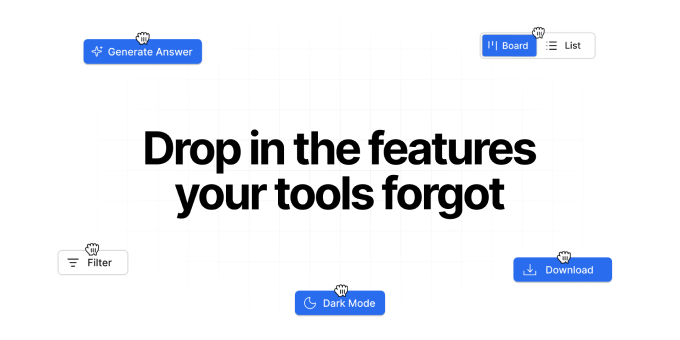
Drop In is a Chrome extension that adds missing features to the web apps you already use. Describe what you need and Drop In injects native-feeling UI and logic directly into the page. Buttons, panels, exports, and small workflows, without access to source code. Use it to remove repetitive steps, avoid copy-paste workarounds, and ship “one more feature” instantly inside tools like CRMs, dashboards, and chat apps.
What to expect from an ideal product
- Drop In lets you create custom buttons and shortcuts directly inside your CRM to handle bulk actions, eliminating the need to manually click through dozens of records one by one
- You can build automated data entry forms that pull information from other tabs or tools and populate your CRM fields instantly, cutting out tedious copy-paste work
- The extension adds smart export features to dashboards that lack them, so you can pull reports in your preferred format without workarounds or manual data collection
- Drop In creates custom workflows that connect different parts of your web apps, letting you complete multi-step processes with a single click instead of jumping between screens
- You can add missing search and filter options to any dashboard or CRM interface, making it faster to find the exact data you need without scrolling through endless lists

