This task can be performed using Drop in
Add missing features to any web app, instantly
Best product for this task

Drop in
no-code
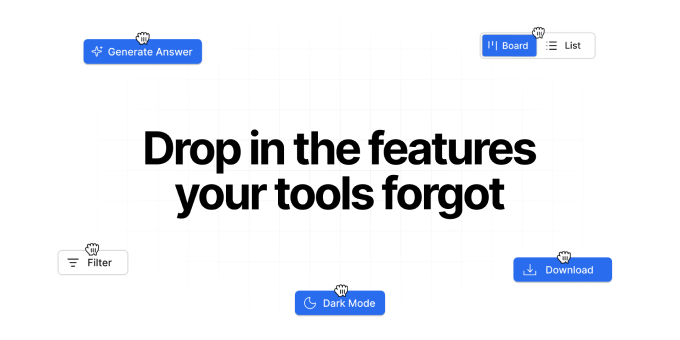
Drop In is a Chrome extension that adds missing features to the web apps you already use. Describe what you need and Drop In injects native-feeling UI and logic directly into the page. Buttons, panels, exports, and small workflows, without access to source code. Use it to remove repetitive steps, avoid copy-paste workarounds, and ship “one more feature” instantly inside tools like CRMs, dashboards, and chat apps.
What to expect from an ideal product
- Drop In is a Chrome extension that injects a real export button directly into your CRM interface, no developer needed and no source code access required.
- Works with the CRM you already use: describe the button you need, and Drop In adds it to the page like it was always there.
- Stops the copy-paste loop: instead of manually pulling records row by row, you get a native-feeling export workflow built into your existing tool.
- No internal ticket, no waiting on engineering, no workaround spreadsheet: the missing feature ships in minutes from your own browser.
- Built for ops and RevOps teams who hit walls inside tools like HubSpot, Salesforce, or any web-based CRM where the export option simply does not exist.

