This task can be performed using Cleanbox
Email aliases, AI spam filtering, and a full SMTP relay
Create aliases for your inbox
Choose an alias service that works with your existing inbox, then verify your destination address or domain. Create each alias, set its email forwarding destination, and follow the service’s routing instructions. Your Gmail, Outlook, iCloud, Yahoo, or other inbox remains where you read mail.
Start with one alias and send it messages from a separate account. Confirm delivery, spam handling, and rule behavior before creating more. If you want to reply from the alias, configure outbound sending too, so your real address is not revealed.
Best product for this task

Cleanbox
productivity
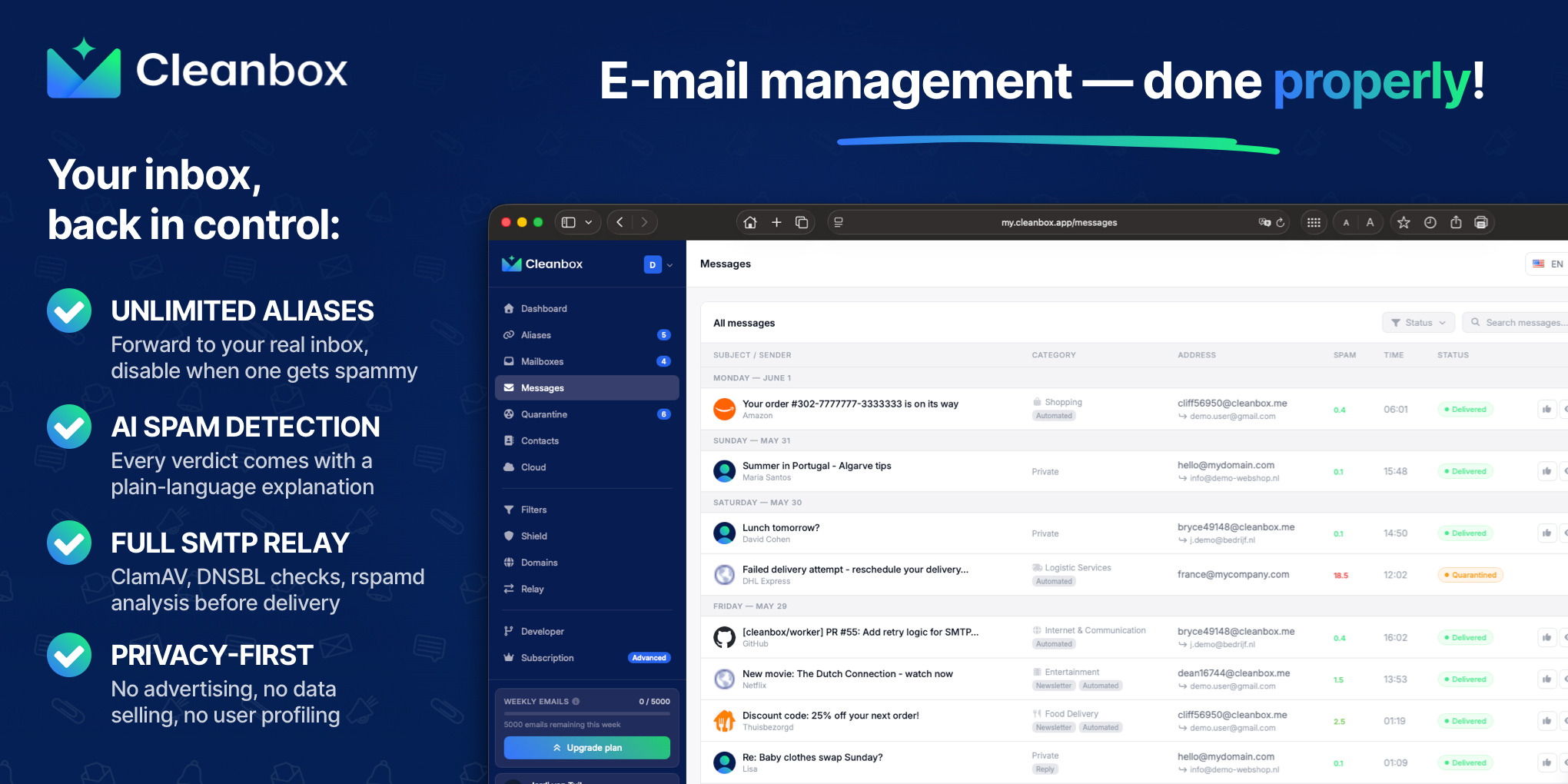
Cleanbox sits between the internet and your inbox. Every incoming email goes through spam scoring, virus scanning, AI classification, and your own rules before delivery. Create unlimited aliases that forward to your real inbox, build custom filters, and use Cleanbox as a complete SMTP relay. Works with Gmail, Outlook, iCloud, Yahoo, or any IMAP provider, no migration needed. Privacy-first: no advertising, no data selling, no user profiling.
What to expect from an ideal product
- Cleanbox lets you create unlimited email aliases that forward to your existing inbox, so you never have to share your real address or switch providers
- It works with Gmail, Outlook, iCloud, Yahoo, and any IMAP provider, meaning you keep your current email setup exactly as it is
- Every email hitting your aliases goes through spam scoring and AI filtering before it reaches you, so junk never piles up in your real inbox
- You can set your own rules to control what gets through, blocked, or redirected, giving you full control over who reaches you and how
- Cleanbox also acts as a full SMTP relay, so you can send emails through it too, keeping your real address hidden on both ends
More about safe replies
Forwarding handles incoming mail, but replies may use your underlying inbox address. Set up an SMTP relay or approved sender identity before using an alias for two way conversations.
- Send a test reply to an address you control and inspect the From field.
- Verify that replies show the alias, not your destination inbox.
- Check SPF, DKIM, and DMARC results when using your own domain.
More topics related to Cleanbox
Similar topics
- How to detect phishing, impersonation, spam, and malware before delivery
- How to set up an inbound SMTP relay with MX records and spam scanning
- Private Email Aliases That Forward to Your Existing Inbox
- How to put a spam-filtering security gateway before your inbox
- How to filter spam emails automatically before they reach your inbox

