This task can be performed using Dictly
Real‑time on‑device voice typing
Best product for this task

Dictly
productivity
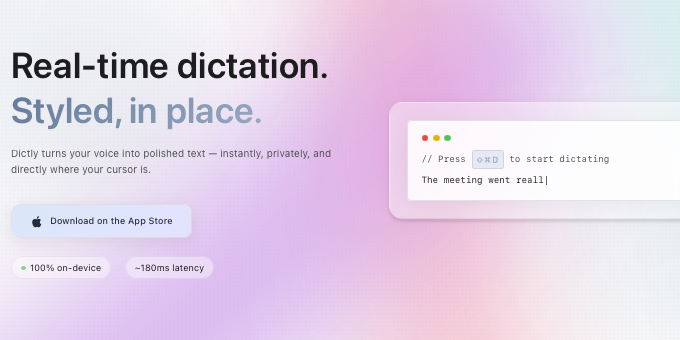
Stream styled text into any app in ~200 ms — 100% on‑device. Programmable pipelines for lists, code blocks, tone rules, and regex clean‑ups. Press a hotkey, speak, and watch polished text appear where your cursor is.
What to expect from an ideal product
- Press a hotkey and speak directly into any application without needing wifi or mobile data connection
- Get your spoken words converted to text in about 200 milliseconds using only your computer's processing power
- Set up custom rules to automatically format lists, code snippets, and apply tone adjustments as you speak
- Use regex patterns to clean up and polish your text output without manual editing
- Watch properly formatted text appear exactly where your cursor is positioned across different programs

