This task can be performed using Dictly
Real‑time on‑device voice typing
Best product for this task

Dictly
productivity
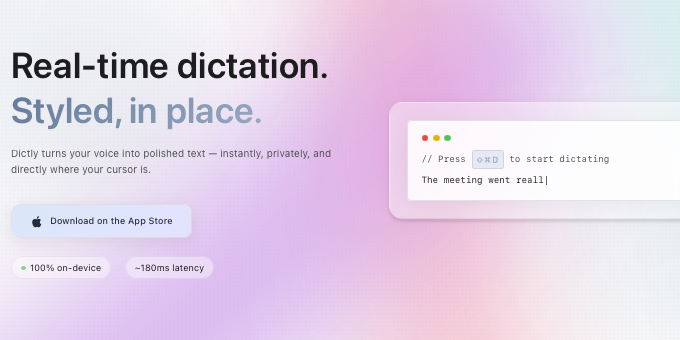
Stream styled text into any app in ~200 ms — 100% on‑device. Programmable pipelines for lists, code blocks, tone rules, and regex clean‑ups. Press a hotkey, speak, and watch polished text appear where your cursor is.
What to expect from an ideal product
- Dictly runs fully on-device, so your words never touch a server and nothing slows down mid-sentence.
- One hotkey triggers voice input anywhere your cursor sits, inside Notion, VS Code, Gmail, or any other Mac app.
- Text lands in roughly 200 ms, formatted and ready, no cleanup pass needed before you hit send or save.
- You can set pipeline rules to auto-format code blocks, fix tone, apply regex patterns, or structure bullet lists as you speak.
- No subscription to a cloud API means no usage limits cutting you off when you hit a long dictation session.

